Page | 67
Dual Rundown Mode
This enables the user to view, edit and check the status of one Run Order while prompting a
different Run Order.
This is a useful tool for when the operator needs to make changes to one script without stopping the
prompting output of another script.
In the following example I have 3 Run Orders loaded:
• Script 1
• Script 2
• Script 3
I want to prompt and edit Script 1.
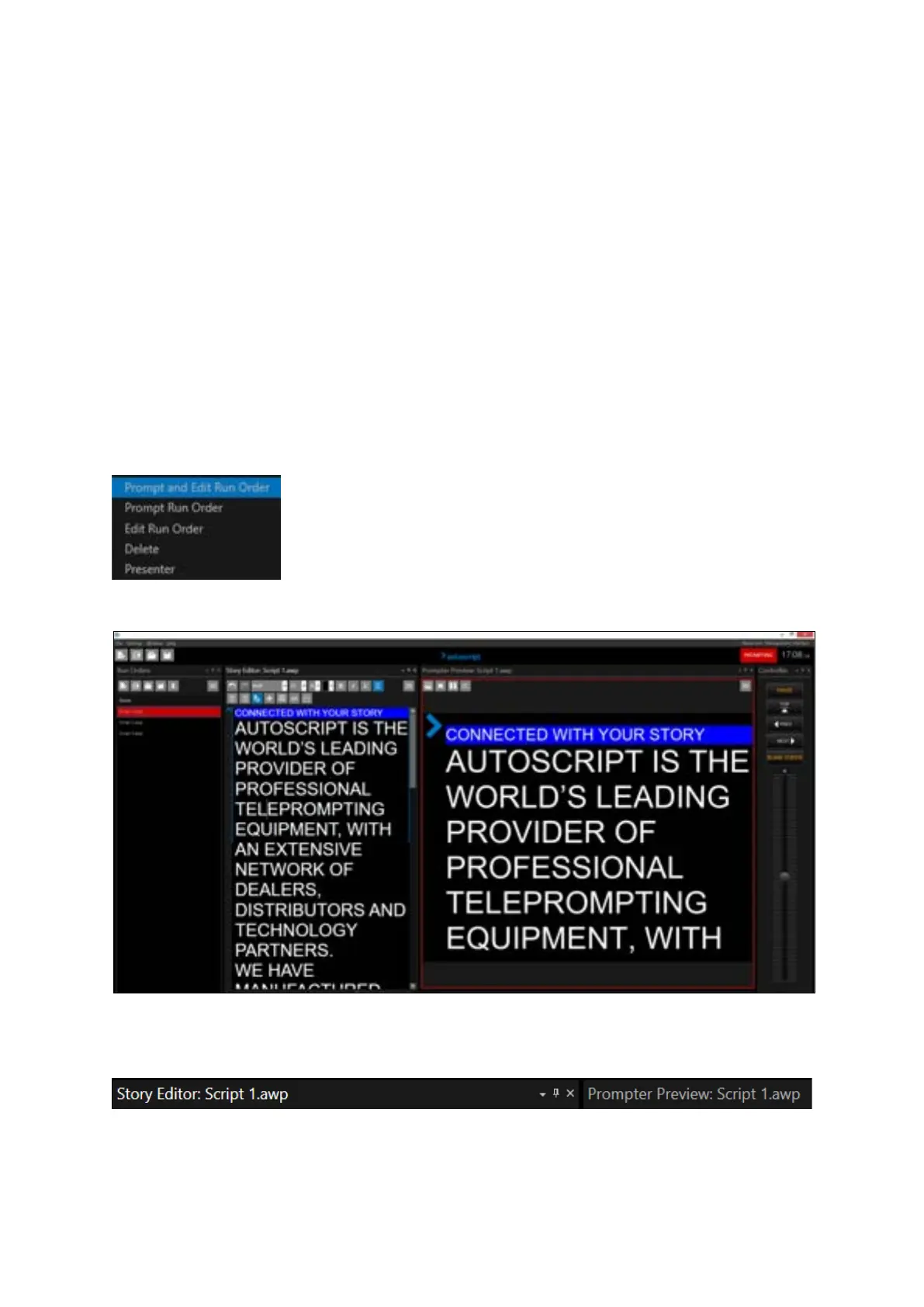
I right click on Script 1 and select Prompt and Edit Run Order
This results in the following:
Script 1 is now in the Story Editor pane and the Prompter Preview pane (the live script).
To confirm, they both show the same title.
In addition, Script 1 is in red in the Run Orders window signifying that it is the live Run Order



 To Next Page