Page | 68
I now want to edit the content of Script 2 but do not want to stop prompting Script 1.
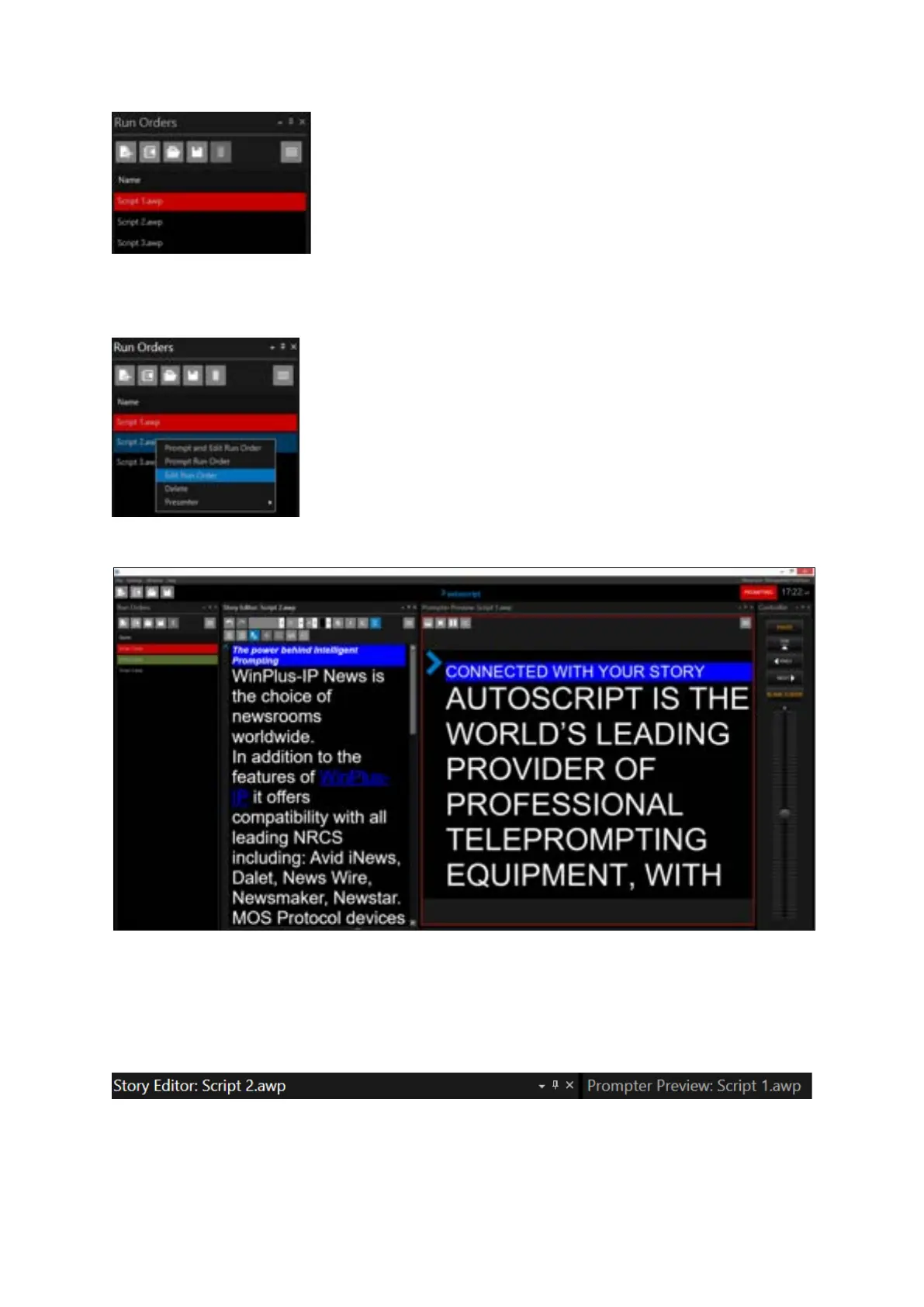
I right click on Script 2 (it goes blue signifying I have selected it) and choose Edit Run Order
This results in the following:
Script 2 is now in the Story Editor pane and Script 1 is still the Prompter Preview pane (the live script)
To confirm, the title bar of the Story Editor pane and the Prompt Preview pane show the two
different Run Orders.
Script 1 is in red in the Run Orders window signifying that it is the live Run Order
Script 2 is in green signifying that it is now in the Story Editor



 To Next Page