Page | 249
This window shows you device information and connection status. This enables you to disable or
enable the iDevice.
Please Note: Enabling or Disabling of the device can also be done by right clicking on the iDevice in
the main Devices pane.
Click on configuration to access a menu.
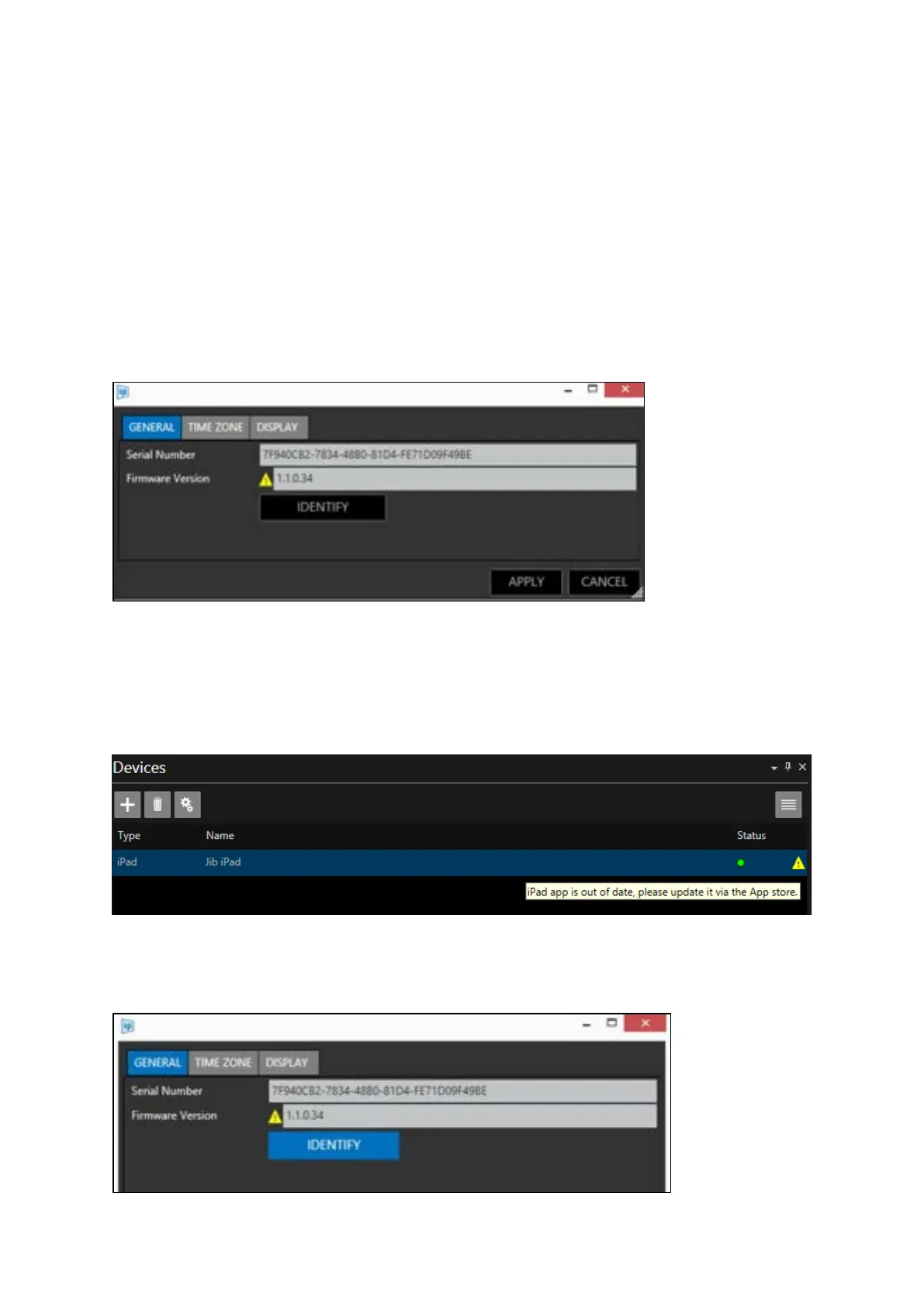
General
Shows the general information for the iPad including the device Serial Number and Firmware
version.
A yellow triangle alerts you that the Firmware is now out of date. This can be updated from the App
Store.
Please Note: This will also be shown in the main devices toolbar with a tooltip telling you the iEVO
app you have installed needs updating:
Identify: Click to display the details of the device on the iDevice itself as



 To Next Page