Page | 153
There are a number of print features which are split into three options, Common Settings, Colour
Closeness and Editing Run Order & Selected Story Settings.
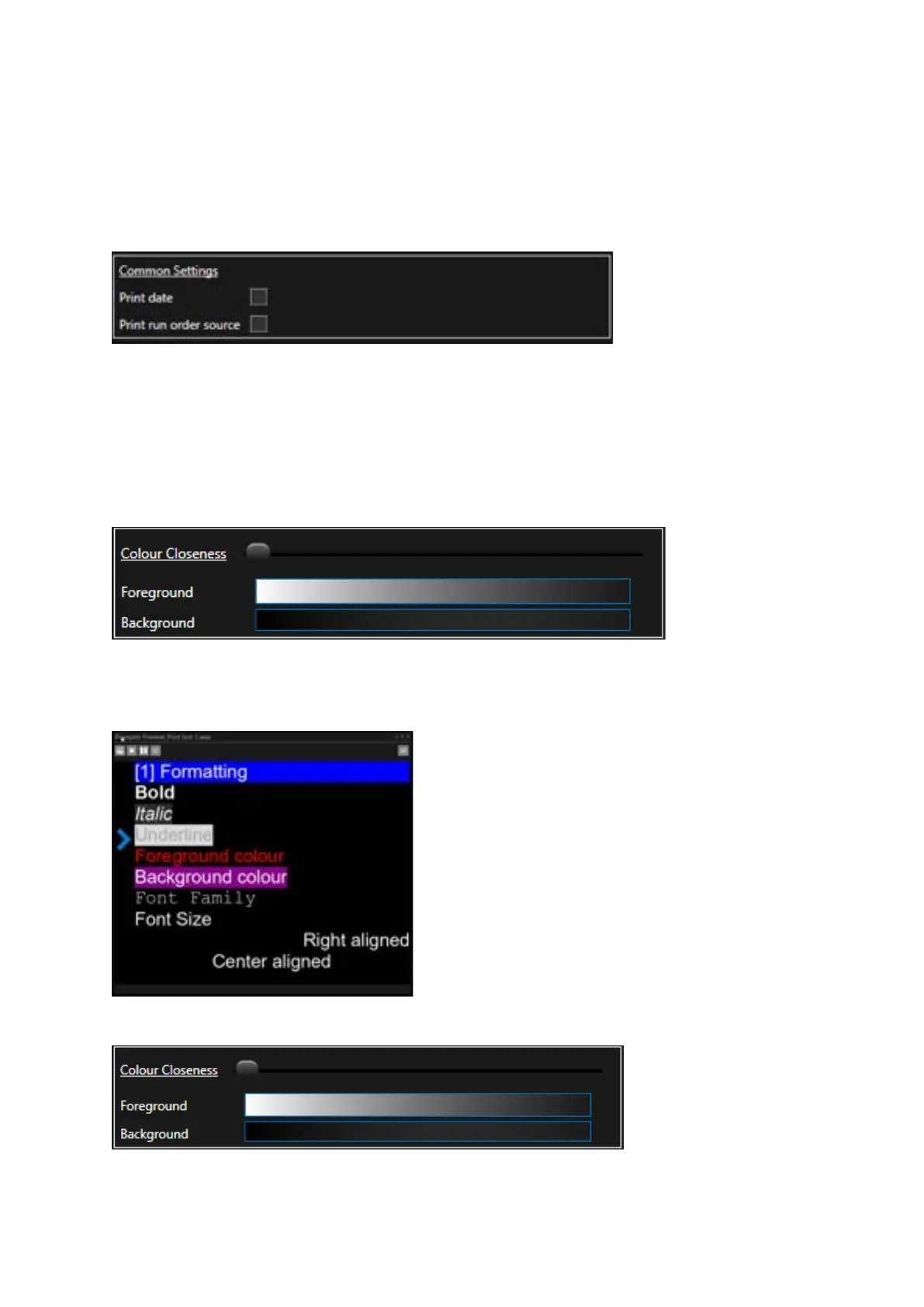
Common Settings
Print Date: This will print the current date
Print Run Order Source: This will print the name of the Run Order.
If the Run Order is from a newsroom, it will print the name which is shown in the Run Orders pane.
If the Run Order is local, it will print the filename.
Colour Closeness
This feature contains a slider to determine the relative comparison of the text match to the
background. For example, this is the text in the Prompter Preview:
With the Colour Closeness slider set to the far left:
The printed copy will be as below:



 To Next Page