Page | 58
Activating Prompting
To Activate Live Prompting
There are various methods of switching the prompt output on:
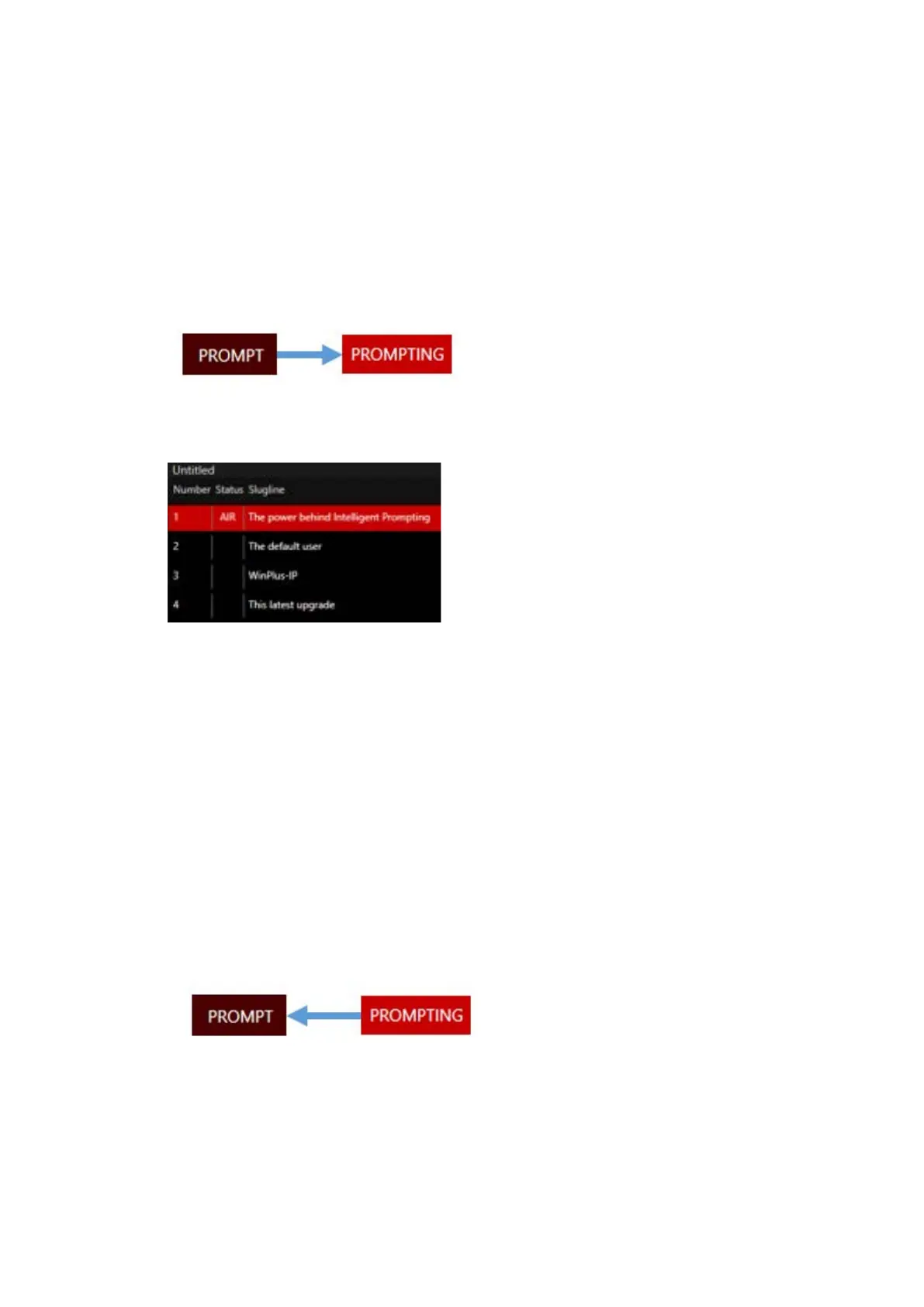
• Click on the Prompt icon in the top right hand of the application:
The icon will turn red and will say “Prompting”
• Double click in the Status column of the Active Run Order window:
The row will show in Red and the Status will show as “Air”.
• Click “F9” from anywhere in the GUI: The output will be whatever text is displayed in the
Prompter Preview window.
Please Note: Clicking “F9” when the cursor is on the text in the Story Editor window will
result in the output starting from where the cursor is positioned
• If applicable, press “Go Live” as an option on one of the function buttons of the Remote
Controller. Right click on the Function button and select “Function/Go Live”.
To De-Activate Live Prompting
To switch the prompter output off click “Ctrl+F9” or click on the Prompting icon the top right hand of
the application:
Note: when prompting is live a number of indicators will show:
• The Prompting button will be red
• The live story will be highlighted red and show AIR in the Status column of the Active Run
Order window



 To Next Page