Page | 181
E.g.
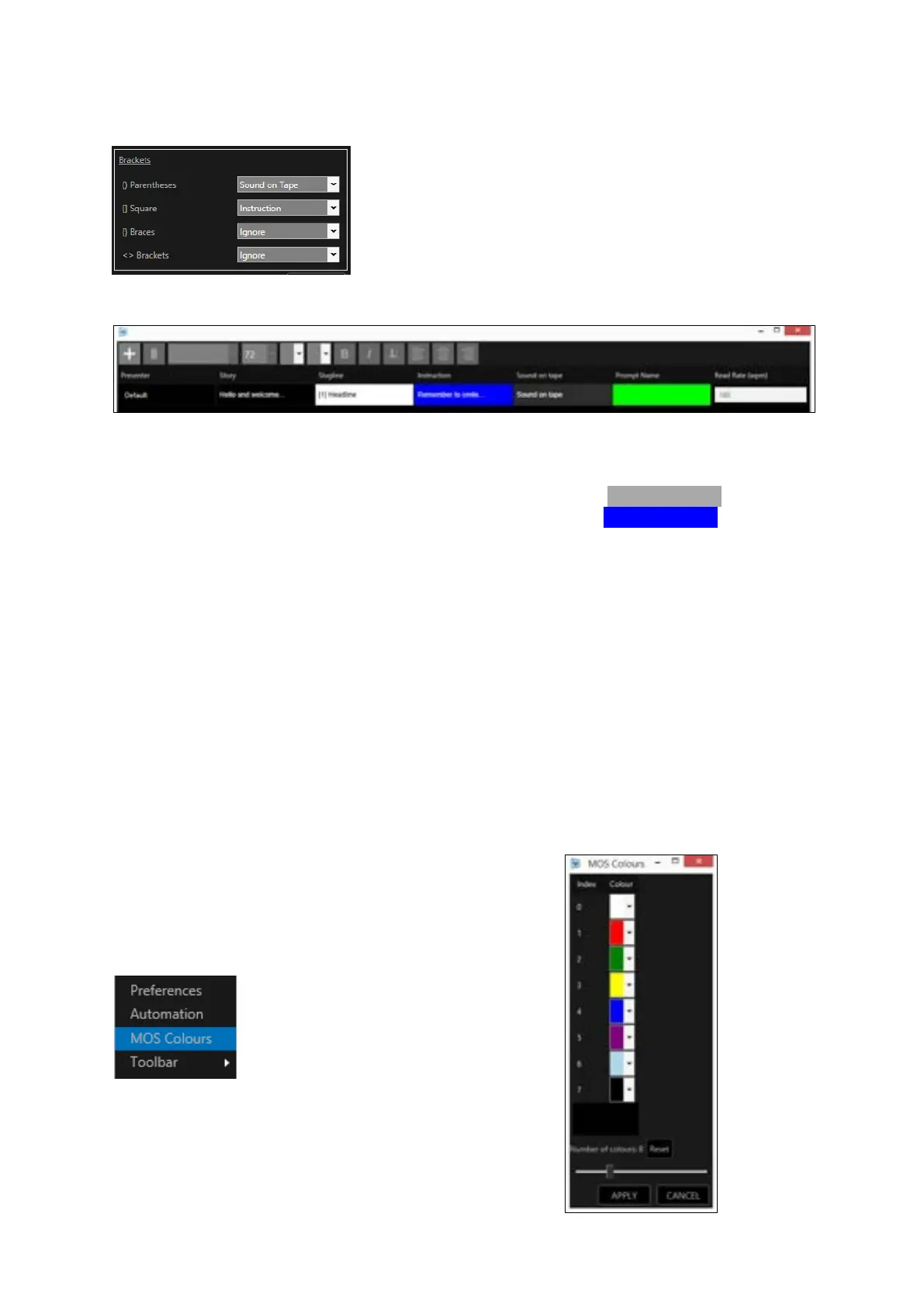
This selection will apply the following:
Where no Presenter is selected for the story/stories in the Run Order the Default presenter settings
will apply. In the above example the following will result:
text in Parentheses ( ) will match that of the Sound On Tape settings so will look like this
text in Square Brackets [ ] will match that of the Instruction settings so will look like this
text in { } and < > will be imported as they are, i.e. no specific option will be applied
Please Note: Changing the Bracket Options to a Run Order which has already been loaded will require
the Run Order to be reloaded to apply the changes
MOS Colour
Where applicable MOS newsrooms assign colours to the script using a numerical command.
WP-IP has a feature which allows the user to set which colours these number reference.
Click on MOS Colours in the Newsroom burger
This will open the MOS Colours tool.
There are 8 pre-set colours.



 To Next Page