Page | 182
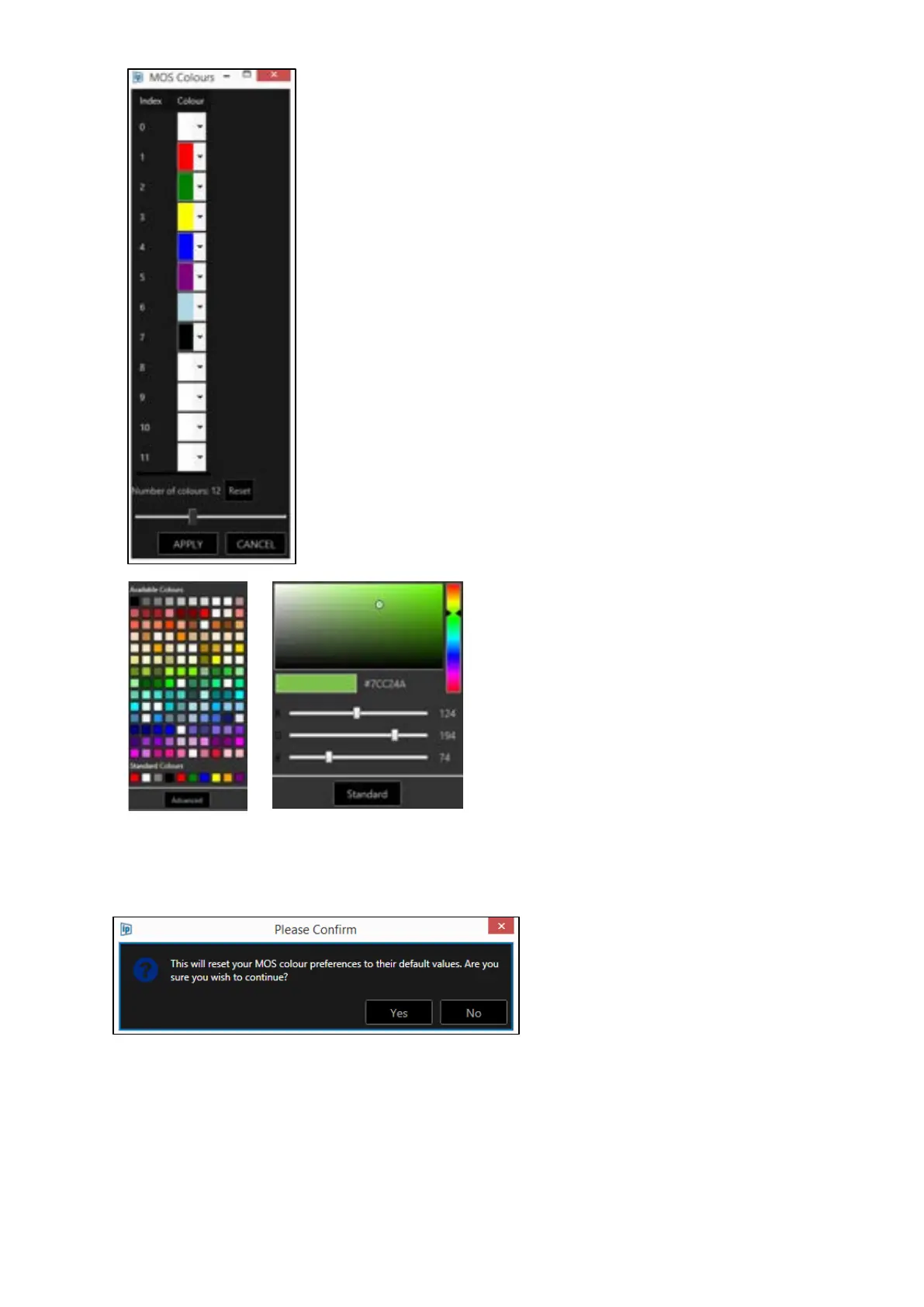
Where more colours, or the colour index is a
different number than 0-7, the number of
MOS colours can be increased using the slider.
The example to the left shows an illustration
of 12 colours.
MOS Colours can be reset by clicking the
Reset button. This will reset the number of
colours and the colours themselves.
Click on the pull down arrow in the
colour field.
The applicable colour can be either
from presets and a selection of
standard (common) colours, or
generated by the user clicking
Advanced and generating their own
colour.



 To Next Page