Page | 150
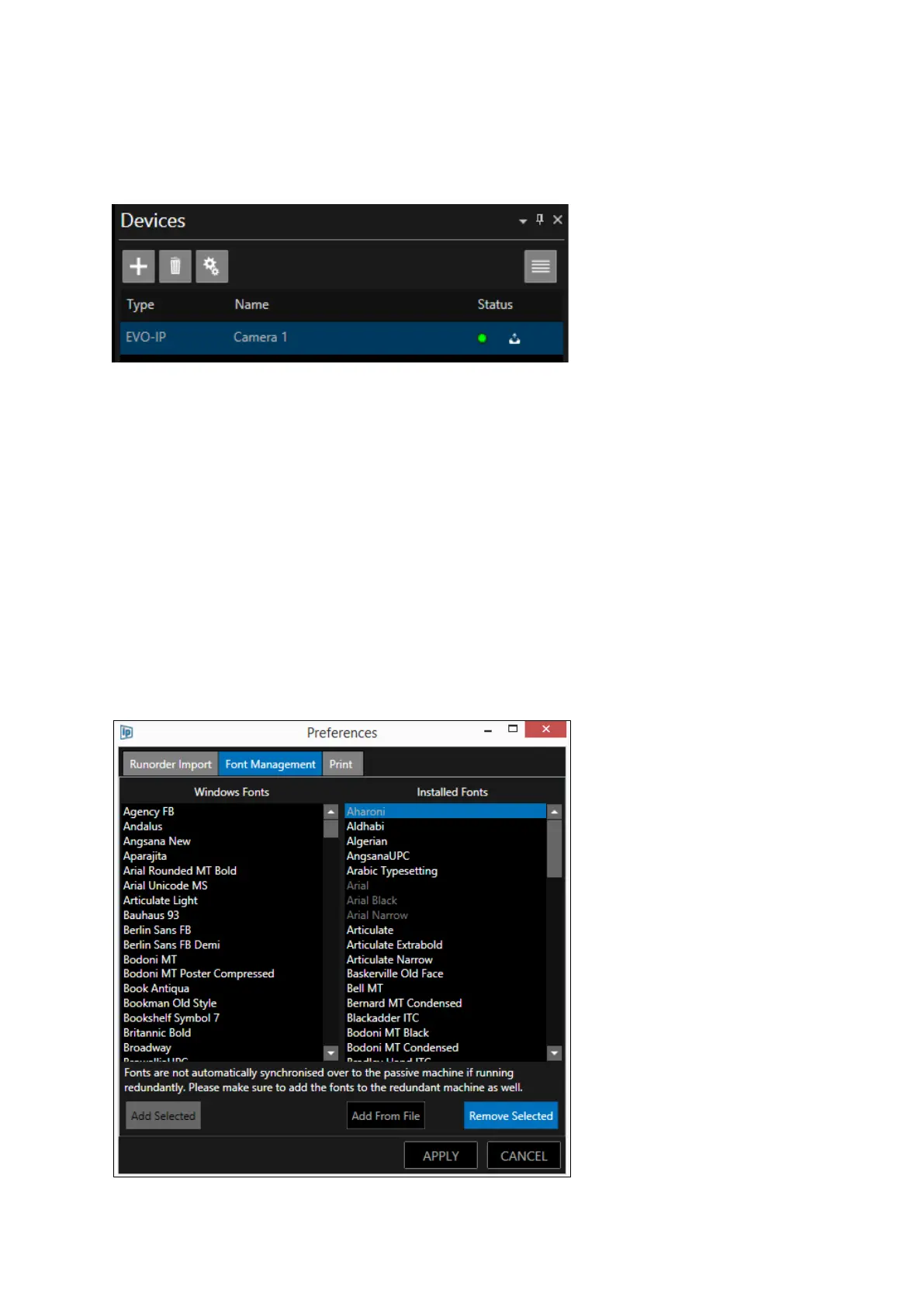
The font will be added to WP-IP font list and will be sent to the devices.
An icon (white tray with arrow pointing up) beside the status indicator will flash as the font is
installed on the device
Please Note: If a device is switched off or disabled when the font is applied it will automatically
receive that font when it is powered on and enabled again.
Adding Fonts from a File
This option will allow the user to browse to a file where a new font can be added which has not
already been installed on the PC which WP-IP is running on.
Removing Fonts
To remove fonts, select the font in the Installed Fonts pane and click Remove Selected



 To Next Page