Page | 159
Adding a Rundown In MOS
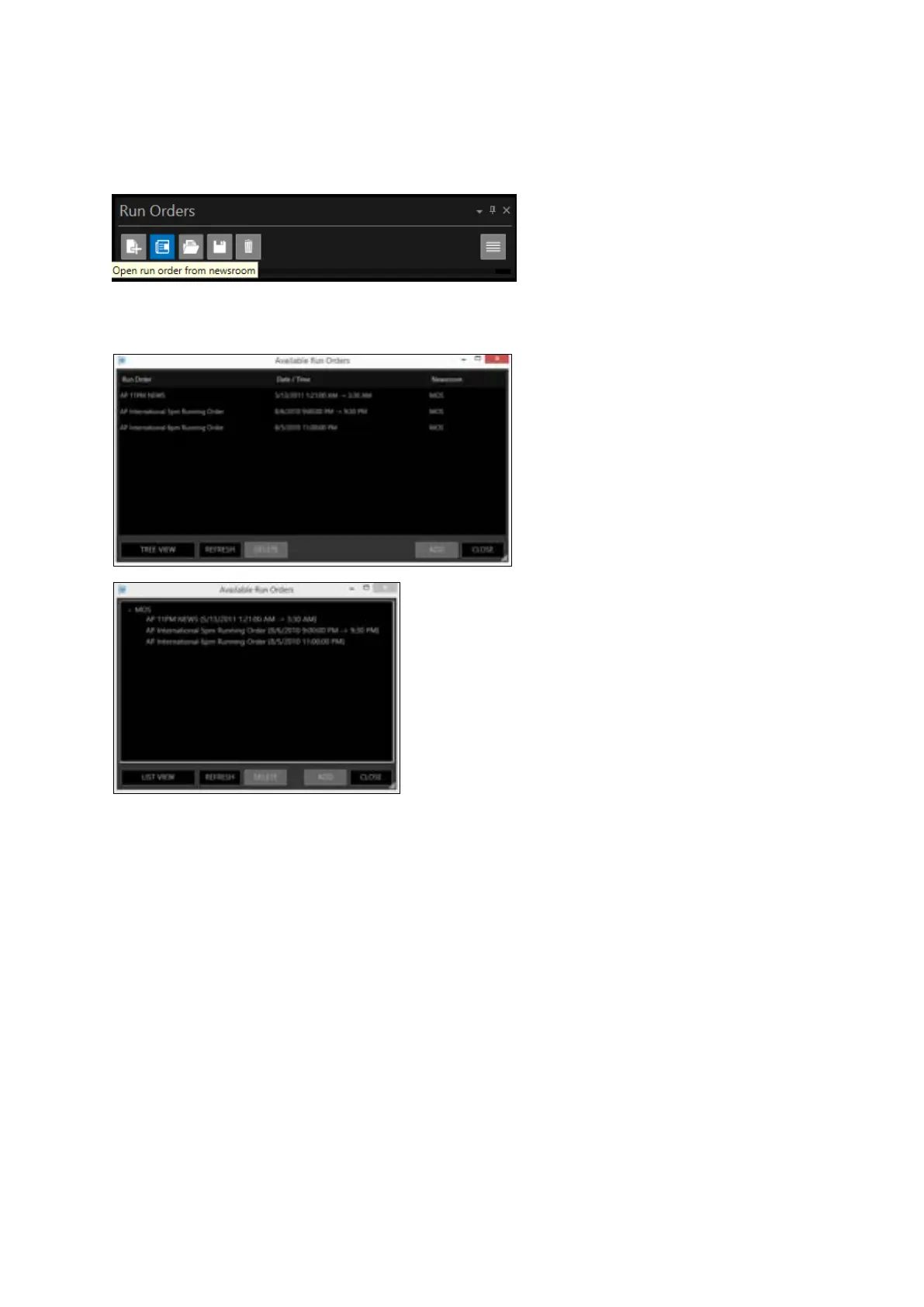
In the Run Orders pane click Open run order from newsroom
This will launch the Available Run Orders window. You will now be able to view the MOS Active Run
Orders. You can view this as a list view or a tree view
This window will show the Run Order name, Start Time and the Newsroom.
Click on the Run Order you want to select in then click ADD, or Double click the Run Order and it will
begin to load into the Run Orders Window.
When the Run Order has been loaded and added to the Run Orders window it will appear in red in
the Available Run Orders window.



 To Next Page