Page | 78
Move After Story
Please Note: Move After Story will produce the same results as Move After Live Story above for single
stories, multiple stories or story blocks except the move location is user definable.
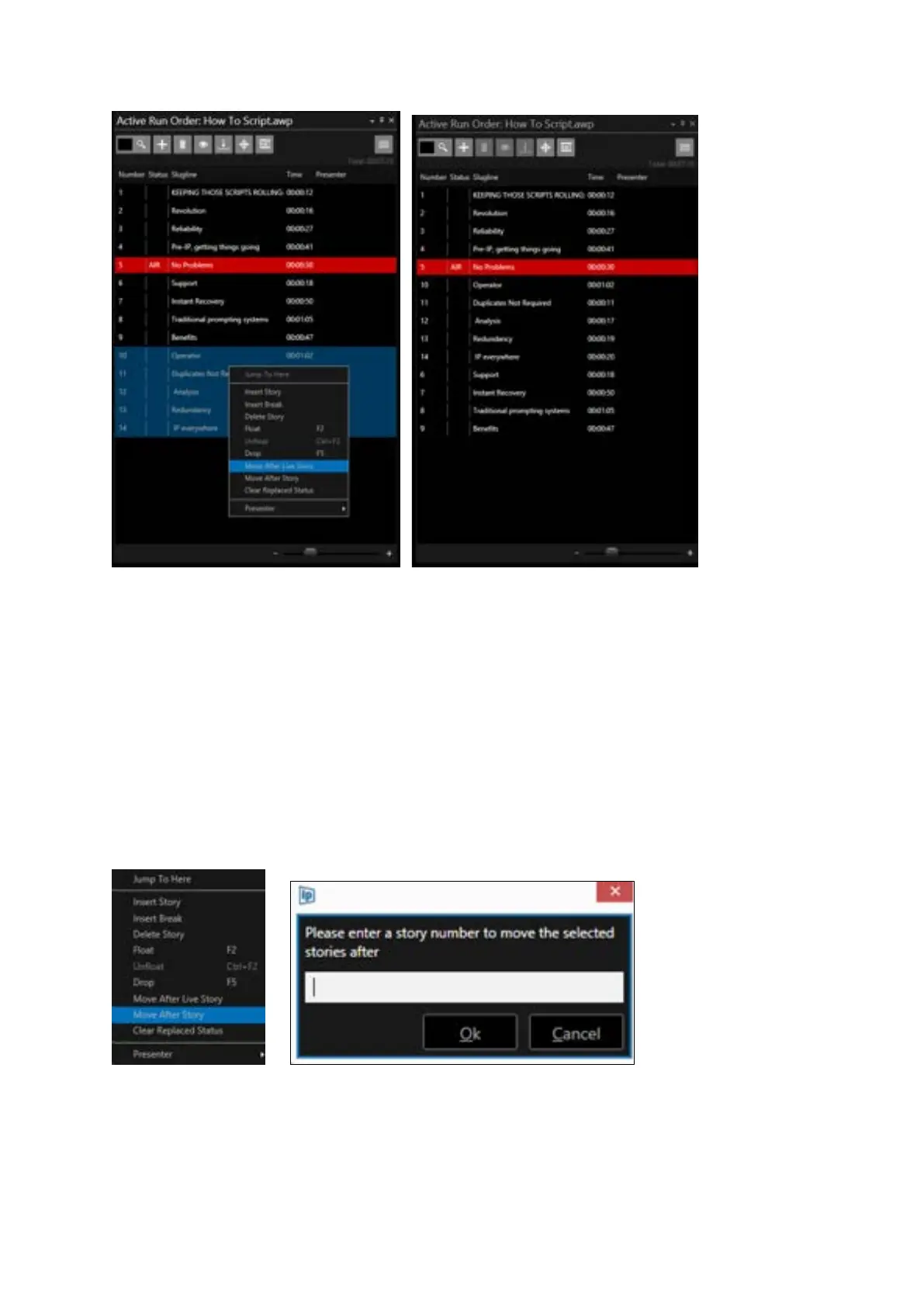
Move After Story enables the user to move one story, multiple stories or a block of stories and insert
them after a specific story determined by the user.
Once the story, stories or story block has been selected, right click on one of the stories and select
“Move After Story”. A window will open where you can enter the number of the story you want the
selected story, stories or story block to follow.
Please Note: stories or story blocks can also be moved by dragging them within the Active Run Order
window. A positional line will show where the dragged stories will be placed when dropped.



 To Next Page