Page | 77
Story Block:
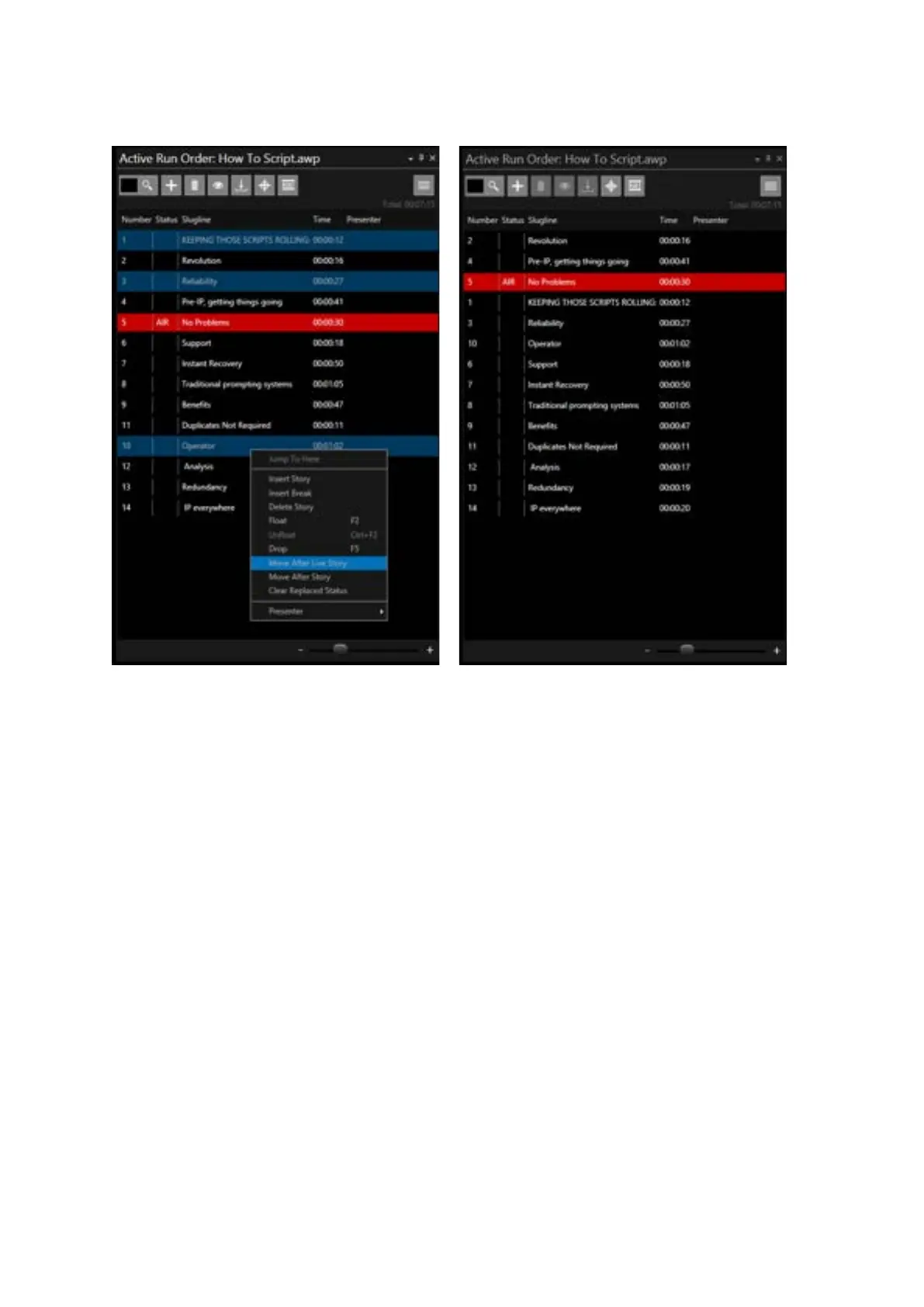
Action: Select the multiple stories you would like to move by holding down the SHFT key while
clicking the first and last stories in the block.
Click “Move After Live Story”.
Result: The selected stories within the selected story block will move from their current position in
the Run Order to be the next story in the Run Order below the current live story. The story which
was next in the Run Order will be moved down one
Example: Story 5 i
Select Stories 10 to 14 & right click.
Click “Move After Live Story”.
Result: Stories 10 to 14 are now positioned immediately after Story 5:



 To Next Page