Page | 18
Dongle Licence
Overview
A WinPlus-IP licence can be transferred to a USB. The user creates a Migration Code which is sent to
Autoscript who will supply a Migration Authorization Code in return. The Migration Authorization
Code is used to move the WP-IP licence onto a Dongle. The Dongle can then be used to licence any
machine which can access this Dongle.
This removes the need for a machine ID to be supplied whenever a licence needs to be moved
between machines. The Dongle migration process can be performed at any time once a Dongle has
been purchased, and only needs to be performed once if the licence is to remain on the Dongle.
Once a licence has been moved from a machine to a Dongle, the prompting machine must be able to
access the Dongle to continue prompting to devices.
Requirements
This feature requires the user to be running WinPlus-IP version V1.12 or later. They must also have
purchased the USB Licence Dongle (Autoscript Part # A9009-2086).
Requesting A Migration Code
After receiving a Dongle, the user connects it to a USB port/hub which the licensed WP-IP machine
can access.
Please Note: WP-IP has a DLL which runs on start-up. The Dongle therefore requires no installation
and is driverless.
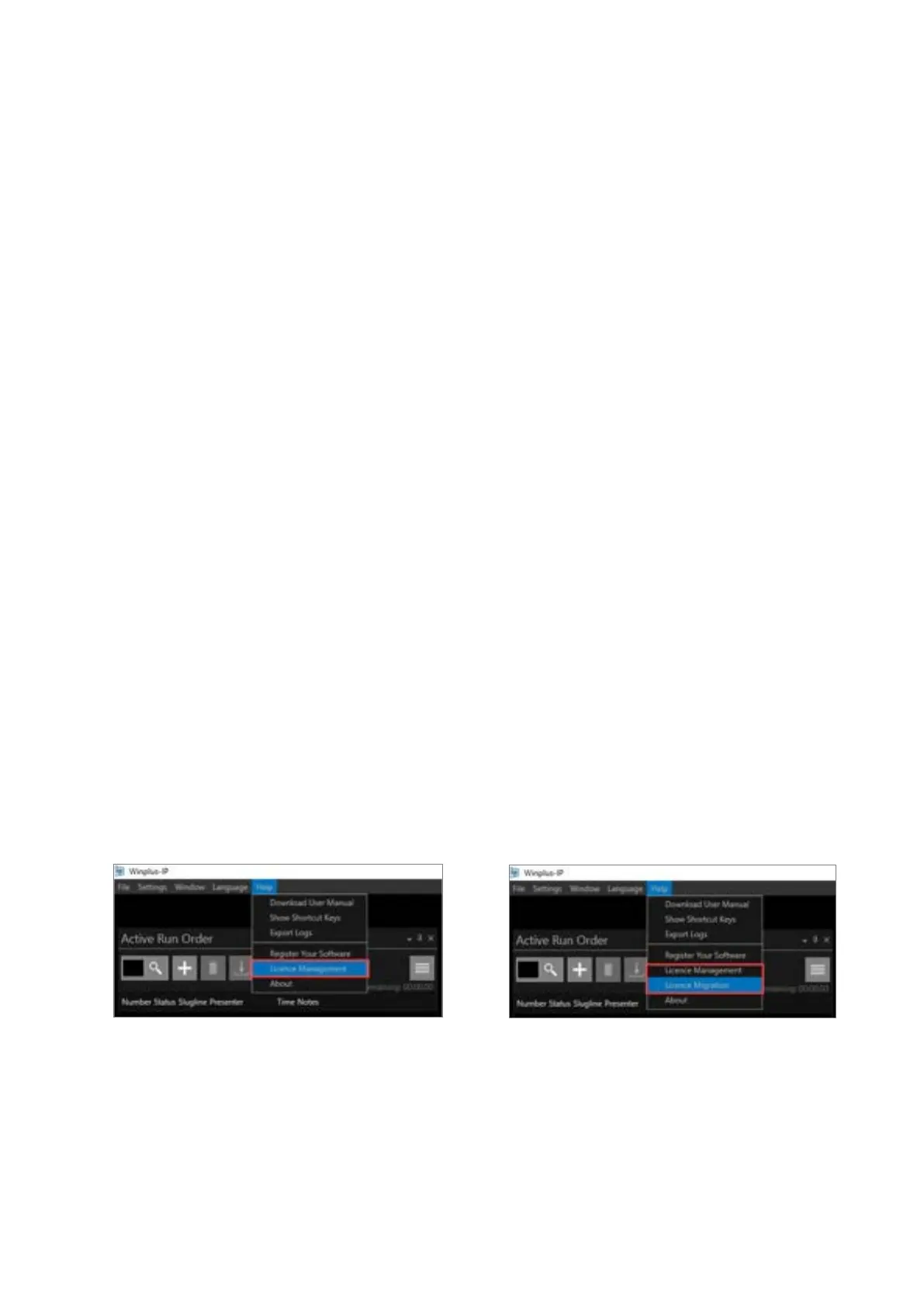
When the Dongle is connected to the WinPlus-IP machine a new option appears under Help in the
main WinPlus-IP toolbar:
Without a Dongle connected:
To begin the process of moving the licence from the WinPlus-IP machine to the Dongle, a Migration
Code is required. Click Help/Licence Migration. The Licence Migration pane will open. Here you can
select:
the SOURCE of the licence (where the licence is now)
the DESTINATION (where you would like to move the licence to).



 To Next Page