Page | 239
You can access that page through WP-IP directly here:
A licence key will be sent to the registered email address.
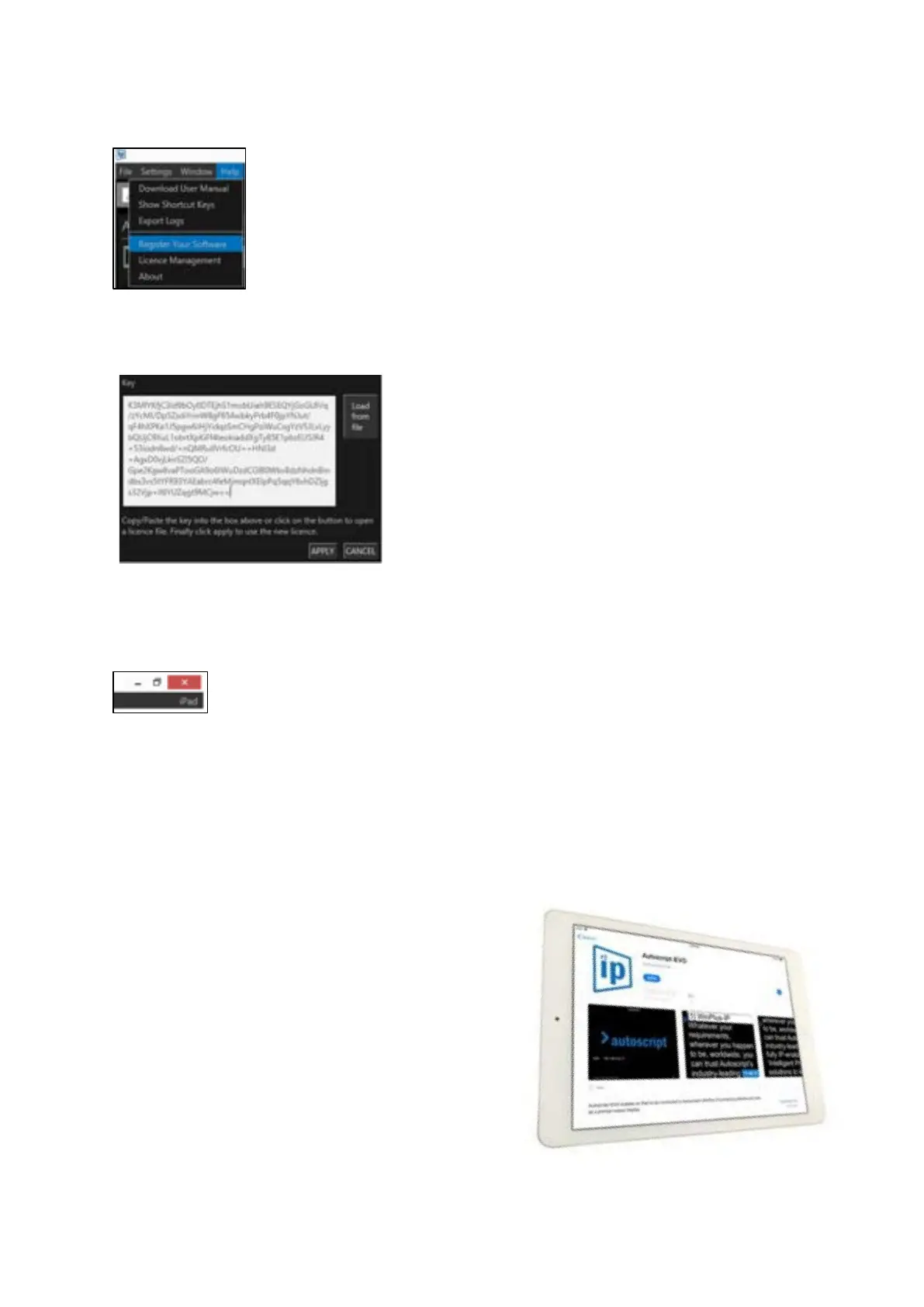
Copy the licence key into the Key field in the Licence Management window in WinPlus-IP:
Once the licence is accepted WP-IP will display iPad as part of your licence description in the WP-IP
header:
You will now be able to add an iPad or iPhone to your list of devices.
Please Note: If you have WP-IP already installed, and then add the WP-I feature, you will receive a
licence that includes both products and you will not lose any functionality.
Downloading the iEVO Application
The iEVO application must be downloaded and
installed on the appropriate iPad device.
The app can be downloaded for free.
Access the App Store from the iPad you wish to
install the iEVO app on.
Search for Autoscript iEVO.



 To Next Page