Page | 219
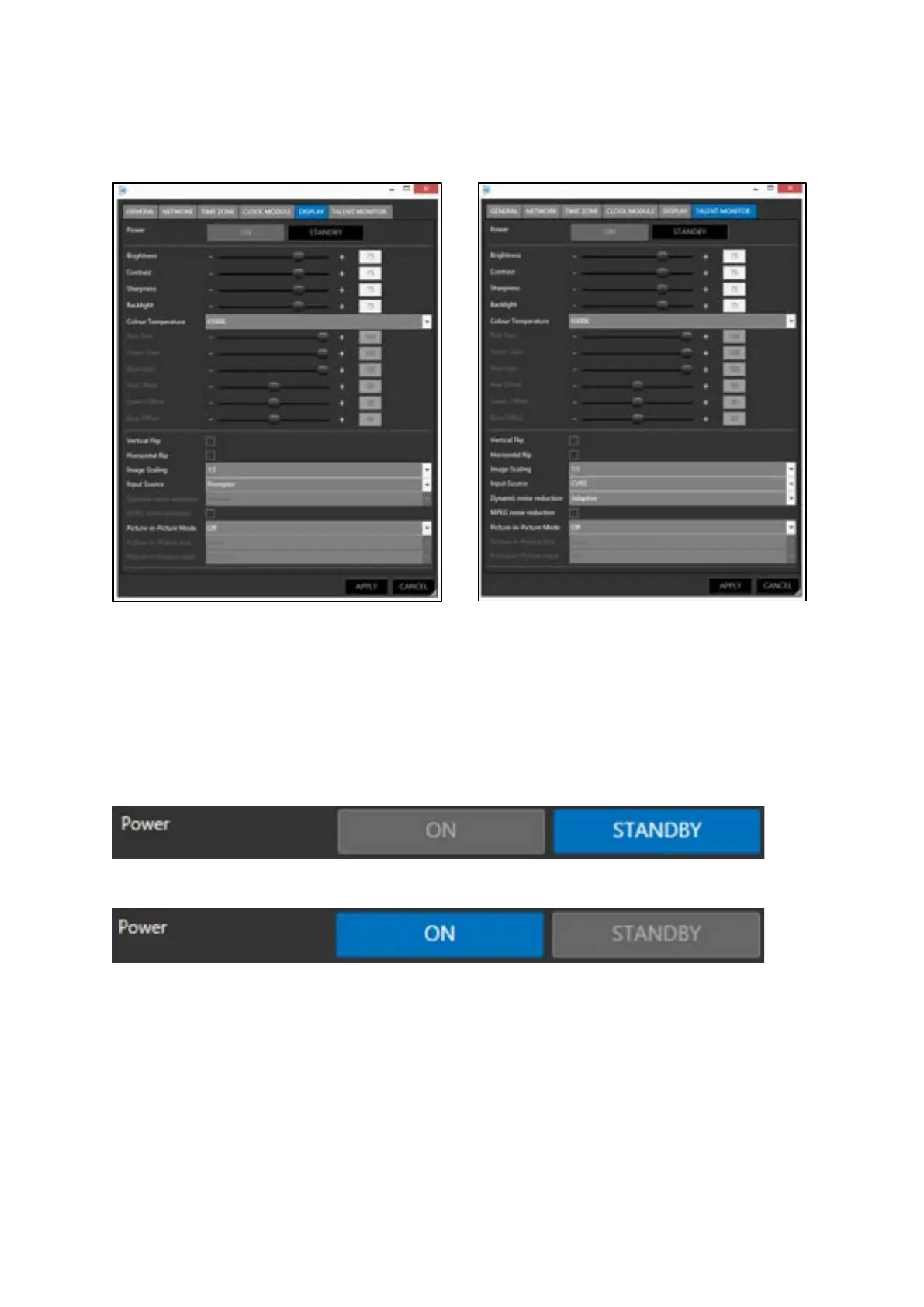
When the tabs for DISPLAY or TALENT MONITOR are selected an extended menu will appear.
Both displays have similar advanced configuration options
Power
The power button can be used to put the screen back light into a standby mode. When the power is
set to Standby the backlight will be dimmed to the minimum settings of brightness.
To switch to Standby click the STANDBY button
To return the backlight to full power click the ON button
Please Note: Power option only available in monitors manufactured from May 2019 onwards. For
details on updating devices please contact your local Autoscript dealer or contact Videndum
Production Solutions directly.



 To Next Page