Page | 218
To access the Advanced Display Configuration:
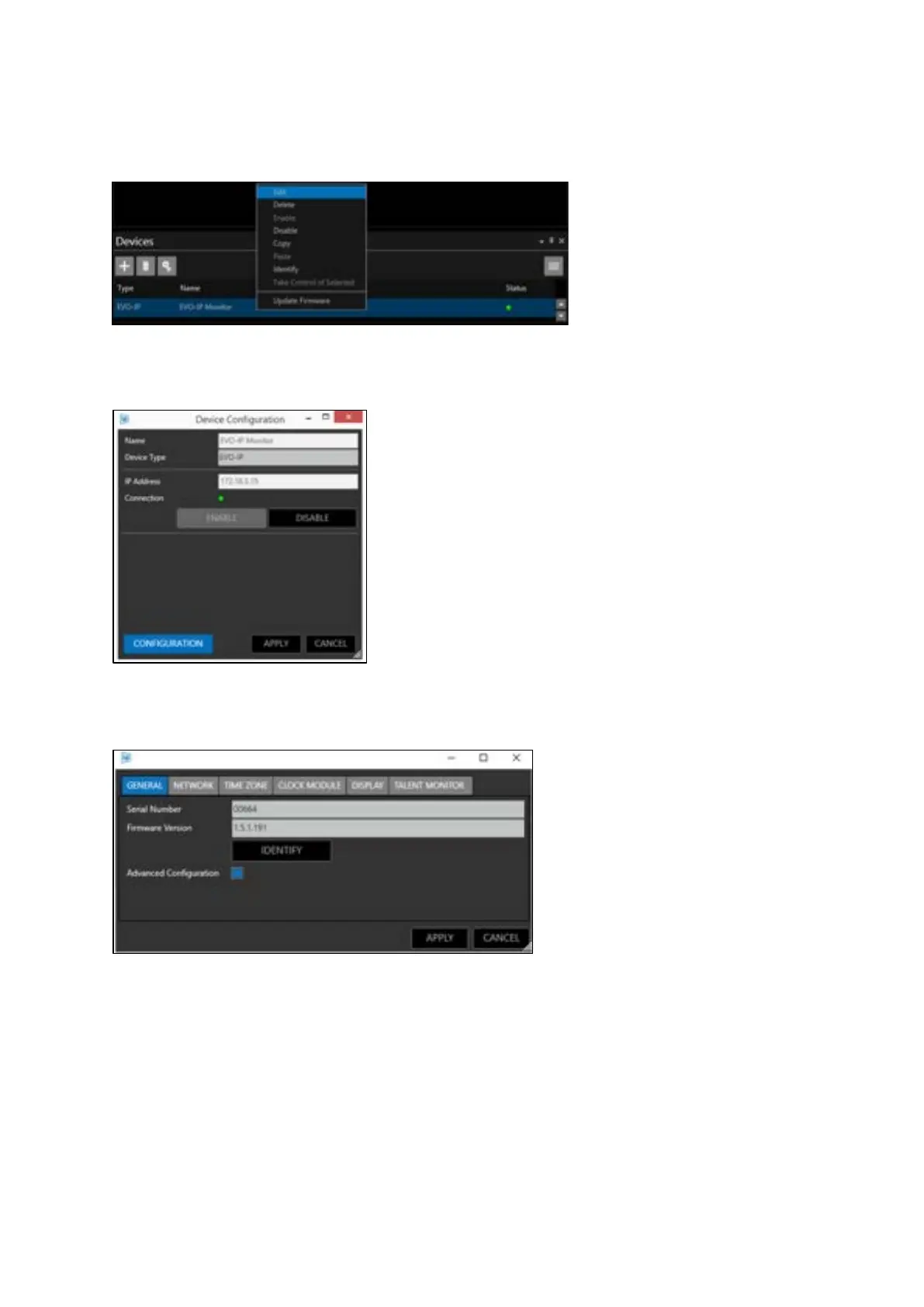
In the devices pane select the device you would like to configure, right click and select Edit
Then click Configuration
In the General Tab check the box Advanced Configuration.
This will then add the two tabs DISPLAY and TALENT MONITOR
DISPLAY: This refers to the prompter screen (EVO-IPXX)
TALENT MONITOR: This refers to the return video screen (ETM-XX)
Please Note: the Talent Monitor tab will only appear when an EPIC-IP monitor system is addressed.
The Talent Monitor tab will not be visible when an EVO-IP monitor system is addressed.



 To Next Page