Page | 183
Display Run Order Date/Time
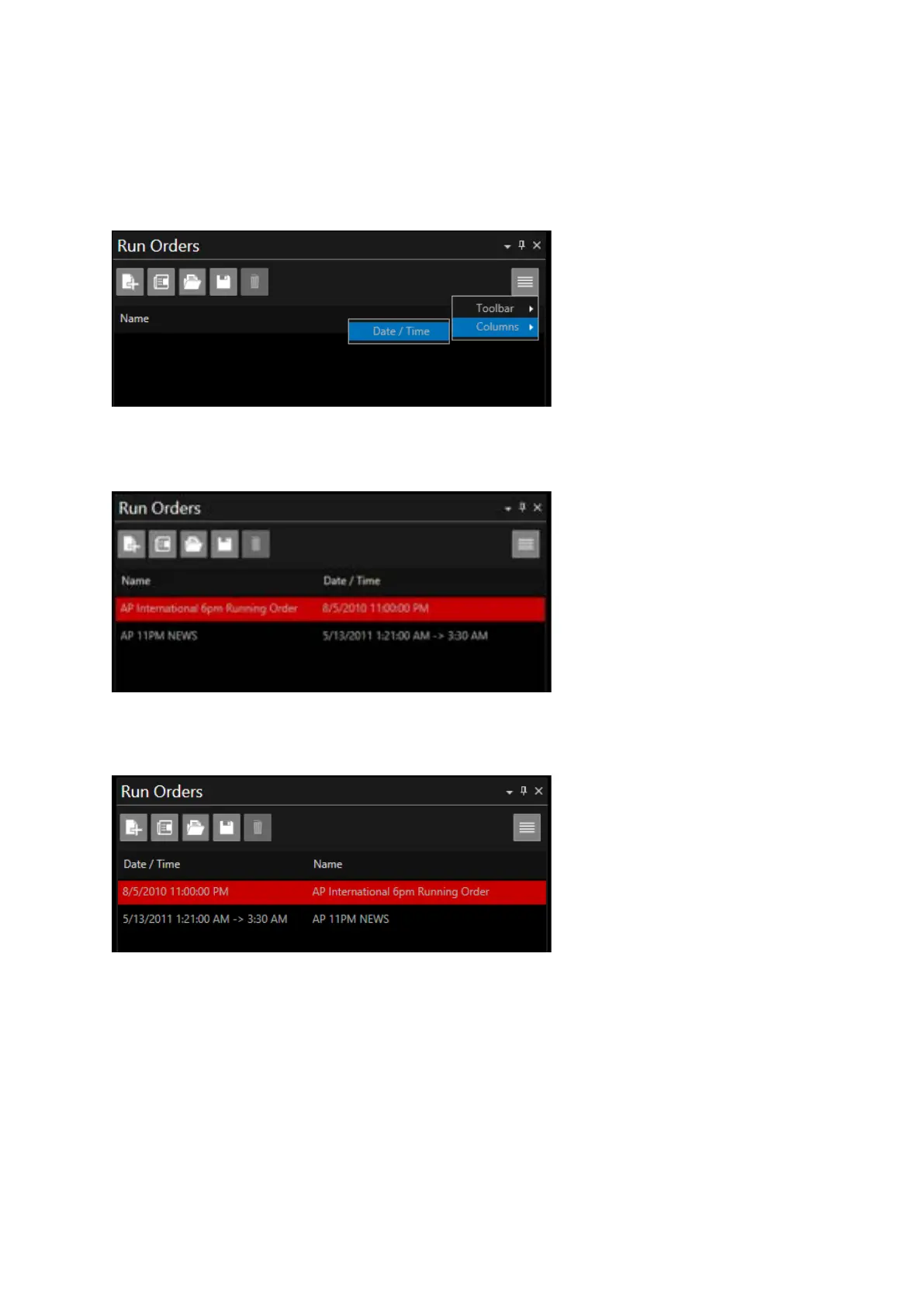
WP-IP can display the date and start time of a run order within the Run Order window. To enable
this click on the burger then Columns then Date / Time.
When run orders are loaded the associated date and time of that run order will be displayed
If you would like to see the Date / Time column as the first column drag the column to the right
Please Note: Rundown Date / Time data is only contained within run orders sent by NRCS operating
in either MOS or shared directory mode.
NRCS which use FTP to send run orders do not contain Date / Time data. Therefore, the Date / Time
column will be blank.



 To Next Page