Page | 207
Modify Configurations
This function enables a user to make changes to an already existing Configuration.
After you have made edits within WP-IP to the elements you would like you can then apply those
changes.
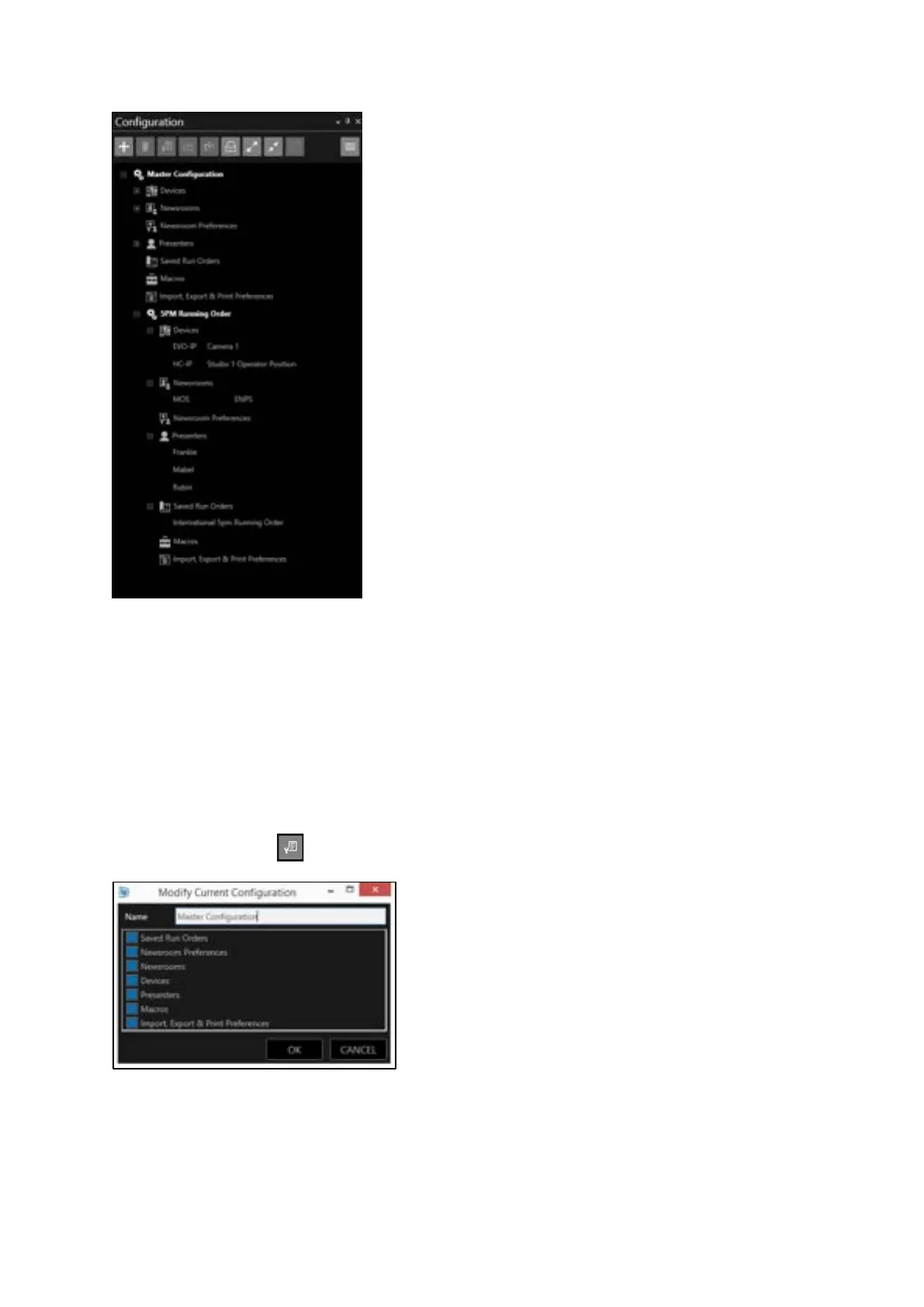
Select the Configuration you wish to apply those edits to by clicking on the Configuration and then
click the Modify button . This will then open the Modify Current Configuration window:
You can then select the elements you would like to modify with the current settings you have just
edited.
• Elements which are selected will be modified with the current settings in WP-IP
• Elements which are not selected will remain unchanged.



 To Next Page