Page | 54
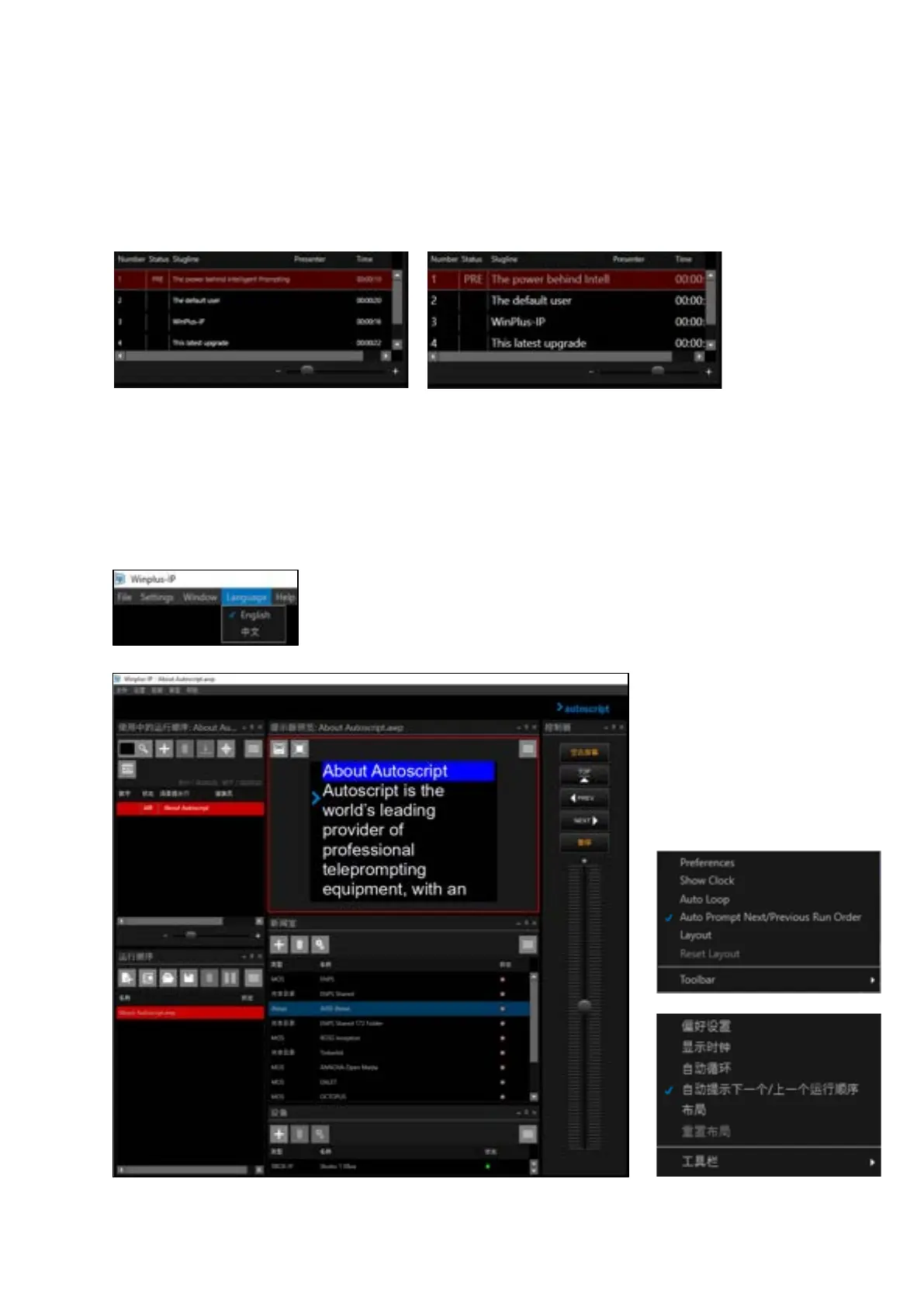
Active Run Order Slider Function
The font size of the text within the columns of the Active Run Order window can be adjusted using
the slider at the bottom of the window.
To decrease the font size drag the slider to the left, to increase drag the slider to the right
Language Selection
Click the Language button in the main toolbar. This will allow you to select English (Default) or
Simplified Chinese as the application language.
When Chinese is selected all
window headers will be changed
to Chinese.
This includes context menus as
well as pane headers. For
example, the Prompt Preview
burger in English & Chinese:



 To Next Page