Page | 91
Selecting Format on Import
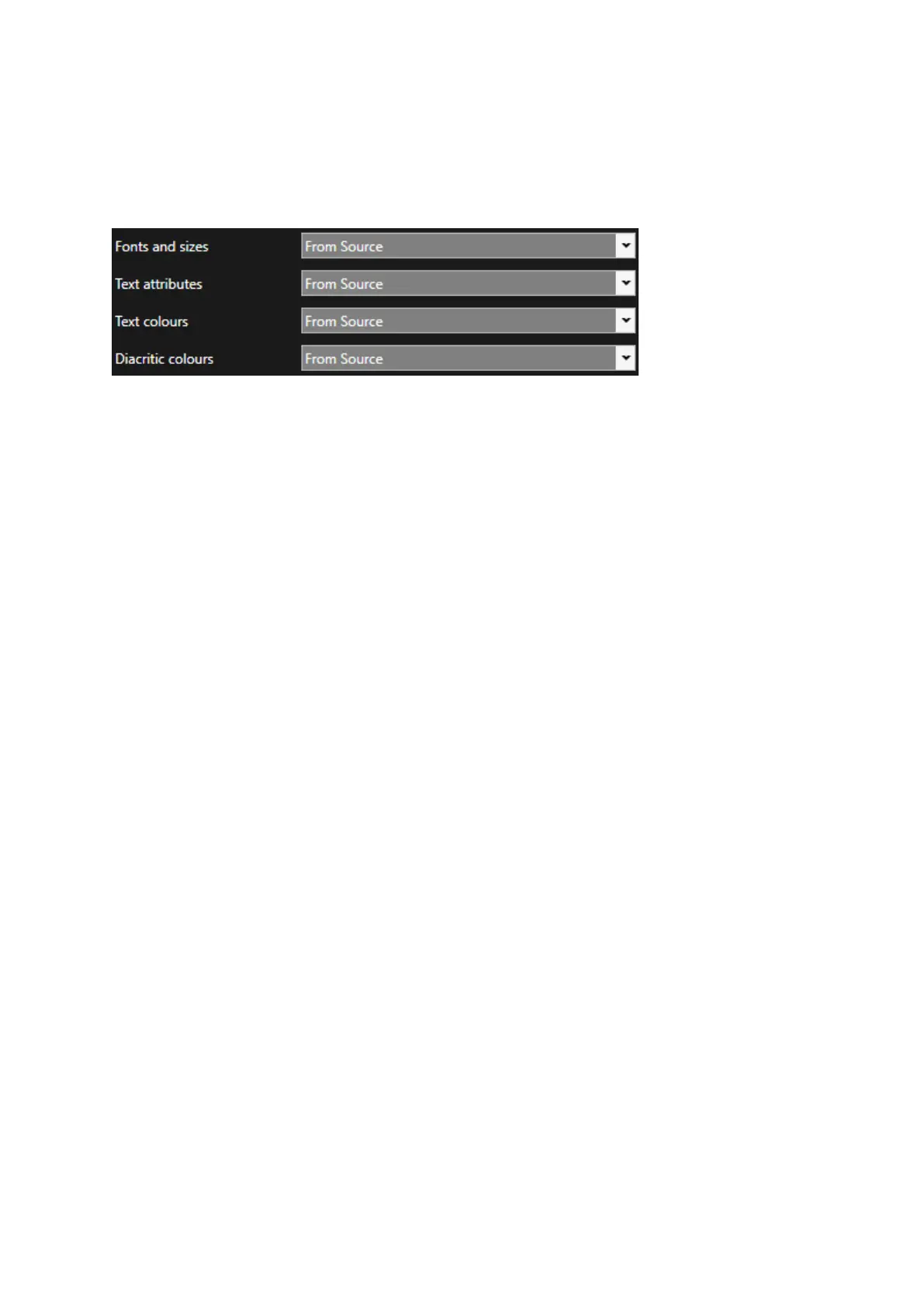
Options allow the user to determine what text formats they would like to apply when importing or
copy/pasting text
Each field has two options:
From Source
From Destination
When “From Source” is selected, upon import the particular text parameter will be kept and
displayed as it is in the source document.
When “From Destination” is selected, upon import the particular text parameter will be changed to
those of the Default Presenter.
Please Note: when text is copied and pasted into a location in the Story Editor which has a Presenter
applied, and “From Destination” is selected, the parameters of the Presenter will be applied.
Fonts and Sizes: This refers to the text font type and the size of the text
Text Attributes: This refers to Bold, Italic & Underline text
Text colours: This refers to the colour of the background, underline and the text itself
Diacritic colours: This refers to the colour of the diacritic markings. These may be configured to be a
different colour from the colour of the text.
Please Note: When the “Text colours” field is set to From Destination, the option to select the
setting for Diacritic Colours is removed



 To Next Page