Page | 34
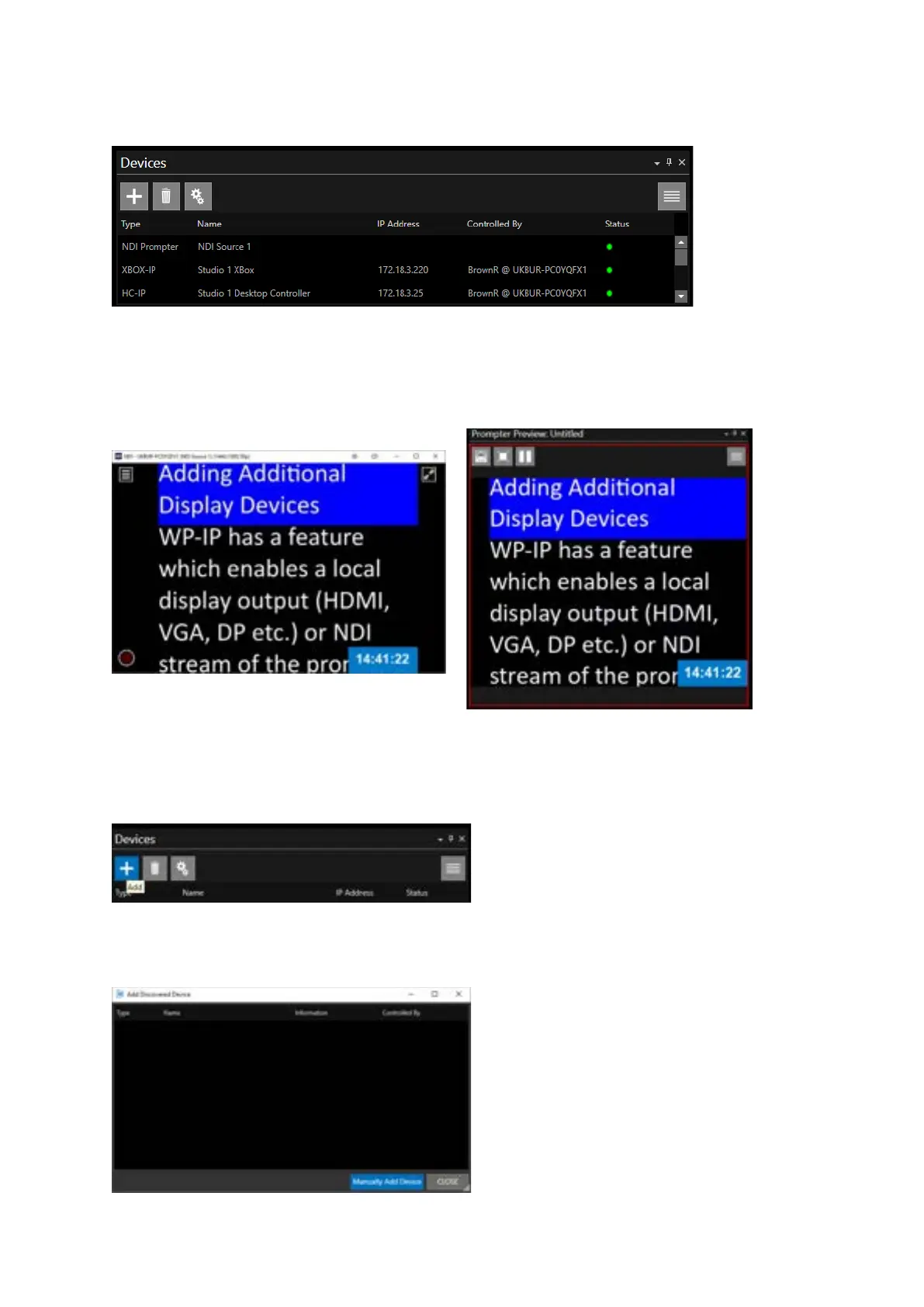
When added the NDI Prompter will be shown in the Devices pane with other devices.
Edits to the configuration can be made using the Device Configuration button.
Please Note: IP address and Controlled by will not be visible for NDI Prompter
When prompting is enabled the NDI source will be the same as the WP-IP Preview
Adding a Local Prompter
To add a Local Prompter, in the Devices pane, click the + button.
This will open the Add Discovered Device pane. The Local Prompter cannot be auto discovered.
You must click Manually Add Device.



 To Next Page