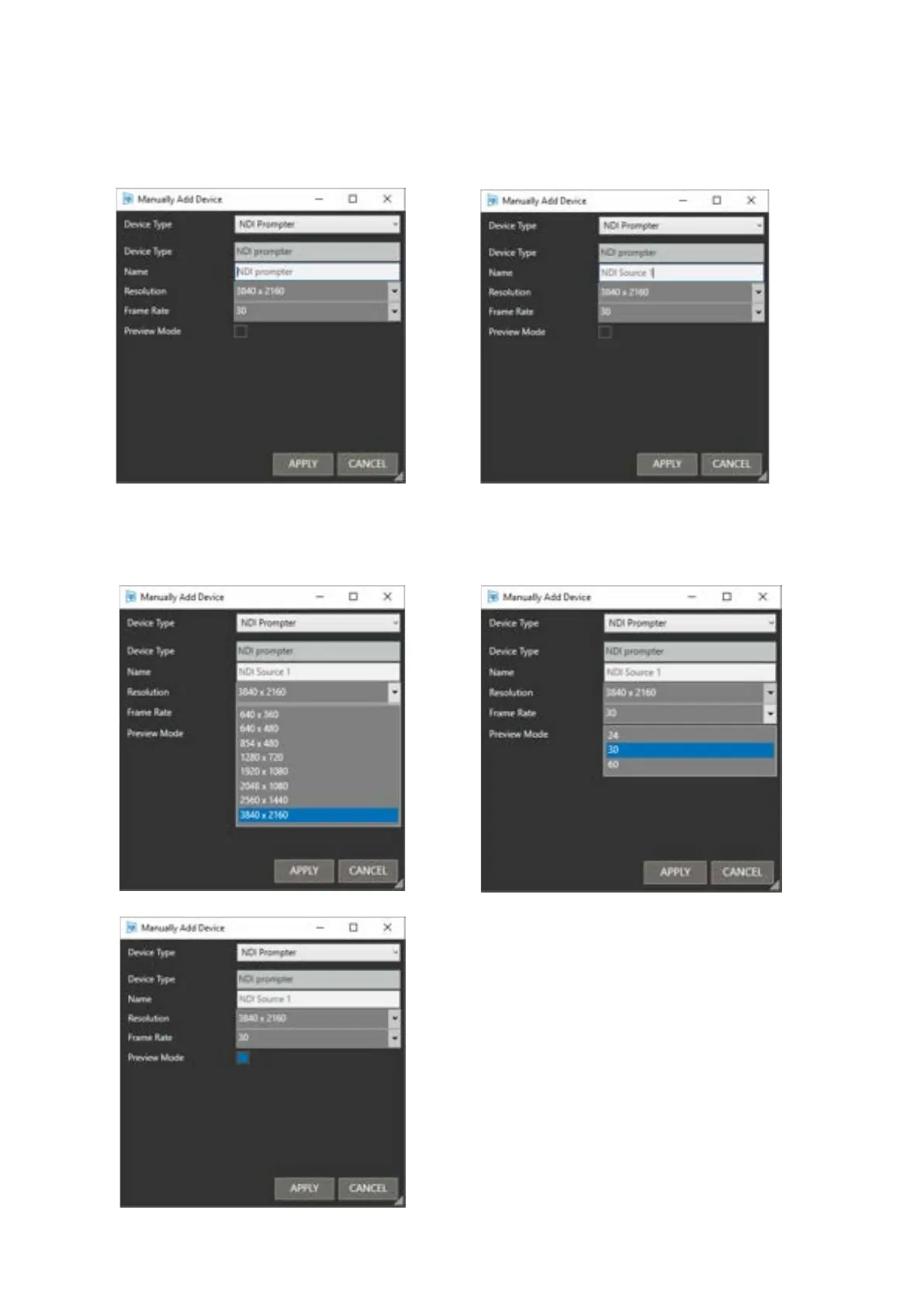
Resolution:
To select the desired NDI Prompter resolution,
click the pull down and click on the resolution.
Frame Rate:
To select the desired NDI frame rate, click the
pull down and click on the frame rate.
Preview Mode:
Enabled: When prompting is switched off, the
source output will show the text which will be
displayed when the prompting is switched on
again.
Disabled: When prompting is switched off, the
source output will not show the text which will be
displayed when the prompting is switched on
again.
Please Note: overlays such as cue markers and
clock/timer will be displayed on the source output
regardless of the Preview Mode status



 To Next Page