Page | 173
Connecting to a Shared Directory Newsroom
Ensure that you have purchased WP-IPN, registered your machine and entered a Newsroom Licence
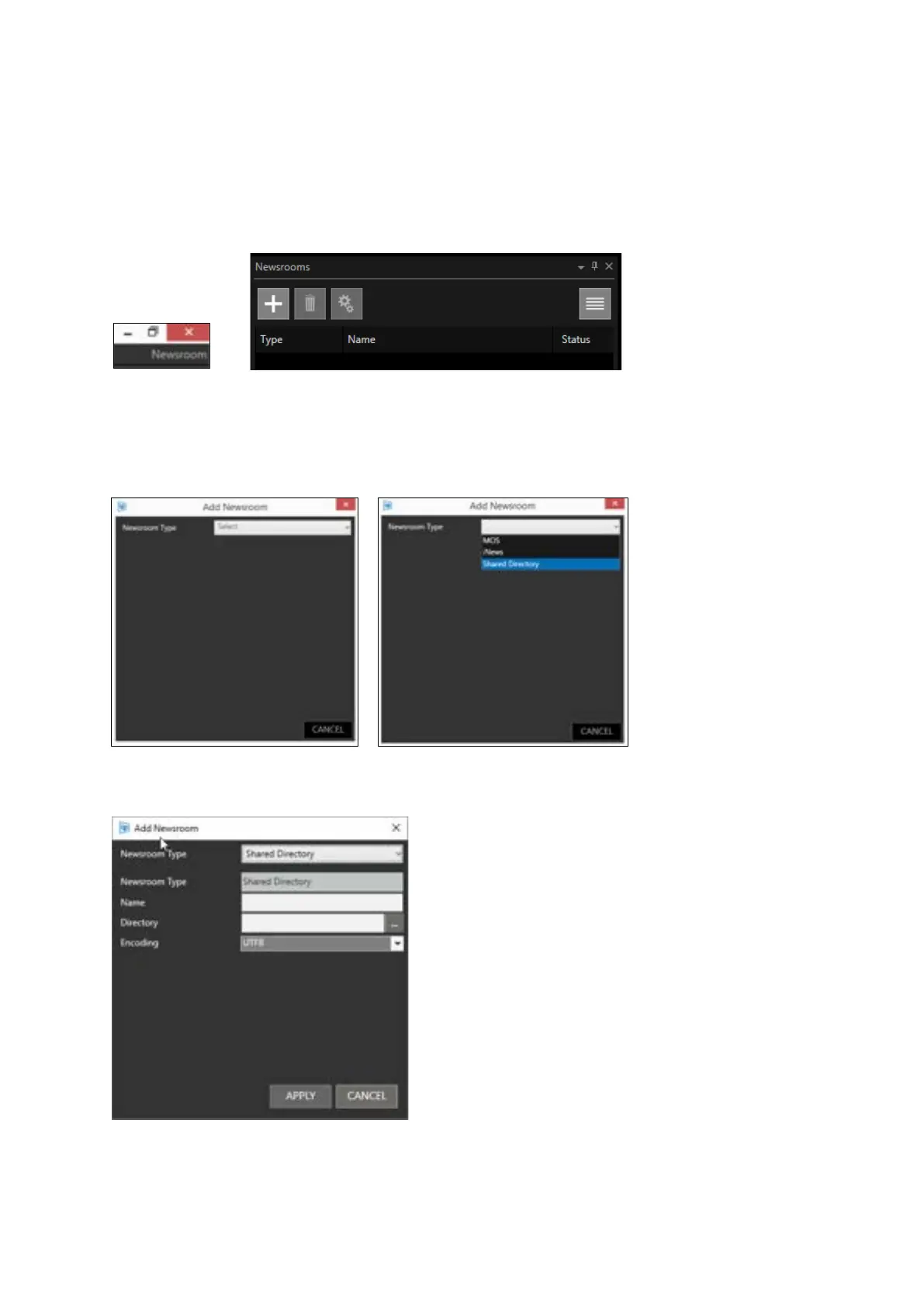
key to access the Newsroom functionality. The application type in the top right-hand corner will
show Newsroom.
Click on the plus sign in the Newsrooms window
Click Select Newsroom Type and Select Shared Directory
When Shared Directory is selected you will need to complete the blank fields
Name: this is a friendly name
Directory: click on the … icon to open a file browser.



 To Next Page