Page | 80
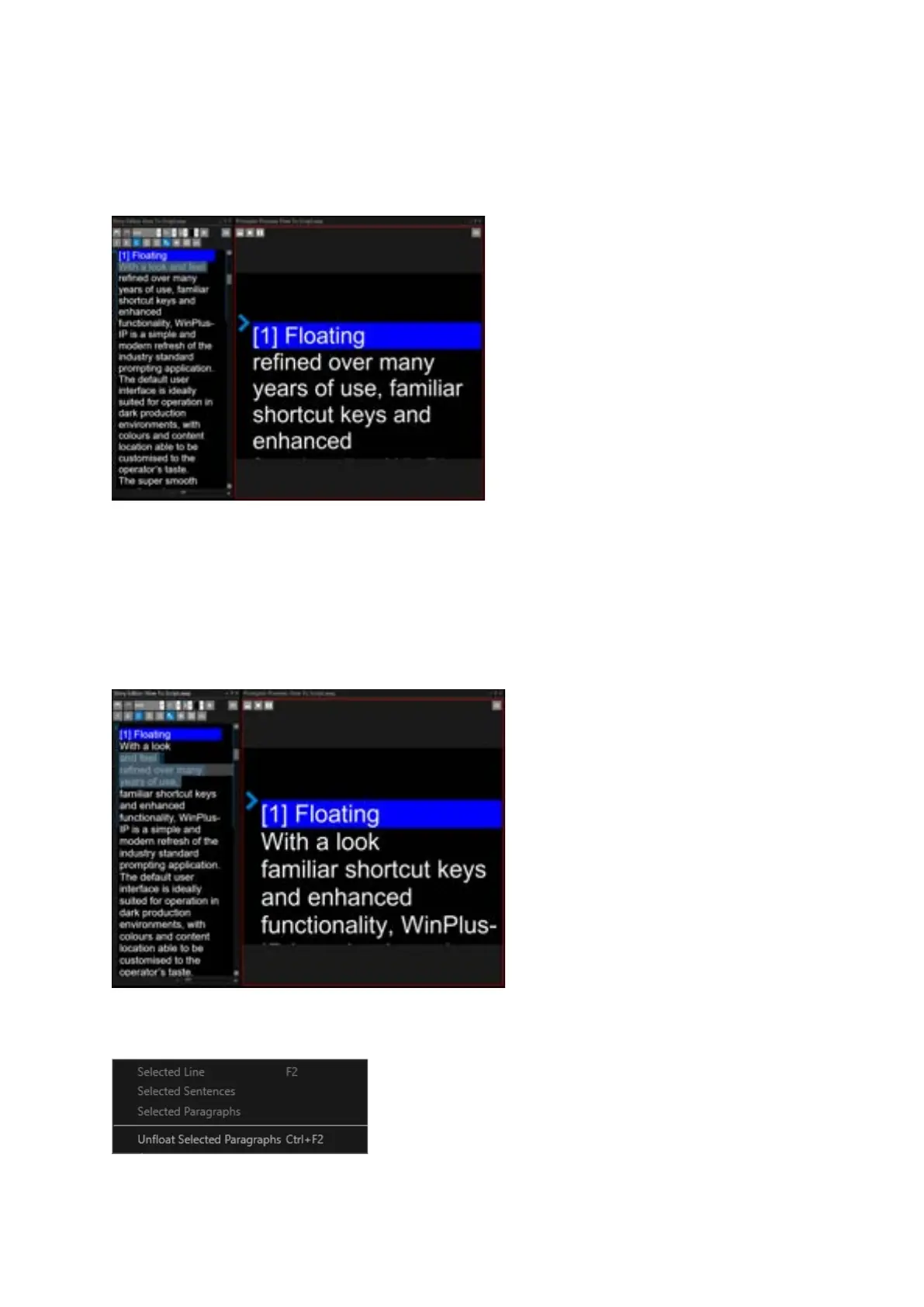
To Float Selected Lines: F2
In the Story Editor, put the cursor on one line, or select multiple lines, and click F2
Example:
To remove Floated status, click on the Floated text and click CTRL+F2
To Float A Selection: F2
In the Story Editor, select the text you would like to Float and click F2
Example:
To remove the Floated status, select the Floated text and click CTRL+F2 or right click Float then
Unfloat Selected Paragraphs.



 To Next Page