Page | 81
To Float Selected Sentences: F2
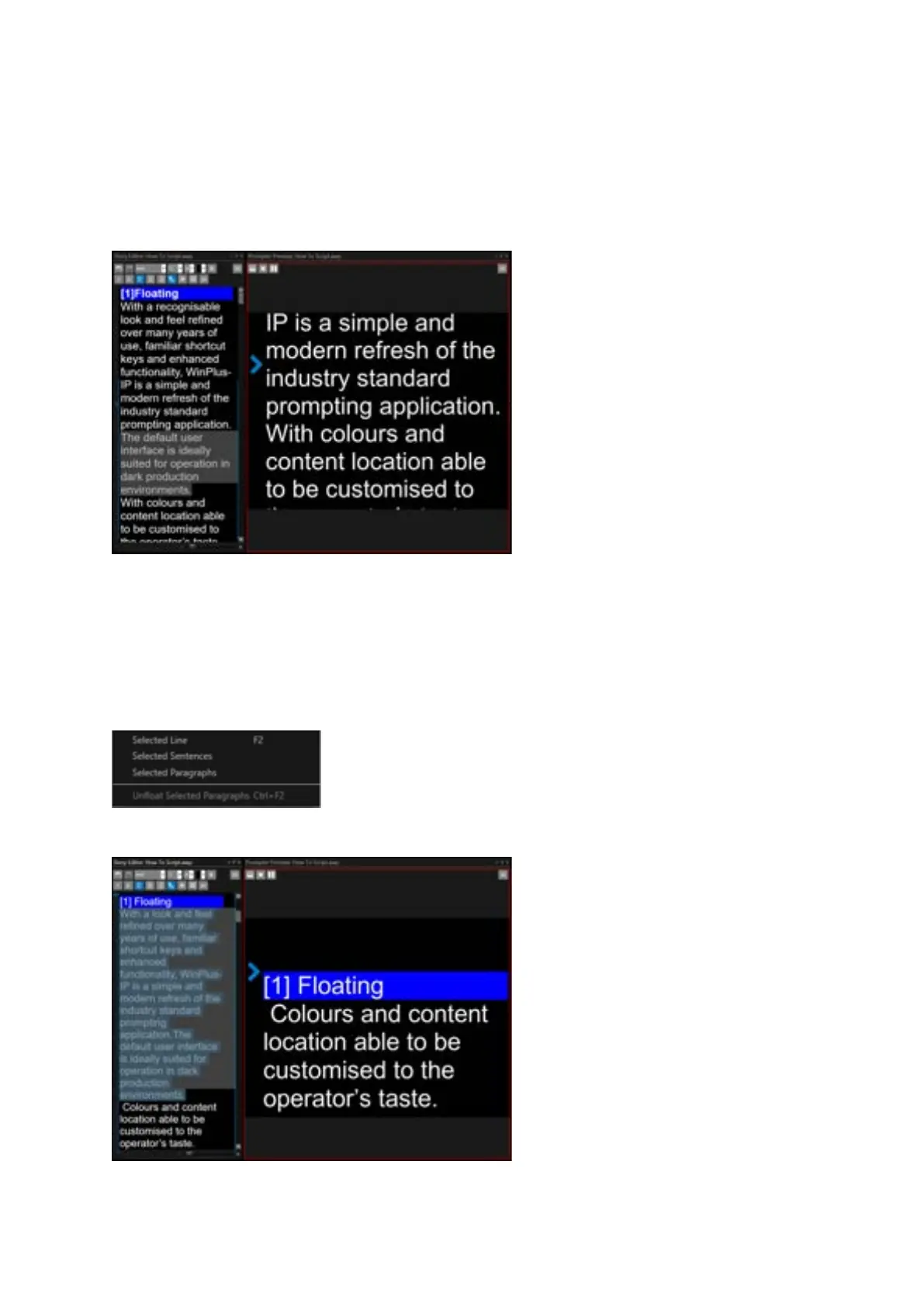
In the Story Editor, select the sentences you would like to Float and click F2
Please Note: If a selection is made by dragging, only the text which is selected will be floated.
Example:
To remove the Floated status, select the Floated text and click CTRL+F2
To Float Selected Paragraphs:
In the Story Editor, put the cursor in the paragraph you would like to Float, right click Float and
select Selected Paragraphs
Example:



 To Next Page