Page | 137
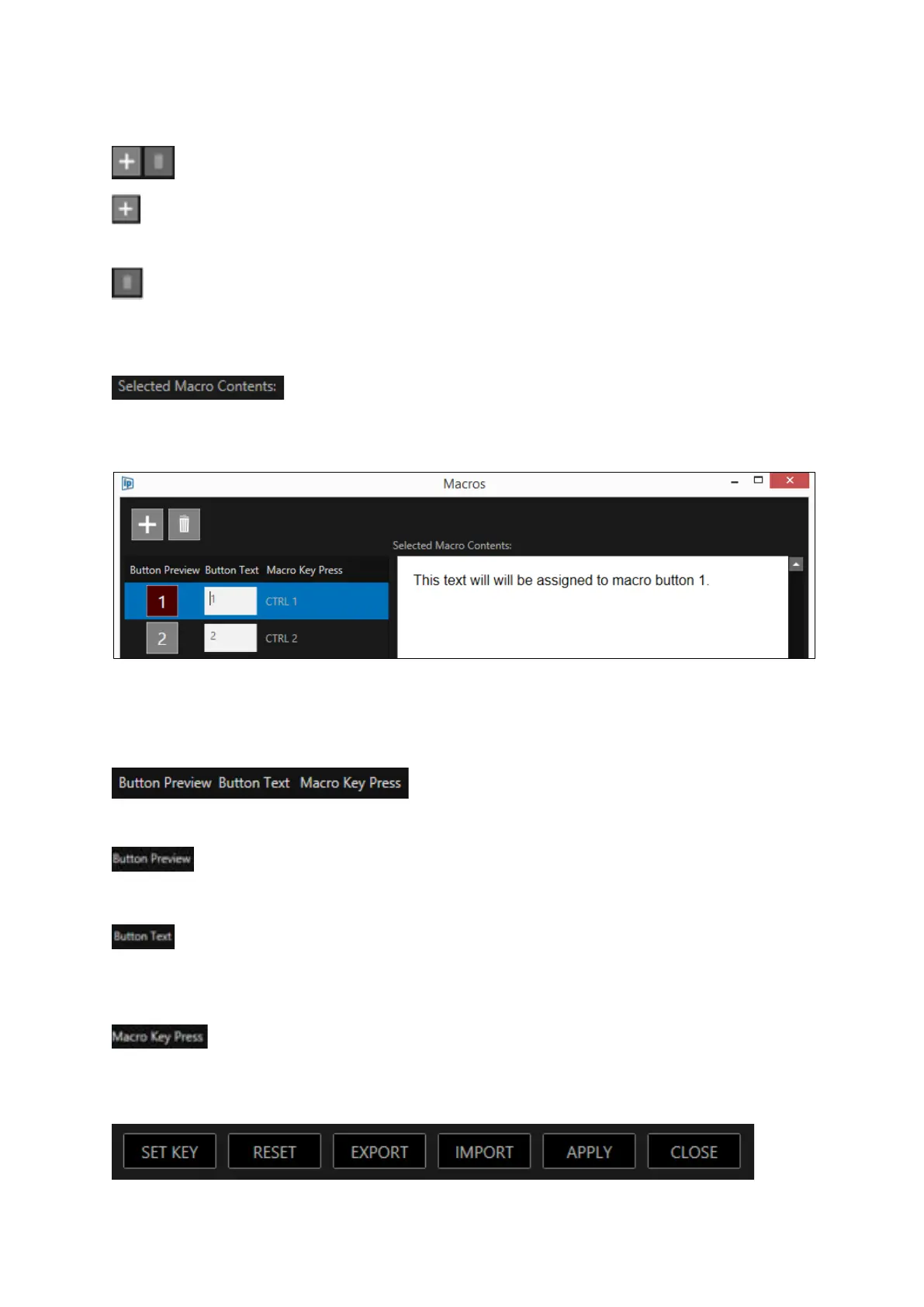
: This button will add another macro button to the bottom of the macro list and will added to
the end of the macro buttons visible in the Story Editor window.
: This button will delete the currently selected macro and will remove the macro button in the
Story Editor window.
Clicking anywhere in the macro row will turn the background blue to show it is selected. The
Selected Macro Contents area will show the contents of that macro.
Please Note: This function is for review of the contents of the macro only, no edit of the macro
contents can be done from this field.
: Shows a preview of what the macro button will display. The default are numbers 1-0
: This is an editable field which allows the user to personalise the button field. Click in the
white box to edit. Whatever is added here will be shown in the Button Preview.
: This shows the keys which will activate the particular macro. The 10 default macro
shortcut keys are CTRL+1 – CTRL+0
If desired you can change the shortcut keys to be another combination of keys.



 To Next Page