Page | 30
Please Note: The available devices list is subject to change as new devices are added and as legacy
support expires. If your desired device does not appear, you may require a software update.
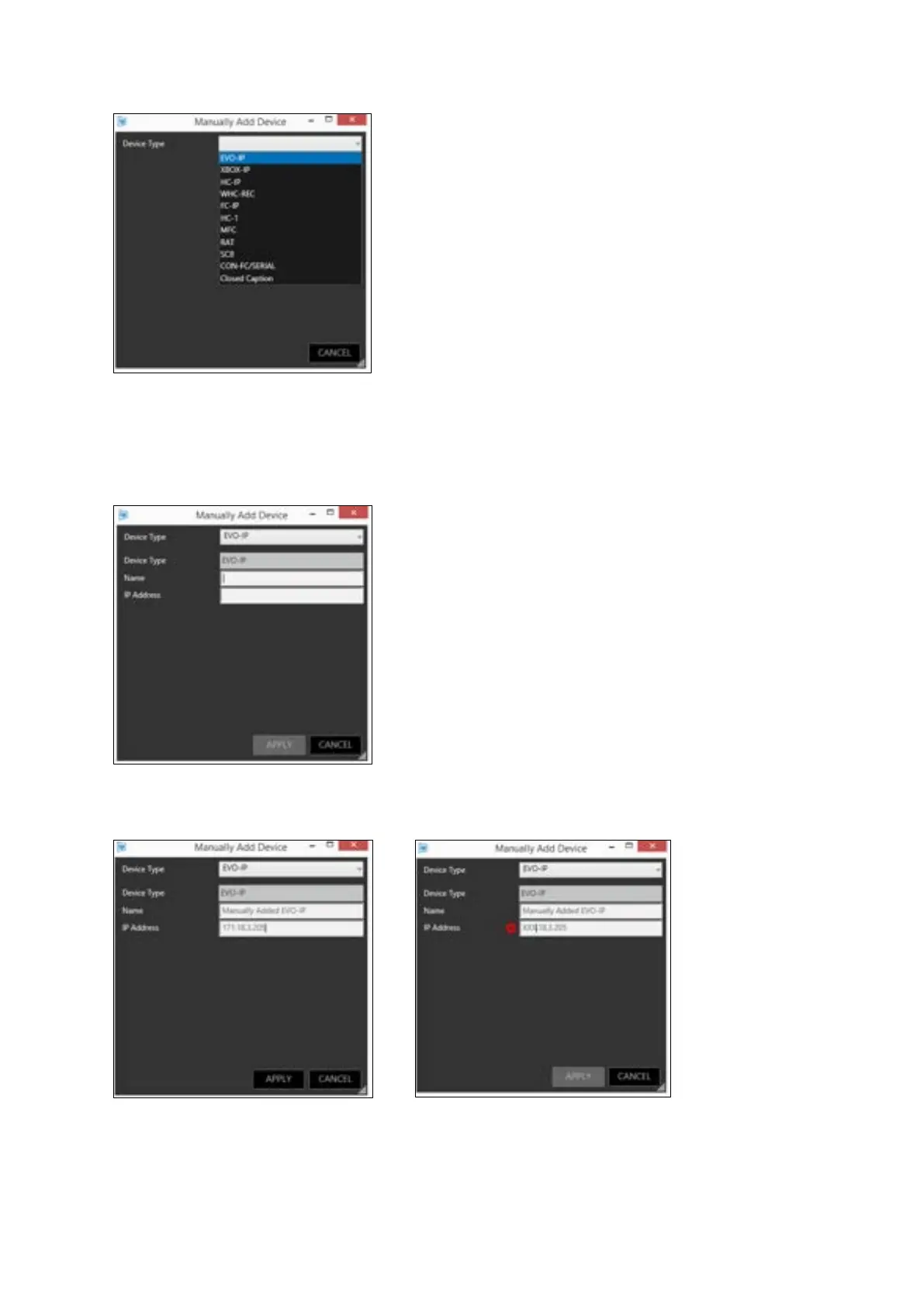
After selecting your device type, the Manually Add Device window will then give you the
opportunity to add a friendly name and the device IP Address:
Populate these fields. Any incorrect entries will result in an error icon being displayed next to the
field:
Click “APPLY”:



 To Next Page