Page | 31
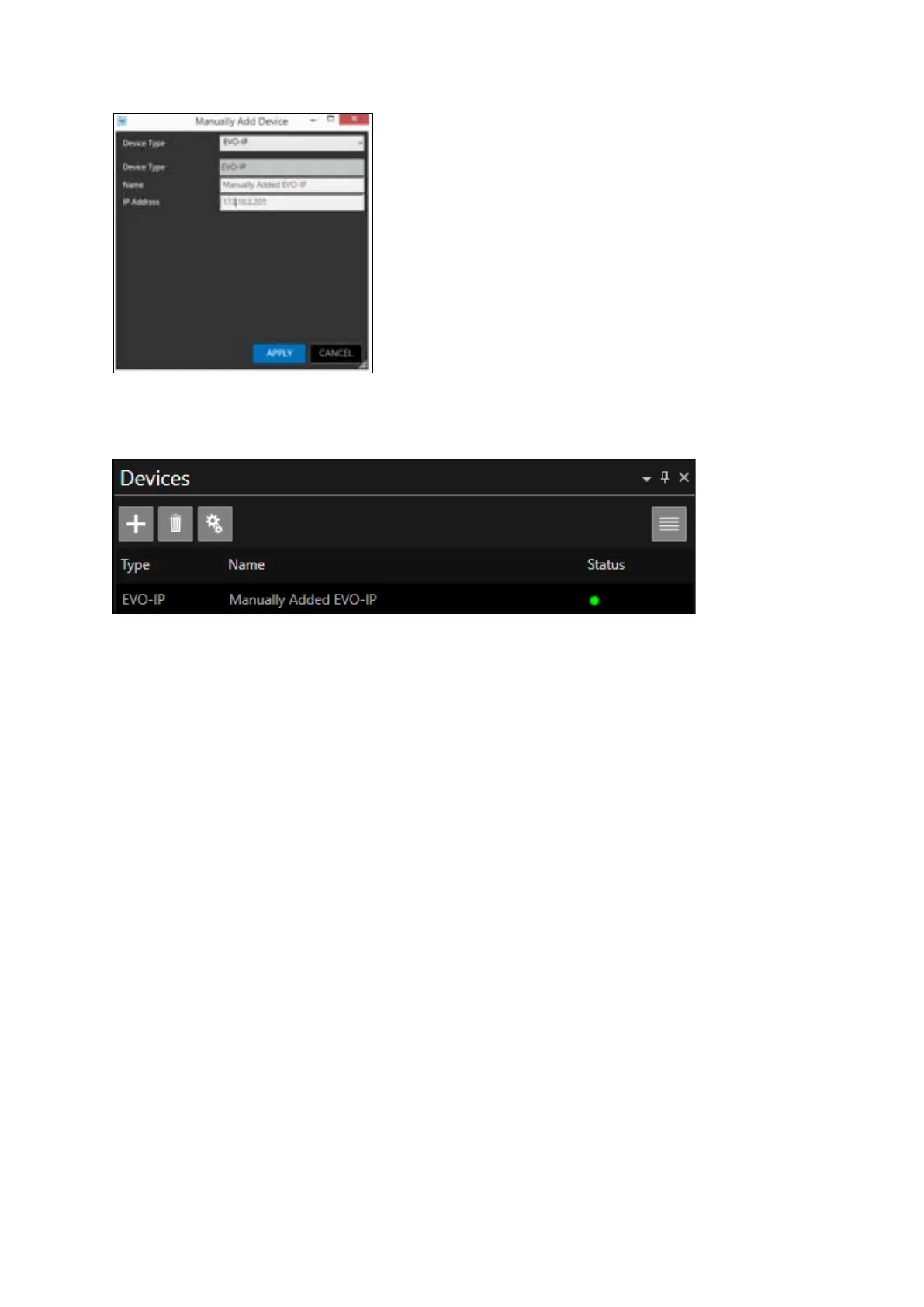
The device will now appear in the Devices list:
IMPORTANT NOTE:
Please be aware of the following during Device Addition
- When a device is connected and assigned with a static IP address, any previously added auto-
discovered profile for the device should be deleted.
- Once this now statically assigned device is deployed, it should then be manually added to the
Device pane.
If the auto-discovered profile is retained, it may connect.
However, if for any reason the connection is interrupted, it will not re-connect
This interruption could be for a number of reasons:
- WinPlus-IP application is restarted
- The device is removed from network and re-mounted to network
- The device powered off and back on
- The network activity times out



 To Next Page