Page | 119
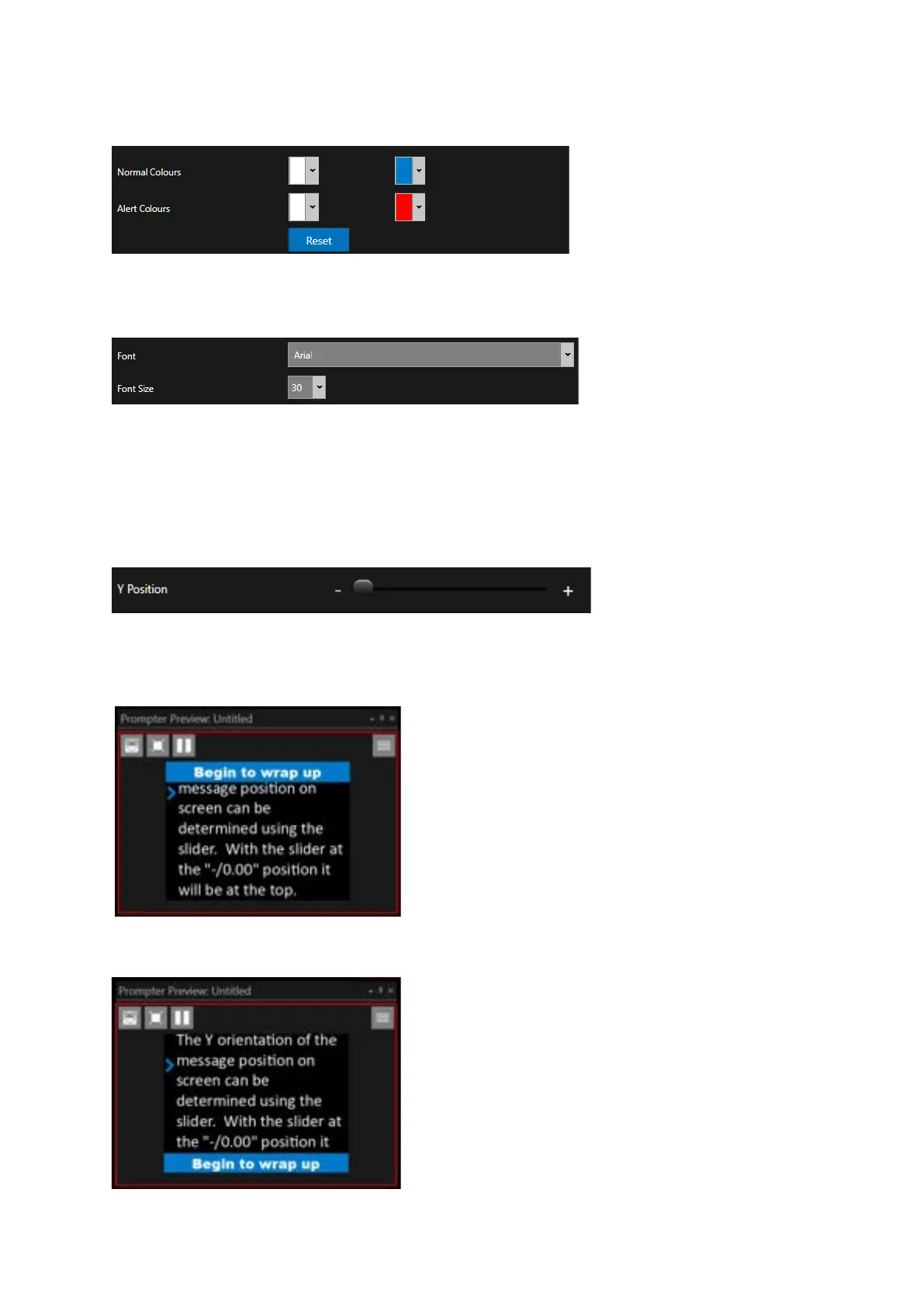
If you would like to revert to the default colour settings you can do this by clicking Reset.
Font & Font Size
Alternative fonts and font sizes can be chosed using the pull down selectors beside these two
configurable options
Please Note: Numbers can also be typed into the Font Size box.
Y Position
The Y axis orientation of the message position on screen can be determined using the slider.
With the slider at far left the message will be displayed at the top of the screen.
With the slider at the far right the message will be displayed at the bottom of the screen.



 To Next Page