Page | 127
It also enables you to set display parameters which include
• Cue marker position
• Clock position
• Interline spacing
• Blanking
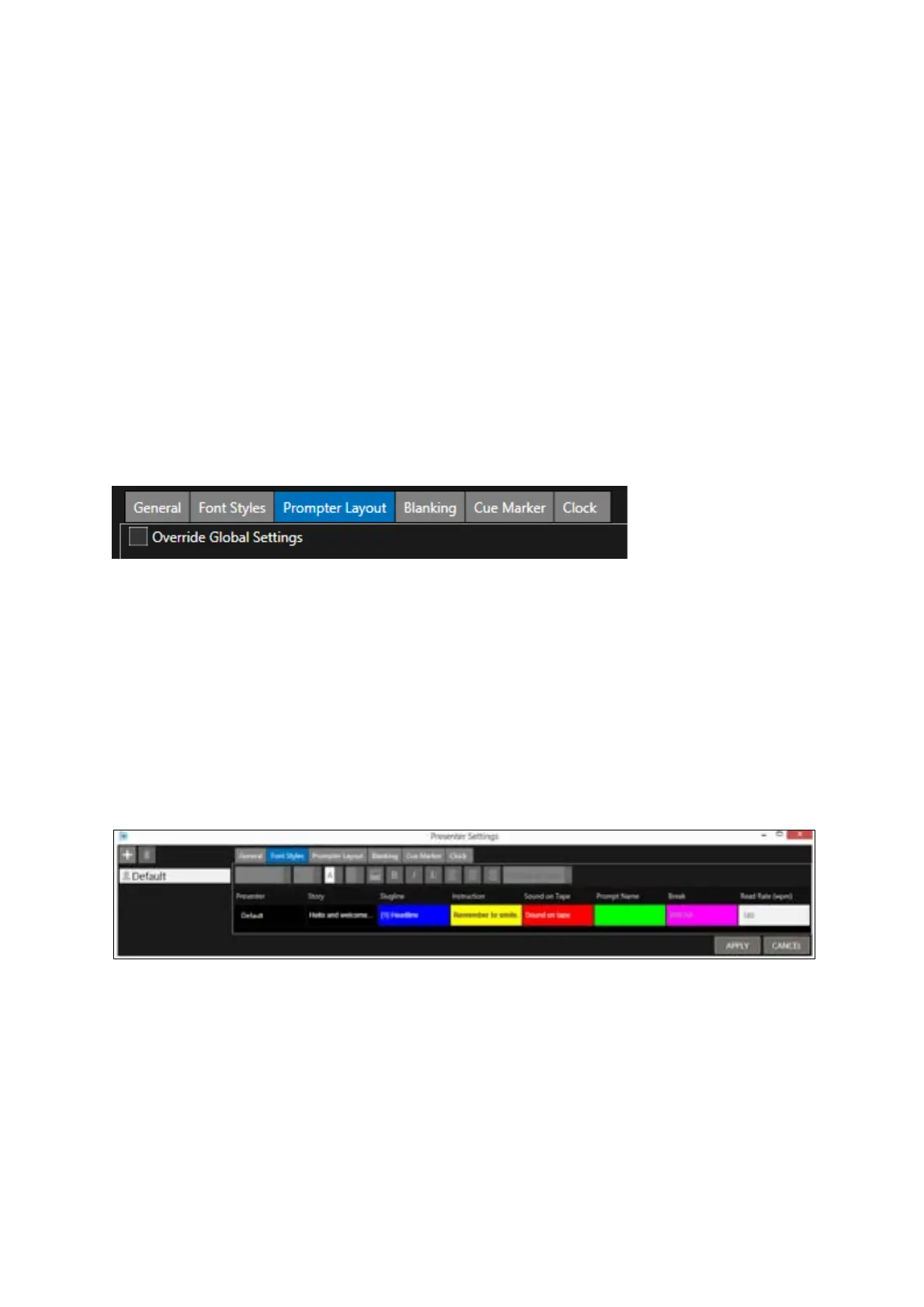
There are several tabs enabling the configuration of settings for each presenter.
Within the tabs:
• Prompter Layout
• Blanking
• Cue Marker
• Clock
there is an option to Override Global Settings (see below the global settings option under the
Prompter Layout tab):
Click on each of the boxes under these headings to edit the parameter for that Presenter. E.g.
• Font
• Text Size
• Foreground (text) colour
• Background colour
• Bold/Italics/Underline
• Text justification
A Default presenter profile is already loaded.



 To Next Page