Page | 27
Devices must be added one at a time.
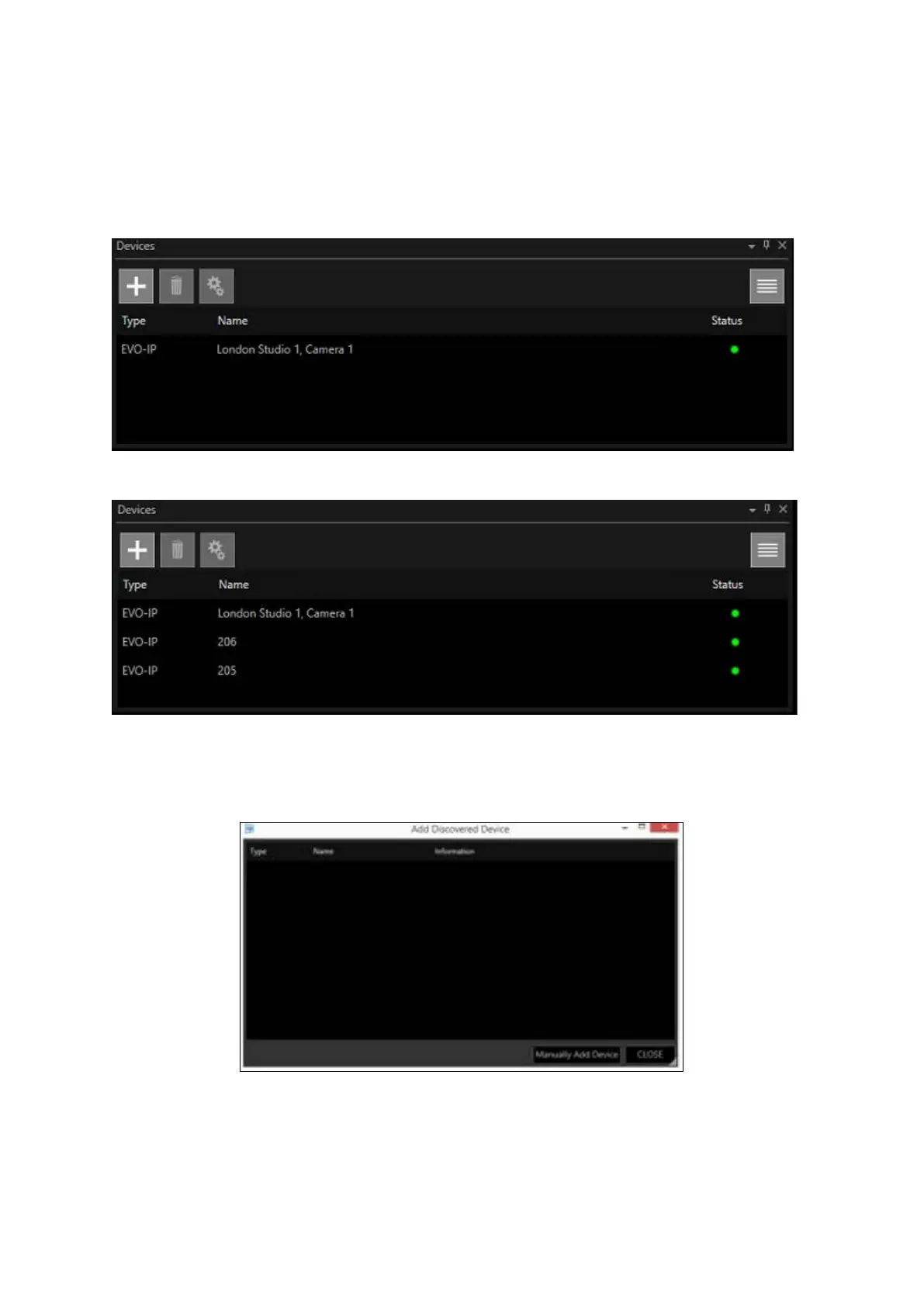
When the device is added it will disappear from the Add Discovered Device window and appear in
the Devices list:
Repeat these steps to add all remaining devices:
When all available devices are added to the Devices list, the Add Discovered Device window will be
empty:
Any new devices subsequently attached to the network will become visible in the Add Discovered
Device window.



 To Next Page