Page | 254
Clock Module Display Mode: Select 12-Hour or 24-Hour display
Clock Module Brightness: Use the slider to adjust the brightness of the clock unit (0-100)
Clock Module Default Colour: Select the colour of the Clock when not on-air (3 colour choices)
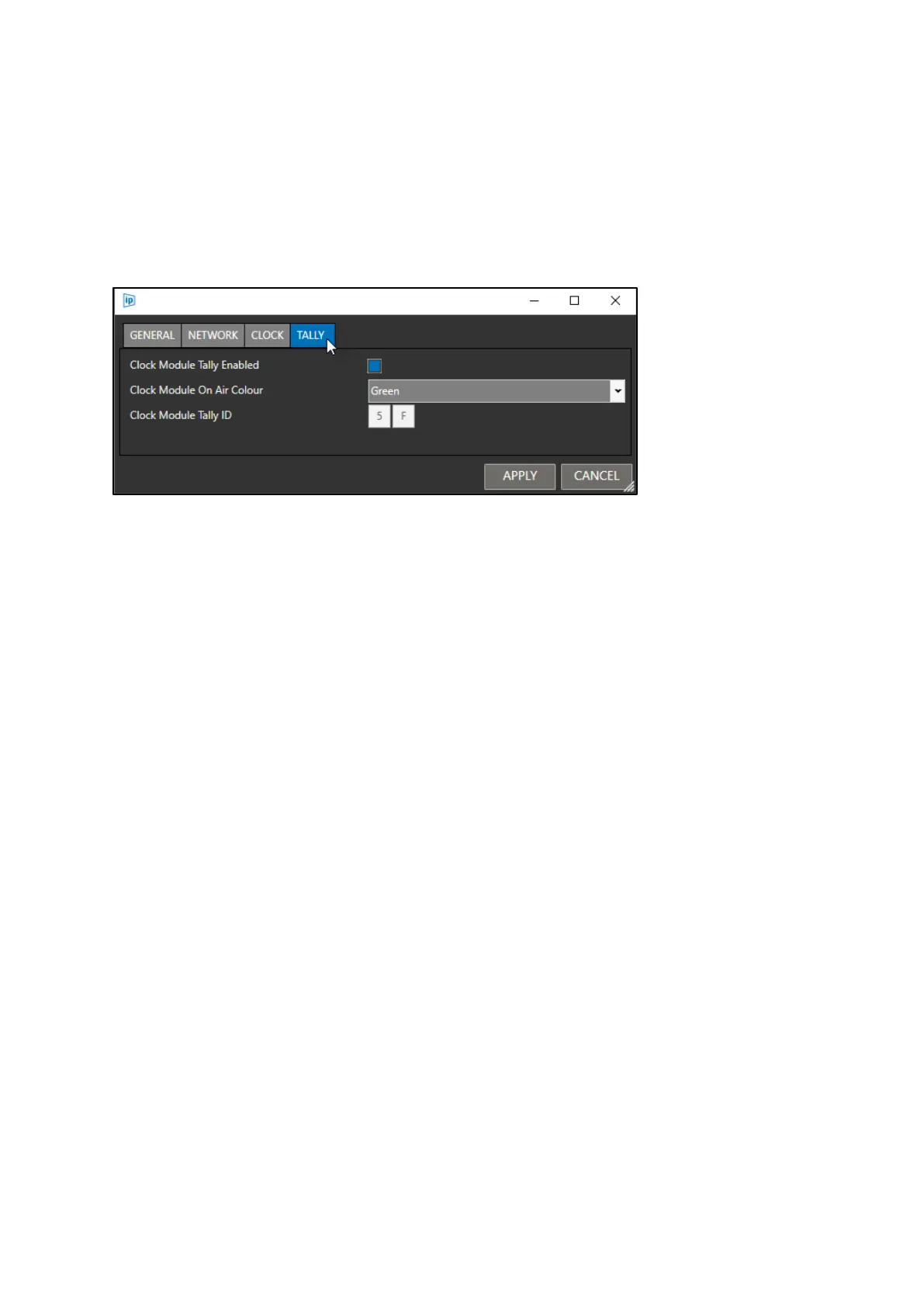
To Configure the Tally option for the Clock module, click the TALLY tab:
Clock Module Tally Enabled: If enabled the Clock will tally when triggered. If disabled the Clock will
not, the On Air colour option will be hidden and Clock will always show as the colour selected in the
CLOCK tab option Clock Module Default Colour.
Clock Module On Air Colour: Select the colour of the Clock when on-air (3 colour choices)
Clock Module Tally ID: Enter the 2 Alpha Numeric digits to be diaplyed in the camera number display



 To Next Page