Page | 22
Once you have moved the licence to the Dongle:
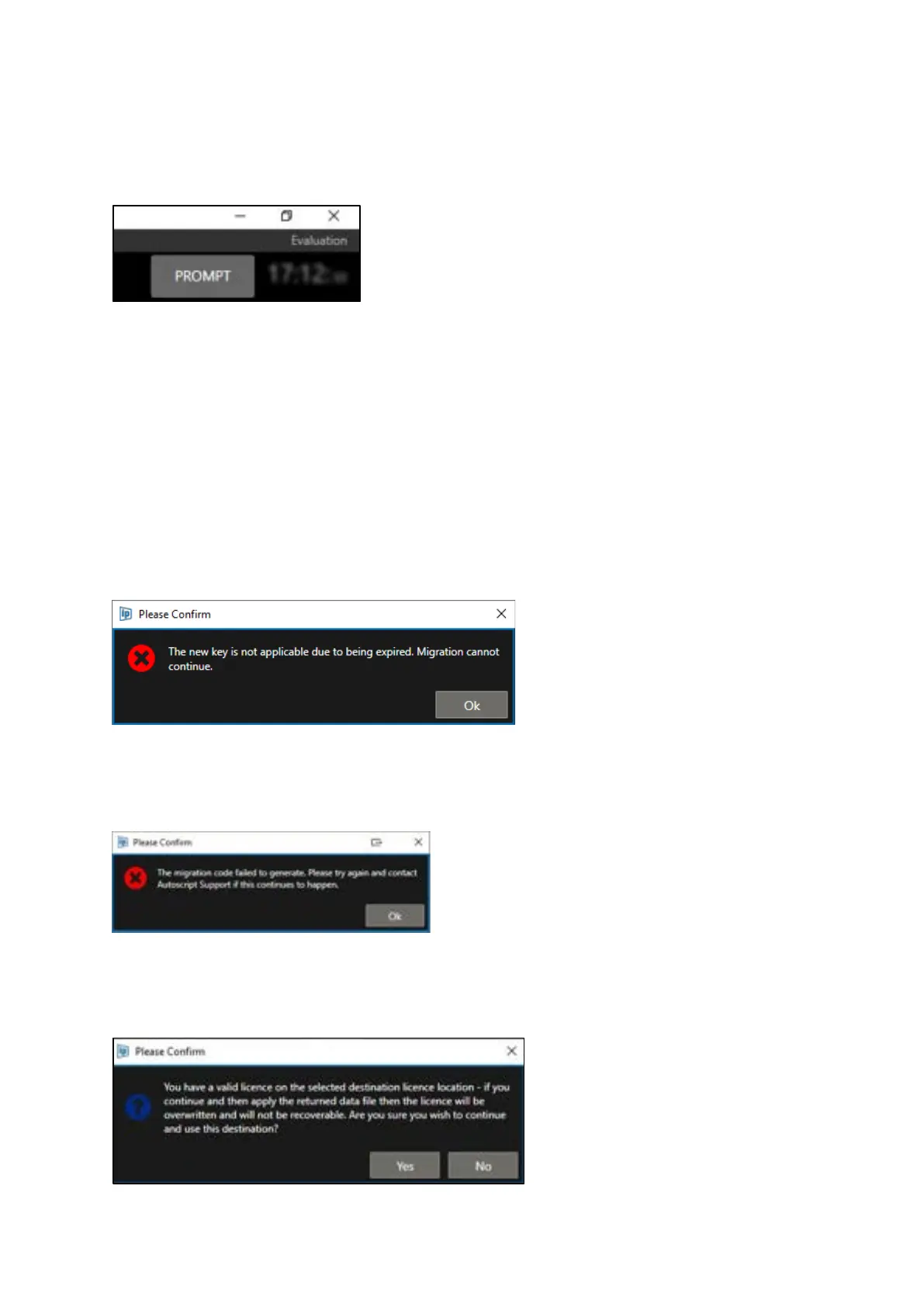
If you close WinPlus-IP and relaunch it without the Licence Dongle attached, WinPlus-IP will open in
Evaluation mode:
If you connect the Licence Dongle after WinPlus-IP has already launched, allow a few moments for
the licence on the dongle to be automatically detected and the licence type applied to WinPlus-IP.
If you launch WinPlus-IP with the Licence Dongle attached, the licence on the dongle will be
automatically detected and the licence type will be applied to WinPlus-IP when it launches.
Error/Warning messages:
If you have requested a Migration Authorisation Code but you do not apply it before your WinPlus-IP
licence expires you will see this error message. Request a new Migration Authorisation Code to
continue.
If you attempt to request a migration code and WinPlus-IP cannot create one you will see this error
message. Please click the Request Migration button again. If it still fails, contact Autoscript support.
If you attempt to Request a new Migration Authorisation Code for a destination which already has a
licence this warning will alert you that the original licence will be overwritten with the new one.



 To Next Page