Page | 145
To filter the results to only select text which matches the whole word entered in the Find Text field
check the Match Whole Word box
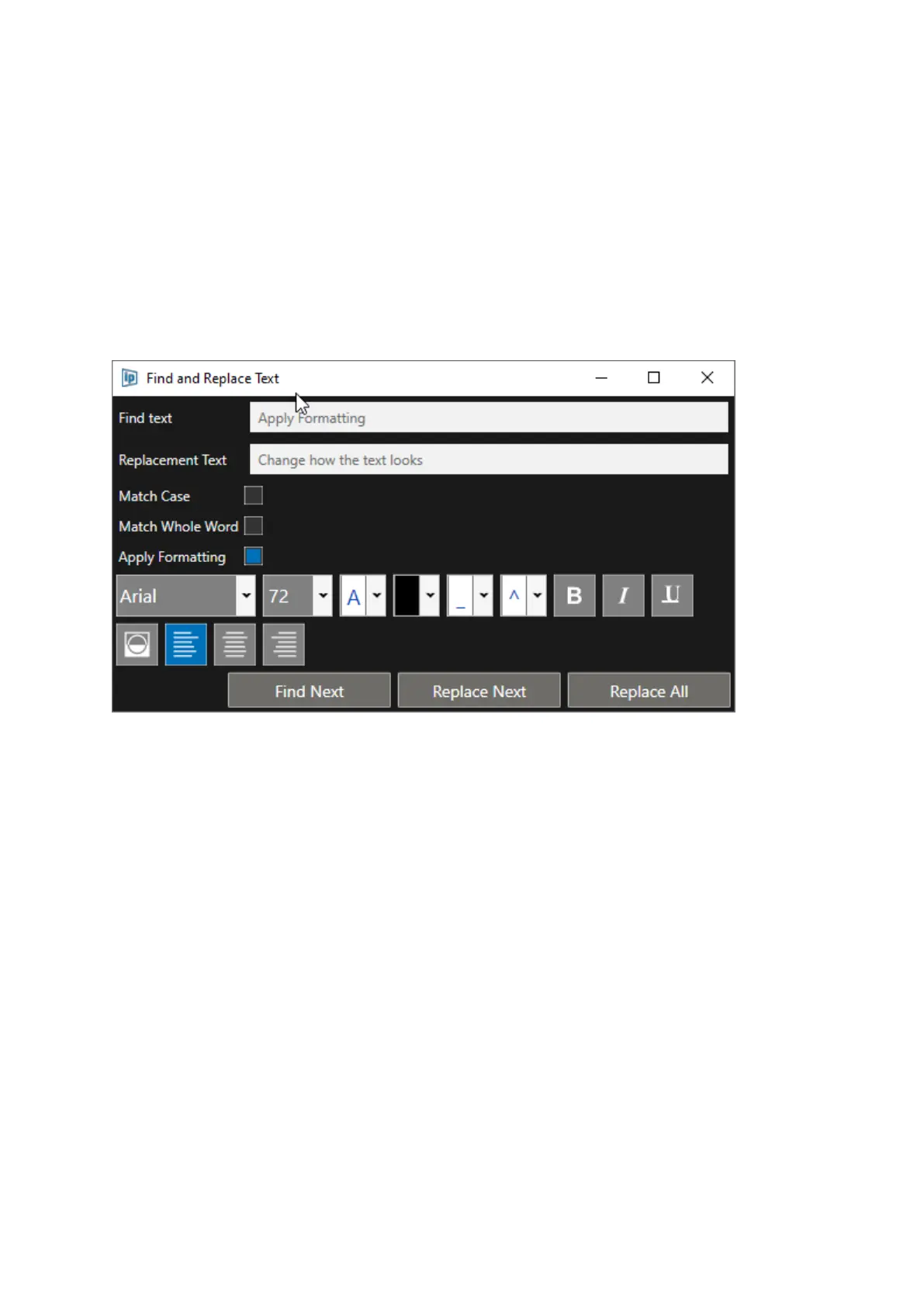
To Apply Text Formatting
To apply specific formatting to the replacement text, click the Apply Formatting box.
This will extend Find & Replace Window to show the available formatting options which can be
applied to the replacement text.
This includes formatting of
• Font
• Font Size Foreground Colour
• Background Colour
• Underline Colour
• Diacritic Colour
• Bold/Italic/Underline
• Text Inverse
• Text Justification.



 To Next Page