Page | 194
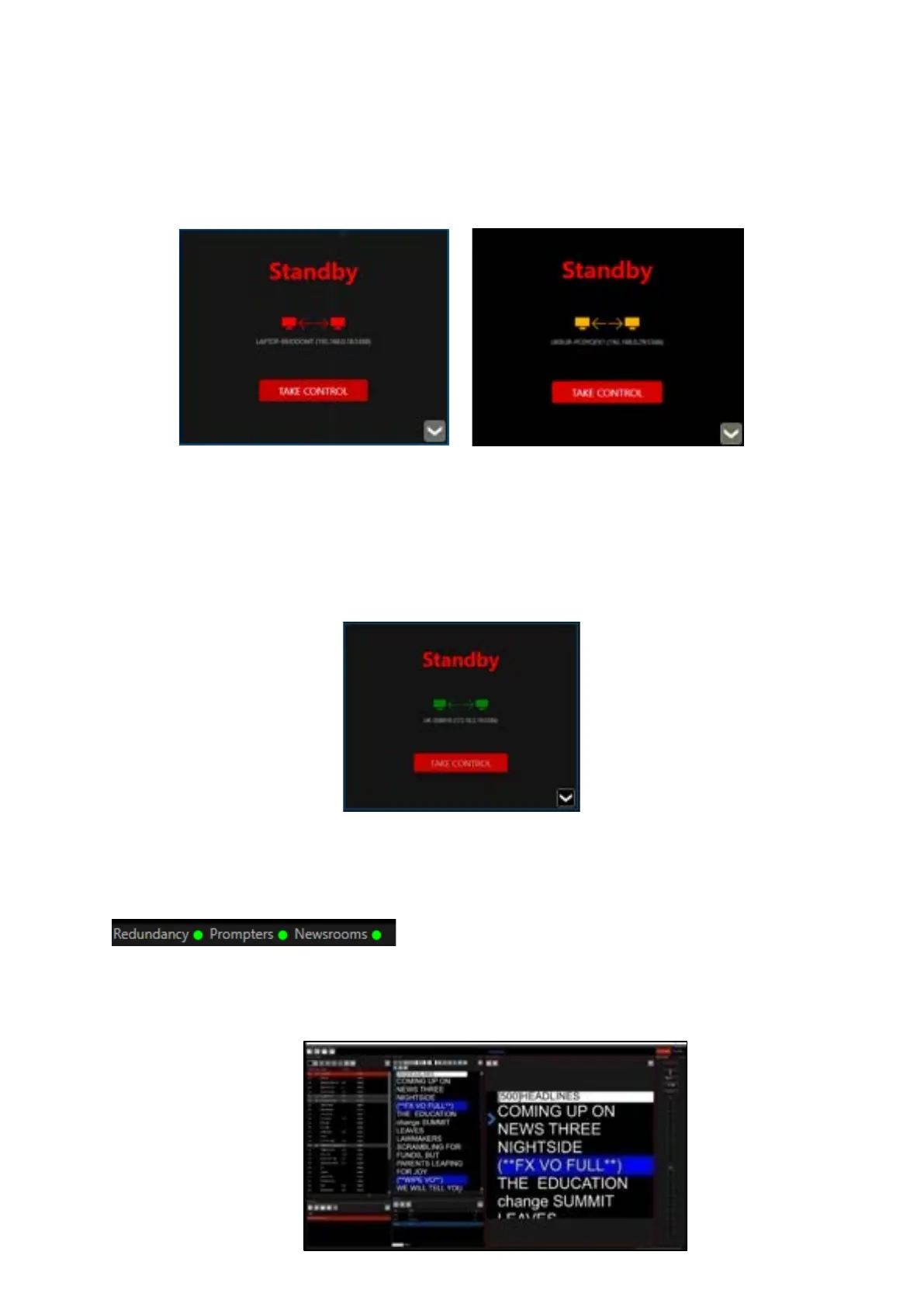
• Blinking red to yellow: Pairing
• Solid Red: Paired/Standby
The paired hostname will be displayed.
When paired the TAKE CONTROL button will become active on both WP-IP instances.
Clicking TAKE CONTROL will assign that machine to the live machine. The Standby window will close.
The STANDBY window on the second machine will now display in green signifying that it is activey
paired.
When paired the message panel in the bottom right of the WP-IP application will display the status
of the redundancy connection.
The two images below show how the Live machine and the Standby machine:
Live machine:



 To Next Page