Page | 216
When selected an explorer window will open. Browse to the location where you have saved your
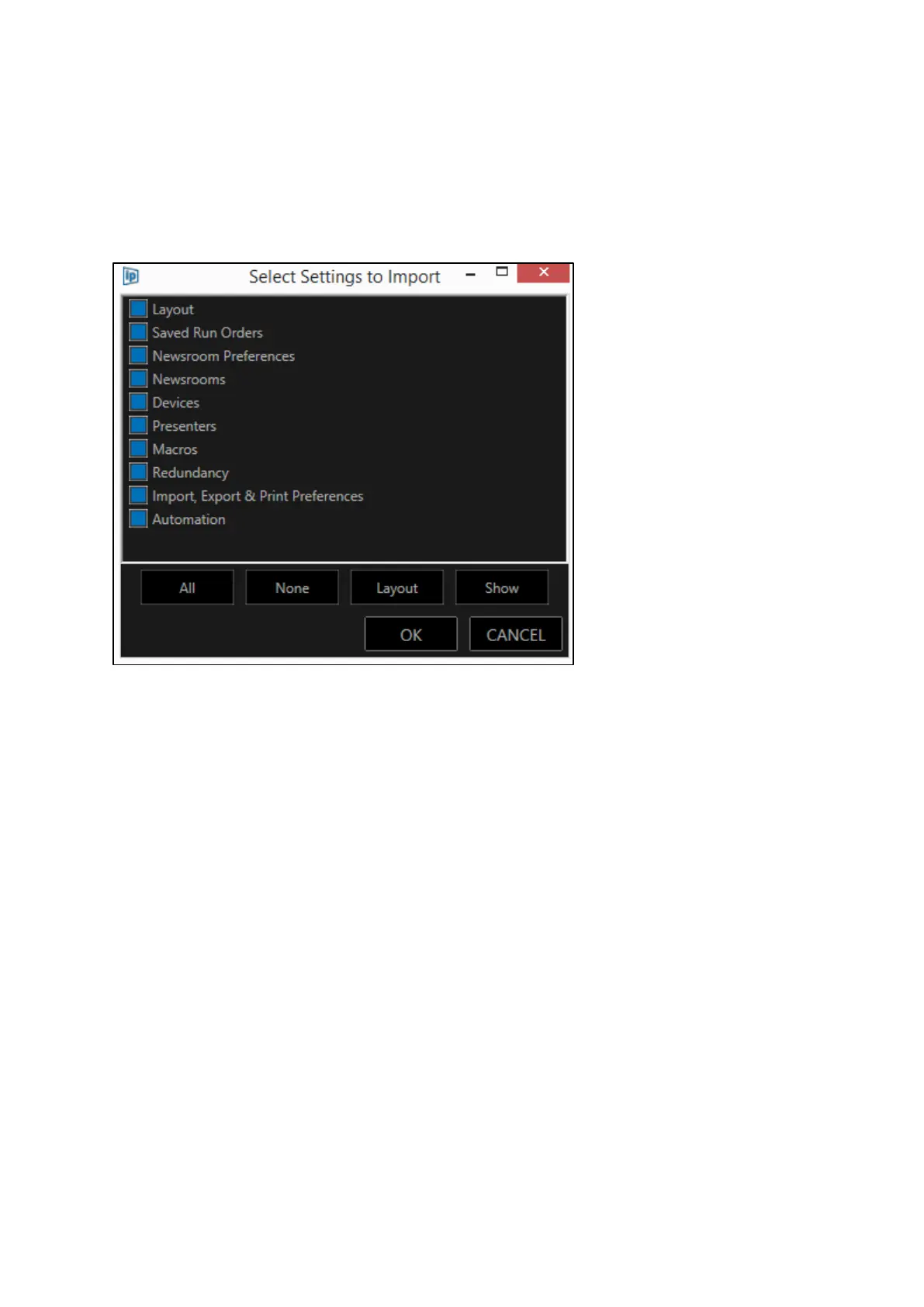
.xml file and select it. This will then launch the Select Settings to Import window.
You can then apply the same buttons as for the export depending on what settings you select to
import.
Where you do not select a setting to import the settings which already exist in the incidence of
WP-IP which is installed will remain unchanged.



 To Next Page