Page | 56
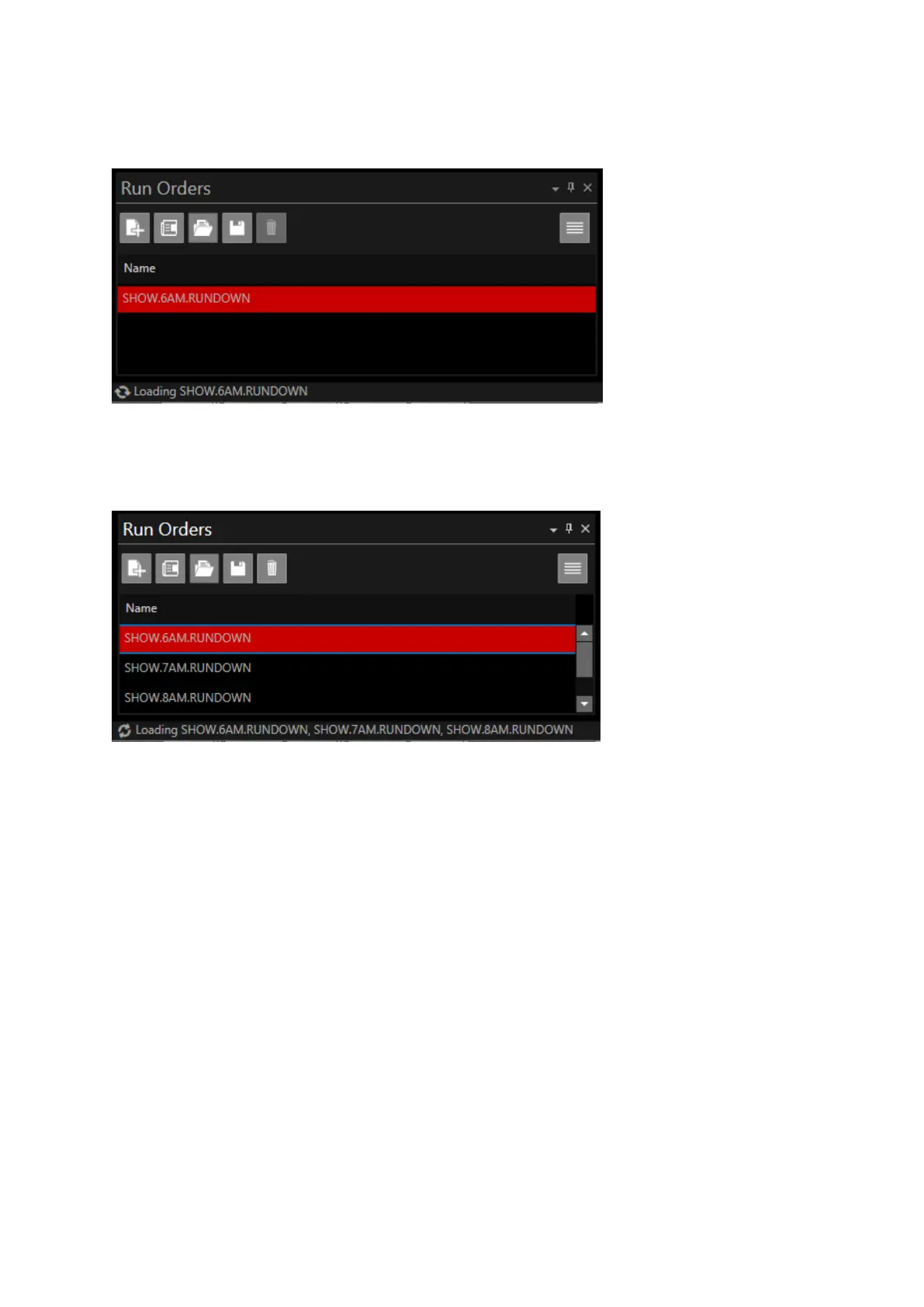
When a Run Order is requested, the name will be shown in the Status Bar and the spinning arrow
will illustrate that the Run Order is in the process of loading:
Where multiple Run Orders are requested each Run Order will be listed in the order that it was
requested:
When a Run Order has successfully loaded it will be removed from the Status Bar.
Please Note: when a Run Order from a file has loaded completely the message “File loaded” will be
displayed. This message will not be shown when a Run Order is loaded from an NRCS.
In addition to the Run Order messages displayed above there are a number of messages which may
also be shown following a user action:
• Newsroom connection error messages
• Newsroom response errors
• When a device config is saved
• After saving a run order
• If the text editor search comes back empty
• If a user drags and drops a story onto a dropped story
Please Note: as features and functions are added additional messages will also be displayed
All messages (other than loading status) will be displayed for 5 seconds and will then automatically
disappear.



 To Next Page