Page | 94
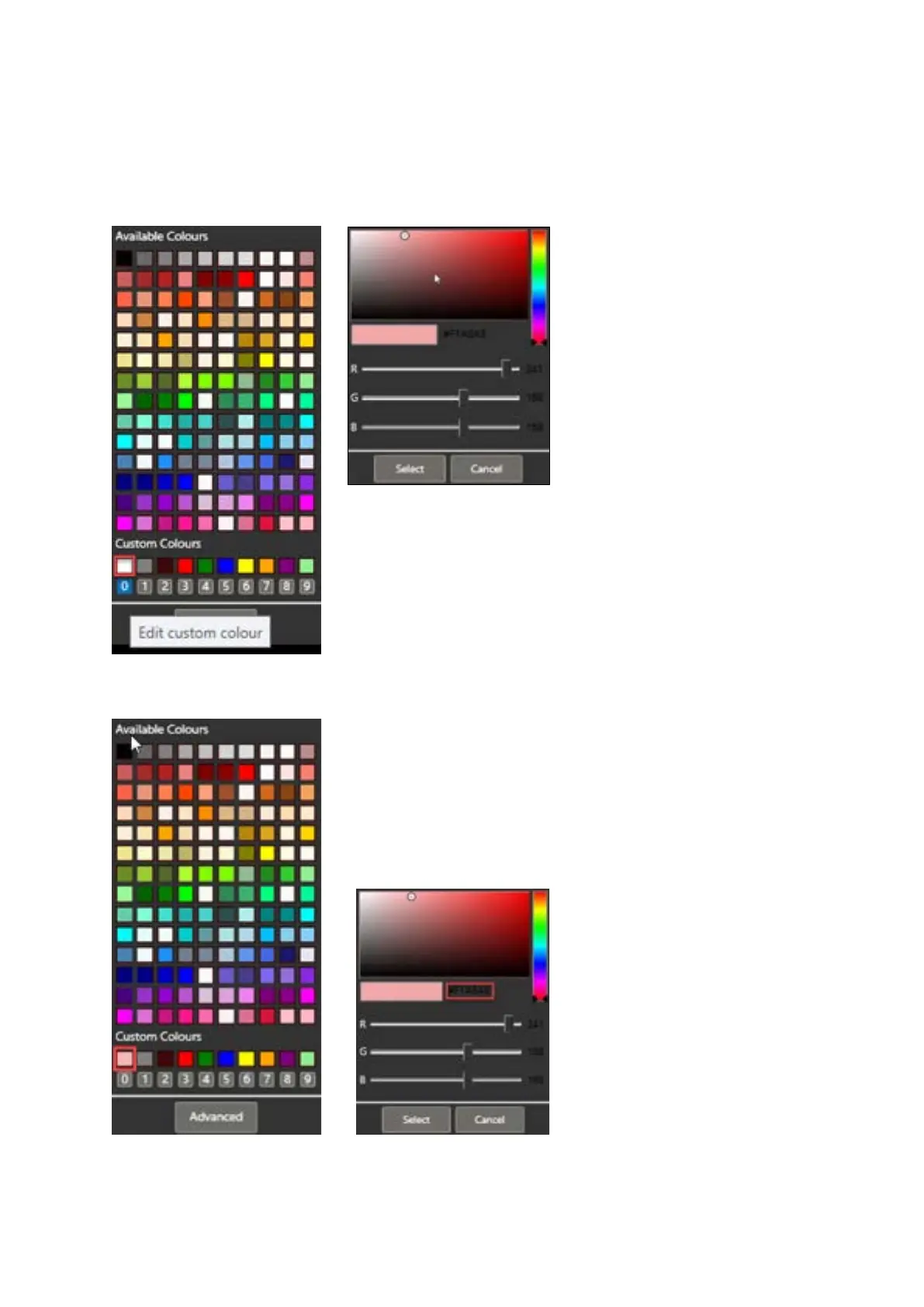
At the bottom of the Available Colours window there is a Custom Colours section. 10 x pre-set
default colours are installed.
To change these custom colours, click on one of the numbers 0 – 9 In the below example Custom
Colour 0 is selected
This will open a colour selector.
Move the cursor to create a colour you want.
Click Select to assign that to the Custom
Colour number you had selected.
Please Note: If you know the number of the colour you want you use you can
enter it by clicking in the number field to the right of the example colour
window:



 To Next Page