Page | 97
Blanking Options
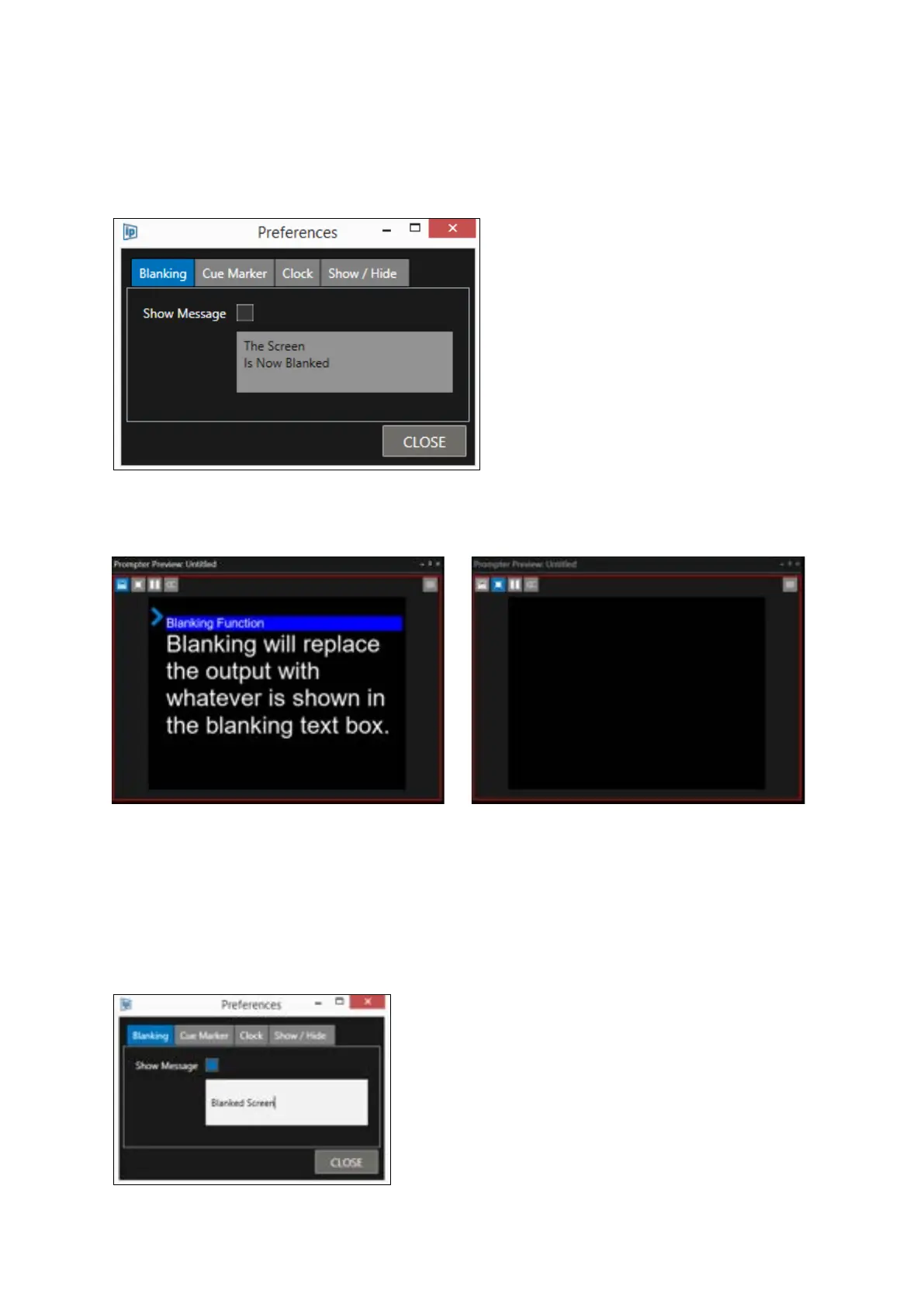
Blanking can be set to switch the output to completely blank or to show a message.
To completely blank the output, uncheck the Show Message button:
The following will result
To show a message check the Show Message button.
You can then add the message to be displayed by typing into the message box.
For example, “Blanked Screen”:



 To Next Page