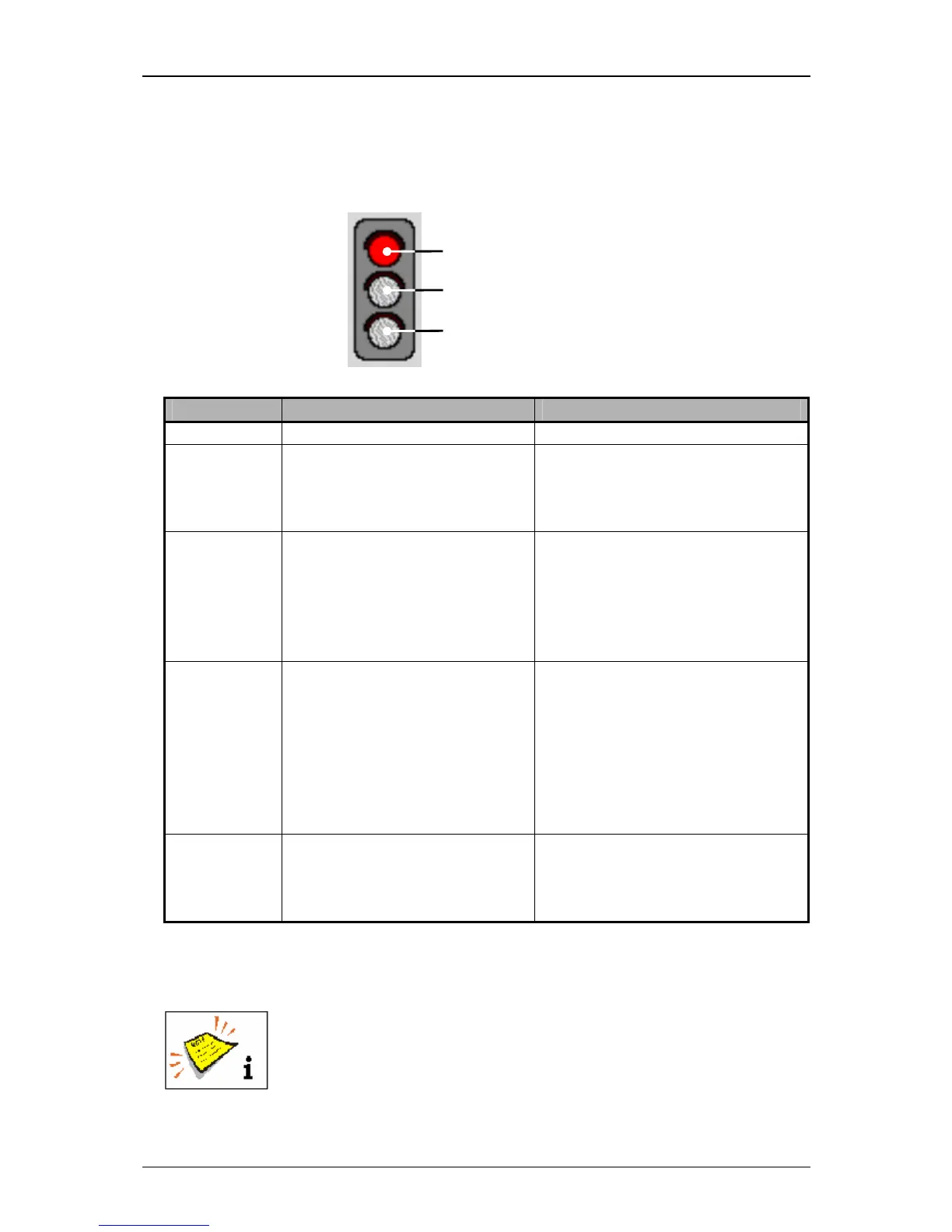
Display Device status Causation/Comment
all LEDs off No errors or warnings are
pending, but the LJ3 is not
ready to change to the print
mode.
e.g.: Nozzle is closed, head cover
is open, etc.
red LED on An error is pending which
requires an immediate
intervention of the operator to
get the print readiness or to
continue an active print
process.
e.g.: Phasing error, PrintGo-error,
HV-error, etc.
yellow LED
on
An intervention of the operator
is required in the foreseeable
future because an warning is
pending.
If the JET3 is in the print
mode, the print process will be
continued.
z.B.: Refill, Leakage, etc.
If the message is acknowledged
without changing the condition
(e.g. no refill has been carried out)
the message will appear again
after one minute.
green LED on The printer signalizes the
readiness to print or that it can
be switched to the active print
mode.
The button <Print stop> is
illuminated.
Button <Off> (10): With this button you can switch off the device.
You will find further information also in the Chapter Switch



 To Next Page