3 Remove the cover assembly, rear lower.
Rear door assembly removal
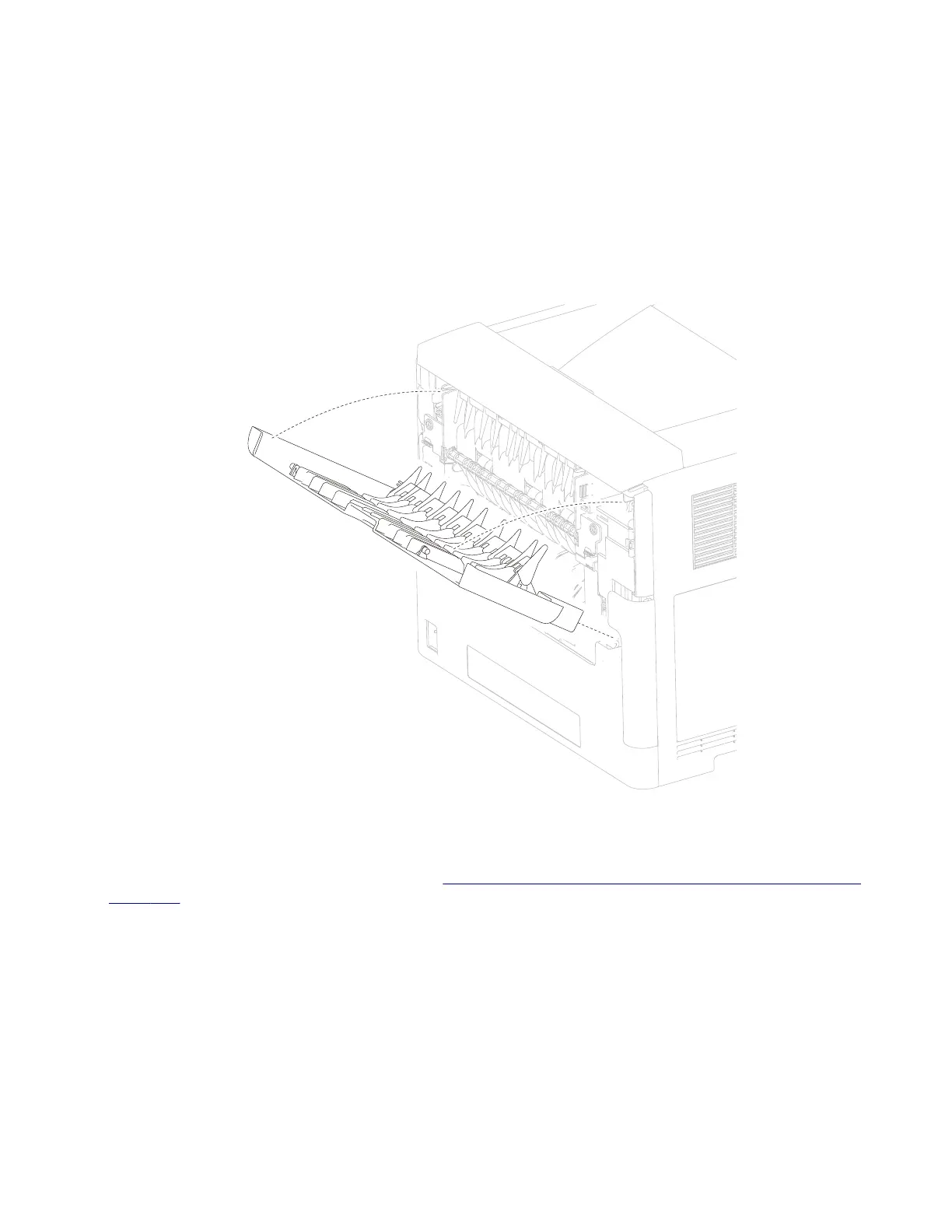
1 Pull the door assembly, rear away from the machine.
2 Twist the door strap left or right until vertical, and pull the strap out of the slot.
3 Position the door assembly, rear at a 45° angle as shown in the picture.
4 Remove the door assembly, rear.
T652, T654, and T656 rear duplex guide assembly removal
1 Remove the cover assembly, rear lower. Go to “T652 and T654 rear lower cover assembly removal” on
page 326.
2 Remove the media tray.
3 Gently place the printer on its left or right side.
4 Remove the two screws (A) securing the two retainers (B) to the machine.
5 Remove the two retainers (B).
4062
Repair information
327



 To Next Page