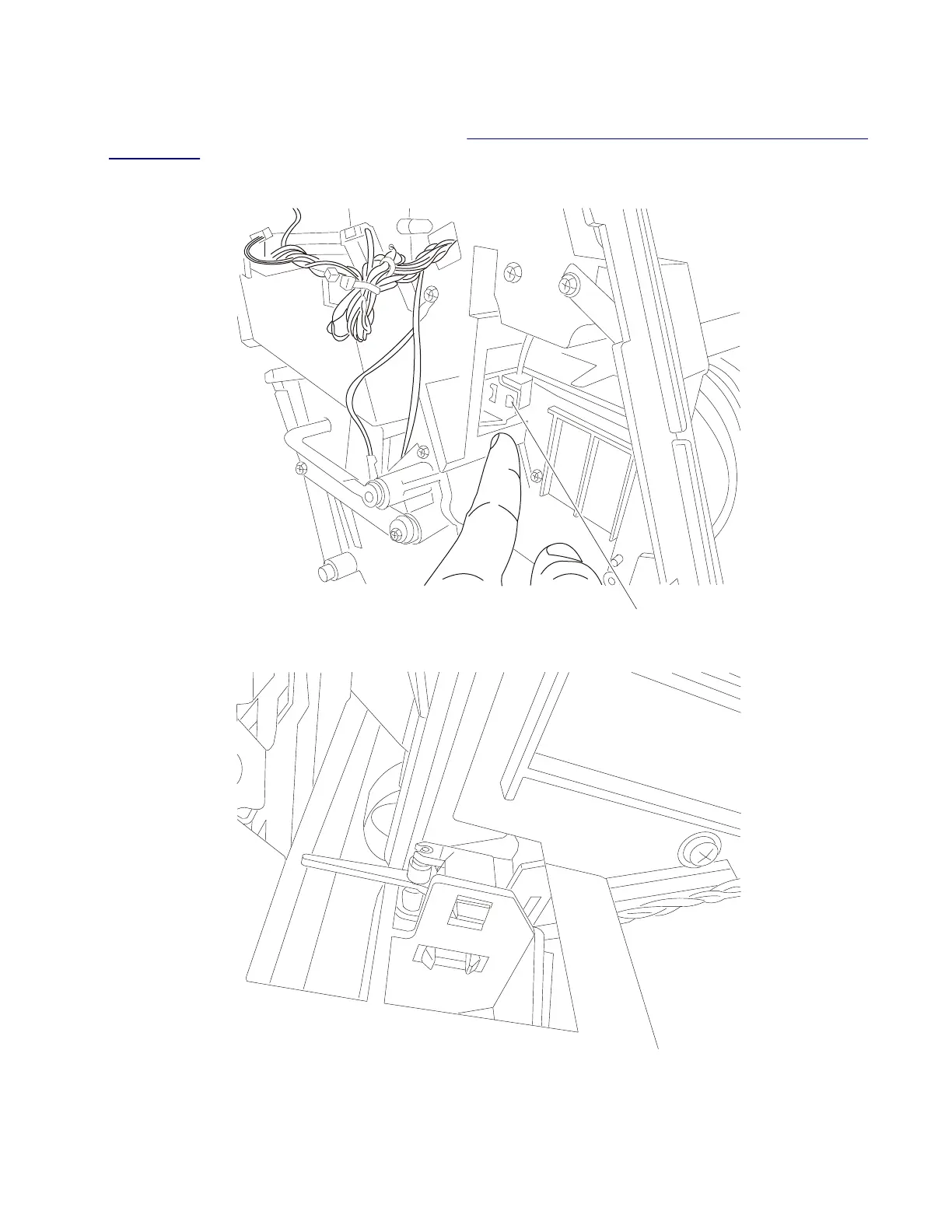
Sensor (SFP stapler assembly media in stapler) removal
1 Remove the stapler unit assembly from the. Go to “SFP stapler assembly stapler unit assembly removal”
on page 441.
2 Using a flat-blade screwdriver, release the tabs (A) securing the sensor.
A
3 Using needlenose pliers, carefully grip the sensor and pull it out and disconnect the harness.
Installation note: Using needlenose pliers, place the rear most tab in the sensor bracket first. Then push
on the rear face of the sensor until the other two tabs snap into place.
4062
Repair information
448



 To Next Page