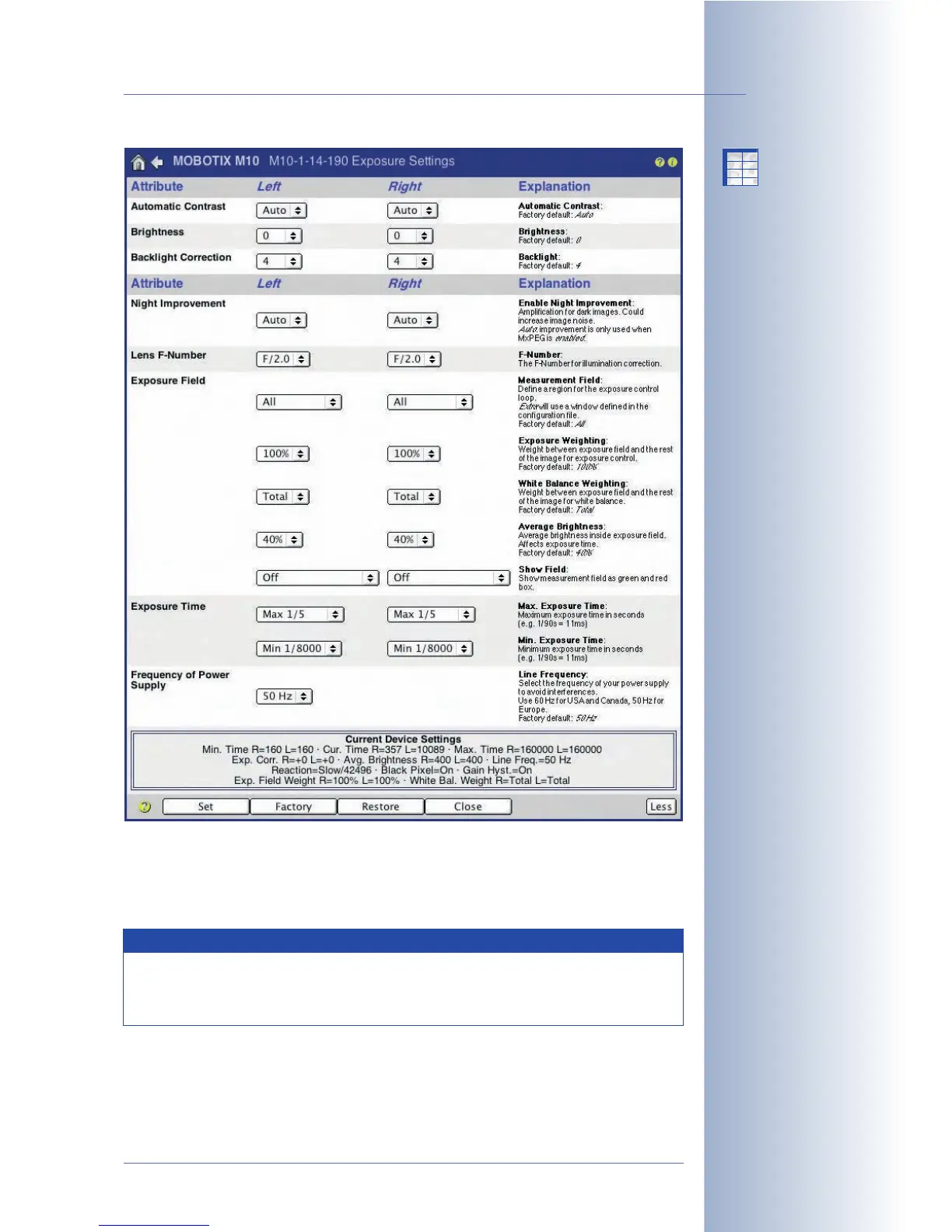
• Average Brightness: Use this parameter to set the average image bright-
ness that should be reached within the exposure windows. If the maximum
exposure time is insufficient, the camera software may actually use even
lower values.
© MOBOTIX AG • Security-Vision-Systems • Made in Germany
www.mobotix.com • sales@mobotix.com • 10.10.2006
127/288
Software Camera Manual Part 2
Dual and Night camera
models accept different
exposure windows for the
two image sensors
Exposure windows can
be customized for any
situation
MOBOTIX cameras
feature integrated
white balance
X
X
-
-
-
-
X
X
Kamerafunktionen
Kameramodell
Note
You may set different exposure windows for every zoom level. You
could, for example, use the
Right
exposure window for 1x Zoom and
the
Spot
exposure window for 4x Zoom.



 To Next Page