8.2.3 Settings of Snap Shot Recording
Snap Shot Recording can be used to record images in an event-controlled man-
ner. The camera can also create image sequences of up to 50 JPEG images before
and 50 after the actual event (Basic/Web models: 3, IT models 10 images before
and after the event). Use the MOBOTIX camera's Player screen to view the JPEG
images; they can also be opened using any graphics or image viewer application.
Settings
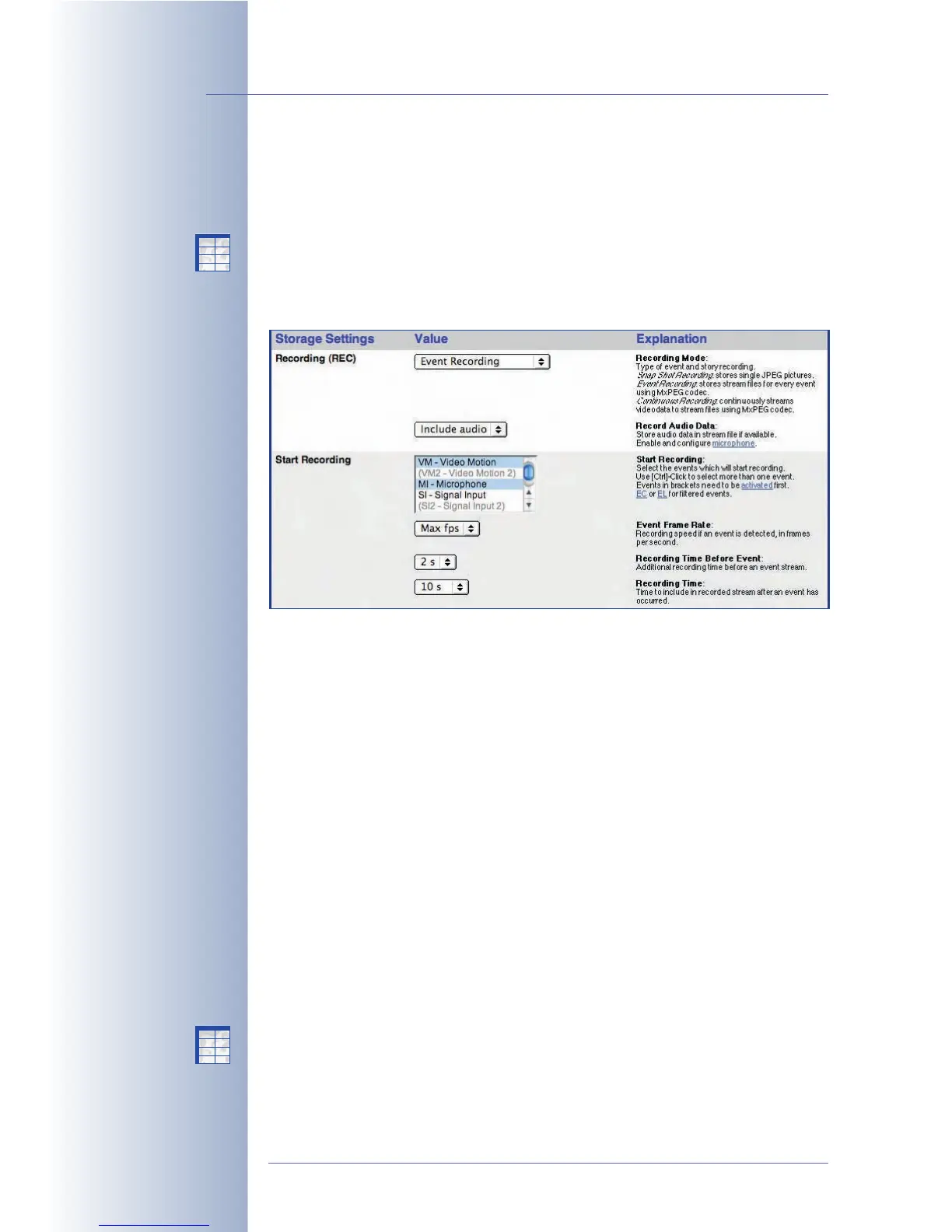
• Start Recording, Snap Shot Interval, Pre- and Post-Alarm Images: High-
light the events in Start Recording that are supposed to start the recording
process. Snap Shot Interval sets the time span between each of the pre-
and post-alarm images that are to be recorded (maximum interval is
600,000 milliseconds = 10 minutes). The Pre-
and Post-Alarm Images pa-
rameters set the number of images recorded before and after an alarm
(event).
Make sure that the highlighted events are activated in the Setup Menu >
Event Settings dialog if you intend to use them.
• Retrigger Recording (optional): Highlight the events, which should retrigger
(i.e. extend) the recording time while the post-alarm images are stored.
If one of the selected events occurs, the camera extends the recording time
by again storing the specified number of post-alarm images. This is an op-
tional parameter.
Make sure that the highlighted events are activated in the Setup Menu >
Event Settings dialog if you intend to use them.
• Stop Recording, Images After Stop Event, Recording Dead Time (op-
tional): Highlight the events in Stop Recording that are supposed to stop an
ongoing recording process. These parameters allow setting the number of
images recorded after a Stop Recording event (Images After Stop Event,
© MOBOTIX AG • Security-Vision-Systems • Made in Germany
www.mobotix.com • sales@mobotix.com • 10.10.2006
210/288
Software Camera Manual Part 2
Snap Shot Recording with
up to 50 pre and 50 post-
alarm images
Setup Menu>
Recording>
Snap Shot Recording
X
X
-
-
-
-
X
X
Kamerafunktionen
Kameramodell
X
X
-
-
-
-
X
X
Kamerafunktionen
Kameramodell



 To Next Page