4.3.6 Background Information on JPEG, MxPEG and Audio
An uncompressed mega pixel image (e.g. as BMP file) would require about 4 MB
storage space and would be much too large for efficient storage and transmission.
Even on a 100 Mbps network, transferring the file would take about 1/2 second.
This means that the image data has to be compressed already in the camera. Se-
veral possibilities can be used for this purpose:
JPEG
The most common method for compressing single images is JPEG compression.
This compression method reduces the file size (depending on the quality setting)
from 1/20th to 1/50th of its original size.
Motion JPEG
If the single images are shown in rapid succession, they appear as live video if the
frame rate is 12 frames per second or higher. This process is called Motion JPEG
since the individual images are JPEG-encoded images.
MPEG
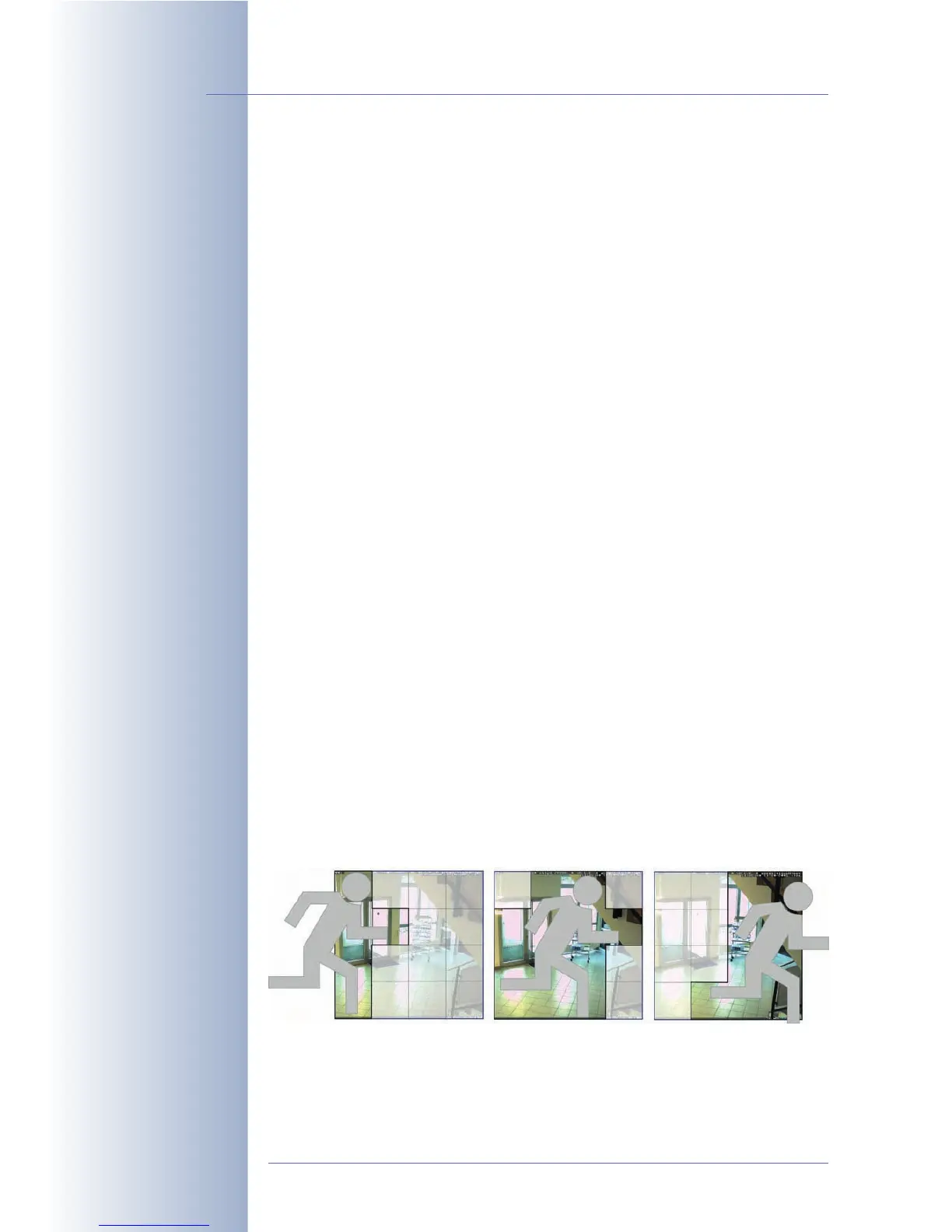
Usually, the changes between two images are minor, i.e. many areas of the
images are retransmitted, although nothing has changed. This has led to the deve-
lopment of video encoding schemes such as MPEG, since it eliminates (redundant)
retransmission of identical image areas.
Motion JPEG and MPEG, however, have distinct disadvantages for live cameras.
They have been developed for compressing movies but are not optimized for live
cameras. How long it takes to encode a movie for a DVD is of no importance –
image quality and level of compression are the key factors. A live camera, on the
other hand, needs to show the scene on a monitor as quickly as possible (
scene-
to-screen
time). The second problem of regular encoding schemes such as MPEG
is that moving objects are encoded with lower quality and resolution, since the hu-
man eye cannot recognize details of a moving car in a video sequence, for examp-
le. For security purposes, however, the moving objects are the most important ones
and they have to be transferred to the monitor in good quality and as quickly as
possible.
© MOBOTIX AG • Security-Vision-Systems • Made in Germany
www.mobotix.com • sales@mobotix.com • 10.10.2006
28/288
Software Camera Manual Part 2



 To Next Page