5.7.8 Custom Exposure Windows (Extra)
In addition to the predefined exposure windows, you can also use customized
exposure windows:
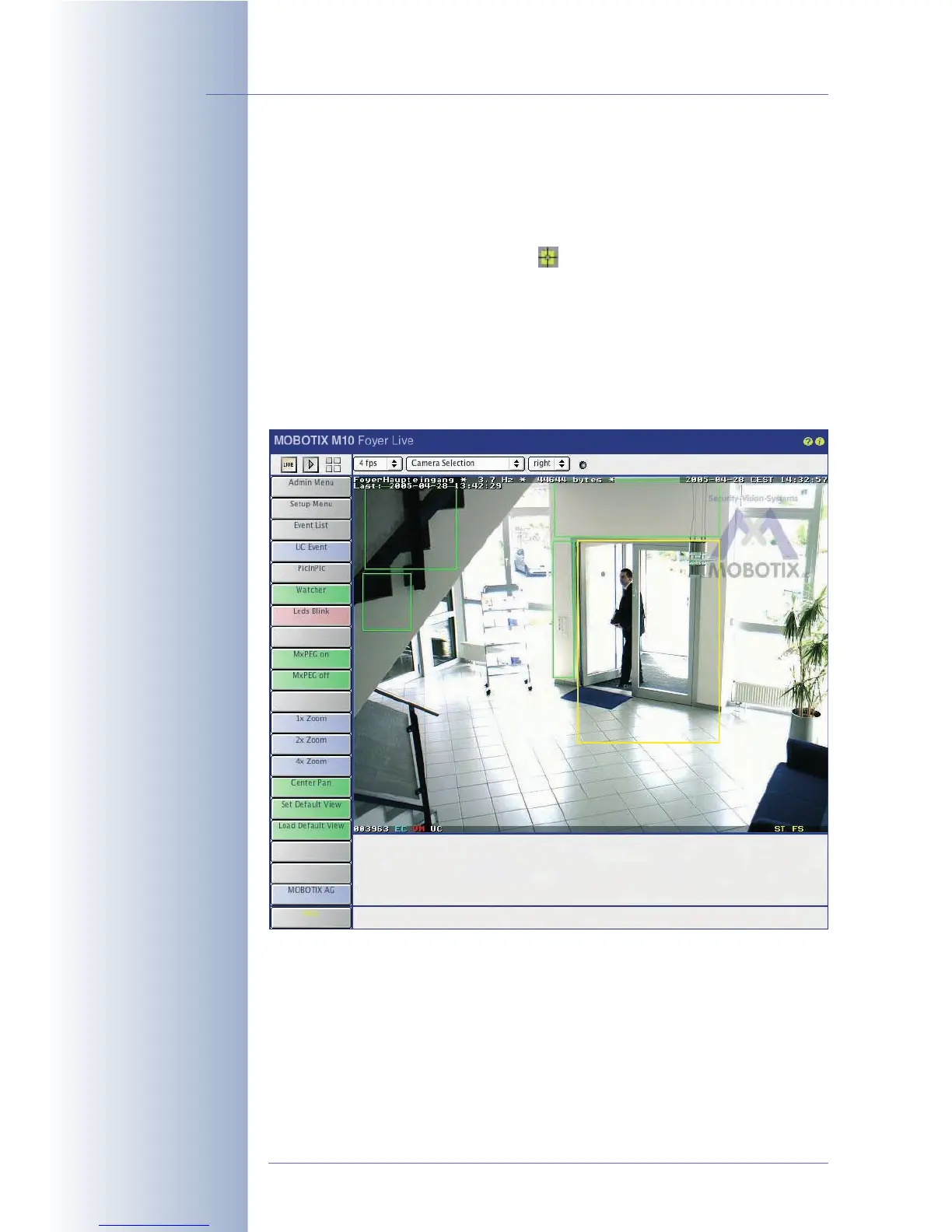
• Define the first corner point of the exposure window by Shift-clicking with
your mouse in the live image; the icon appears on that position.
• Define the second corner point of the image window diagonally across by
clicking with your mouse in the live image (left-click).
• The camera draws a yellow frame that represents the custom exposure win-
dow. Next, select the
Extra
option for the Exposure
Window parameter and
click on Add
Rectangle in order to add the coordinates of the new exposure
window to the Exposure
Window
Definitions field. Clicking on the Set button
will activate the new exposure window in the live image.
© MOBOTIX AG • Security-Vision-Systems • Made in Germany
www.mobotix.com • sales@mobotix.com • 10.10.2006
128/288
Software Camera Manual Part 2
MOBOTIX cameras
support different
exposure windows for
different zoom levels of
the digital zoom
Yellow frame: Define
measurement window
using Shift-click, click



 To Next Page