8.3 Recording Types
8.3.1 Recording in the MOBOTIX Camera
When storing the recorded video in the internal ring buffer, the MOBOTIX camera
can be used as stand-alone system. Recording requires neither extra storage me-
dia nor data cabling. As per factory default, this recording mode has already been
activated.
Depending on the image size (resolution) and the quality, MOBOTIX Secure models
can store up to 4,000 images in CIF resolution
(320x240), up to 2,500 images in
VGA resolution (640x480) and about 800 images in Megapixel resolution
(1280x960) in the internal ring buffer.
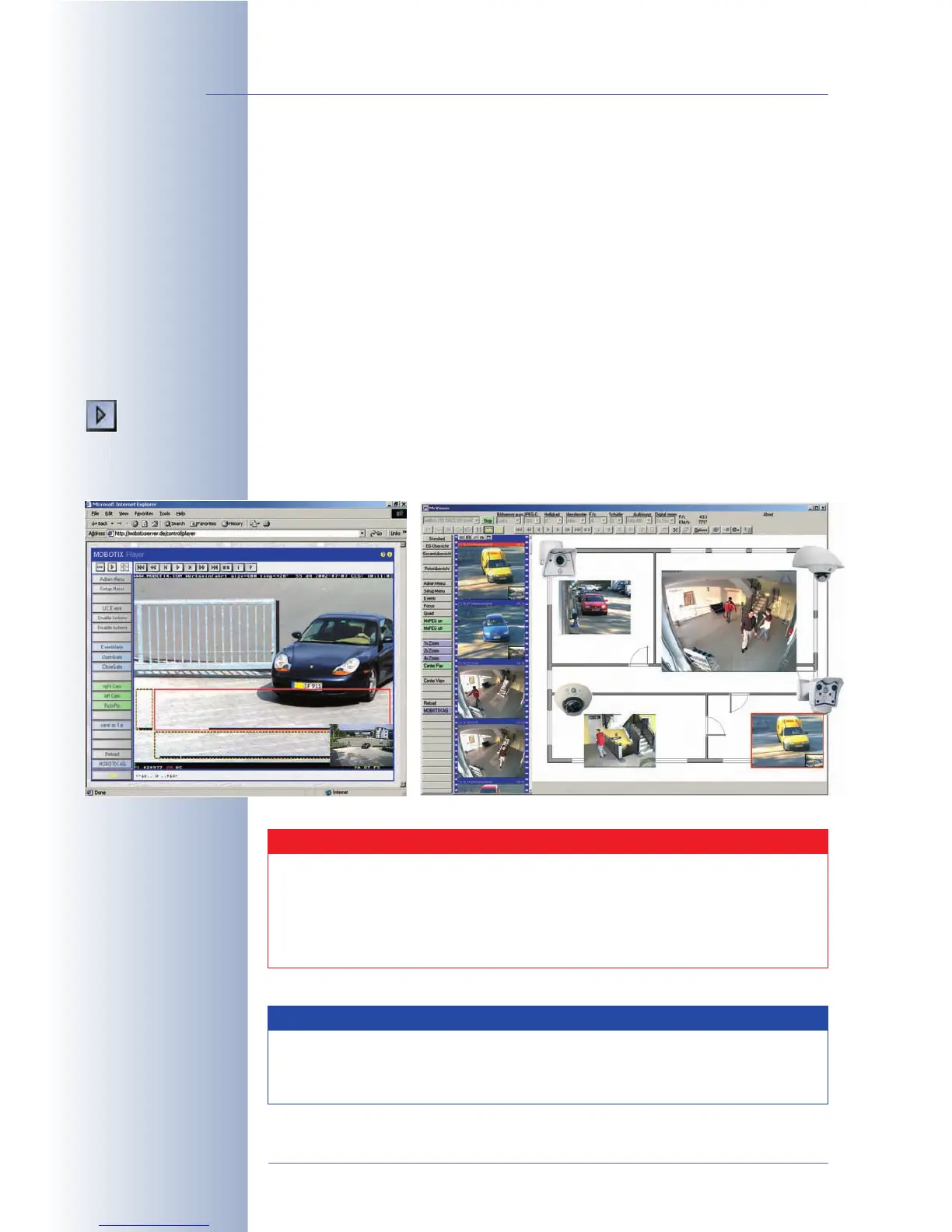
The Playback screen of the MOBOTIX camera allows viewing the events recorded
in JPEG format. For playing back the video clips in MxPEG format, you can use
Internet Explorer on Windows computers with installed MxPEG ActiveX-Plug-in or
MxViewer for Windows.
© MOBOTIX AG • Security-Vision-Systems • Made in Germany
www.mobotix.com • sales@mobotix.com • 10.10.2006
218/288
Software Camera Manual Part 2
Playback screen
Caution
Since the internal image storage of the MOBOTIX cameras is volatile,
a power failure will delete all images and video clips that stored inter-
nally. Power should thus be supplied to the camera using an uninter-
ruptible power supply (UPS). For security applications, it is highly rec-
ommended to set up recording on an external file server.
Note
The following link shows the file system of the MOBOTIX camera. You
can examine the file and folder structure as the camera creates it:
http://<camera IP address>/record/events/
MxViewer
MOBOTIX camera playback screen



 To Next Page