9.6 Remotely Controlling the Camera Using a Phone
While calling the MOBOTIX camera on the phone, you can execute remote-control
functions using the phone's touchtone keys. For example, pressing the correspond-
ing phone key will prompt the camera from any phone to announce certain infor-
mation, to change its arming status, to trigger an event, to send an e-mail, to
change the audio mode or the status of the signal output—regardless of whether
you called the camera or the camera called you.
To be able to remote-control the camera, this feature has to be properly configured
in the Admin Menu > Phone Profiles and Admin Menu > Phone Call-In dialogs.
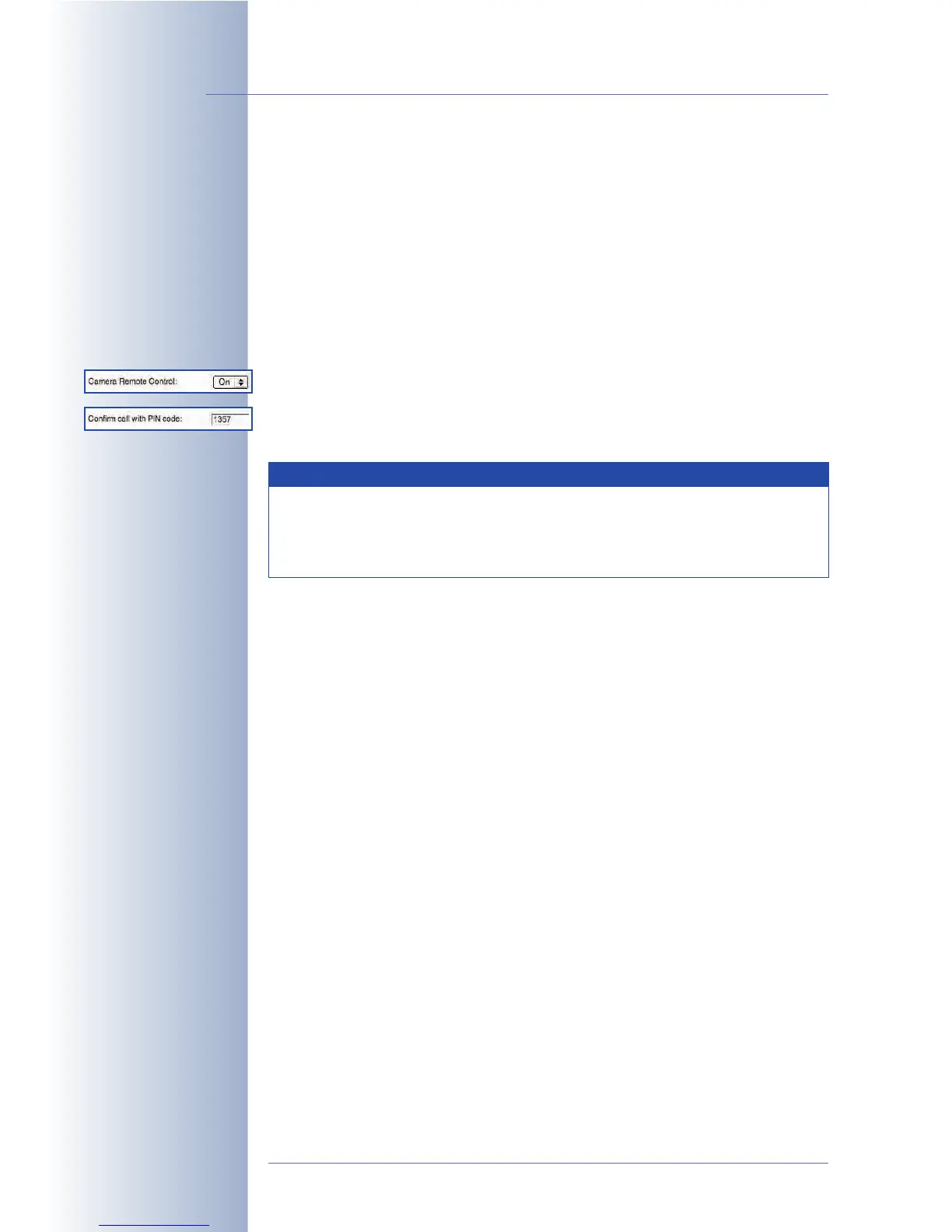
By factory default, remote-controlling the camera when using a phone profile has
been disabled. Set Camera Remote Control to
On
to activate the remote-control
feature for this profile. By factory default, remote-controlling the camera when
using Phone Call-In is always enabled, but protected by a PIN.
Once the phone connection has been established successfully, you can execute the
camera functions by pressing the appropriate key on the phone. The MOBOTIX
camera will repeat the number you entered and will announce the function.
The selected function will only be executed if you press the hash key "#" on
the phone after the announcement has finished. Any command not announced
by the camera is either not available or the camera has not recognized it. Note that
the camera will not accept any commands while it is still speaking.
• 1 - Announce camera information
Pressing the "1" key on the phone and confirming with the # key will prompt
the camera to announce the time and date of the last event and the status of
the Internet connection. Example:
• Announcement of the camera after pressing "1":
1 ... Camera status
• Announcement of the camera after pressing "#":
Last Event: today, 4:56 pm … Connection status: offline
© MOBOTIX AG • Security-Vision-Systems • Made in Germany
www.mobotix.com • sales@mobotix.com • 10.10.2006
248/288
Software Camera Manual Part 2
Make sure that your SIP
provider also supports
DTMF tone dialing when
activating the PIN as you
will not be able to enter
the PIN otherwise!
A PIN may only consist of
six digits (0 ... 9). For se-
curity reasons, you should
change the factory de-
fault PIN!
Obtain camera informa-
tion
In order to use the remote control features of the MOBOTIX camera,
the phone has to support touch tones (DTMF
Dial Tone Multi Fre-
quency
). Make sure that the SIP provider also supports DTMF tone dial-
ing.
Note



 To Next Page