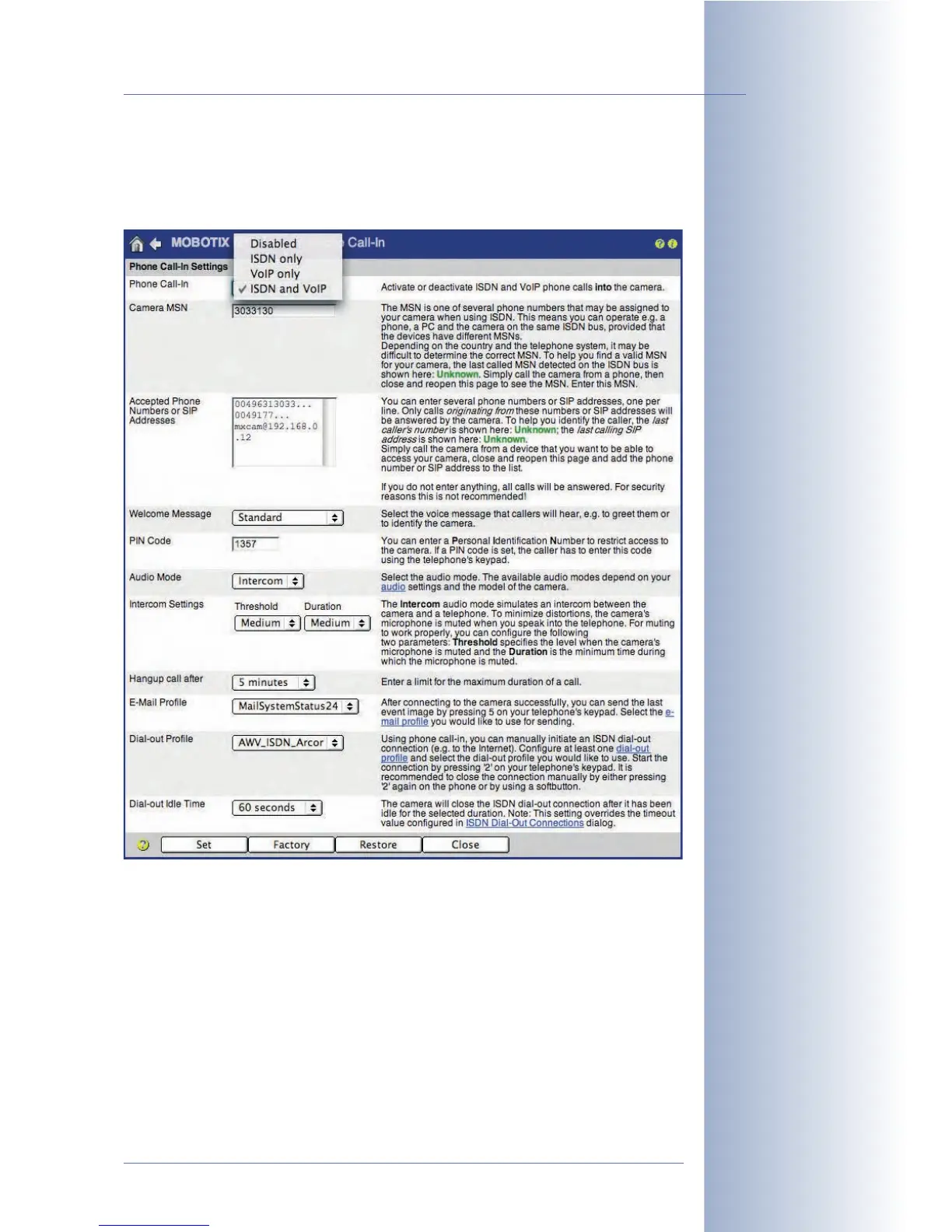
9.5 Phone Call-In: Inbound Phone Calls
Open Admin Menu > Phone Call-In to configure the MOBOTIX camera for
accepting inbound (voice) phone calls.
Configuration
• Phone Call-In: This parameter serves as a main switch and instructs the
MOBOTIX camera how to handle inbound phone calls (
Disable
,
ISDN only
,
VoIP only
,
ISDN and VoIP
).
• Camera MSN: The Camera MSN (Multiple Subscriber Number) allows
identifying the caller when calling via an ISDN connection. The MSN entered
in this field will be shown on the display of the called phone (if this phone
supports this feature). Enter the MSN without any prefixes or extra characters
(your phone provider should have given you this information).
© MOBOTIX AG • Security-Vision-Systems • Made in Germany
www.mobotix.com • sales@mobotix.com • 10.10.2006
245/288
Software Camera Manual Part 2
By factory default,
MOBOTIX cameras do
not accept inbound phone
calls
The VoIP option only
appears in this list, if
VoIP has been activated
in Admin Menu> VoIP
Settings



 To Next Page