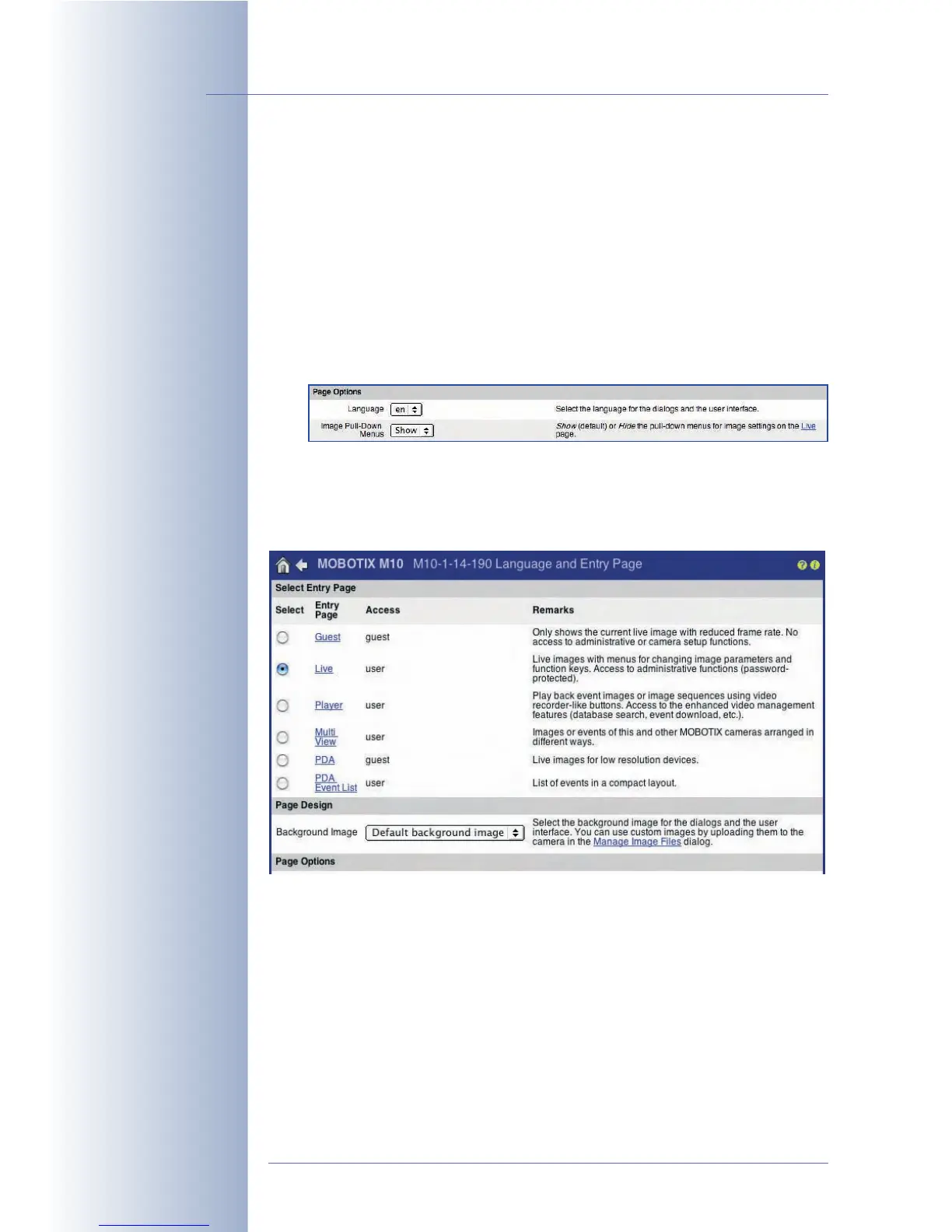
5.4.4 Language and Entry Page
Language
The user interface language of the MOBOTIX camera is usually set during the
Quick Installation; it can also be changed later on in the Admin Menu > Lan-
guage and Entry Page dialog.
The following language versions are available as a free software downloads on
www.mobotix.com:
• English/German, English/French, English/Italian, English/Spanish, English/
Japanese, English/Chinese (in preparation)
Entry Page
When accessing the IP address of the MOBOTIX camera with factory settings, the
camera shows the Live screen. You can set the following screens as start pages in
Admin Menu > Language and Entry Page:
• Guest: The Guest screen of the camera (section 4.7,
The Guest Screen
)
shows the live image of the MOBOTIX camera with the preset frame rate. A
visitor on this screen may set the values up to the maximum frame rate that
you allowed using the Refresh Rate for Guest Access > Max. parameter.
• Live: The Live screen of the camera (section 4.3,
The Live Screen in the
Browser
) shows the live image of the MOBOTIX camera with the softbuttons
on the left side. This screen allows using different softbutton functions and
also provides the Quick Controls (pull-down boxes above the live image) for
changing the selected image parameters.
© MOBOTIX AG • Security-Vision-Systems • Made in Germany
www.mobotix.com • sales@mobotix.com • 10.10.2006
100/288
Software Camera Manual Part 2
Select the language
MOBOTIX provides
different language
versions of the camera
software
Set one of the available
pages as entry page



 To Next Page