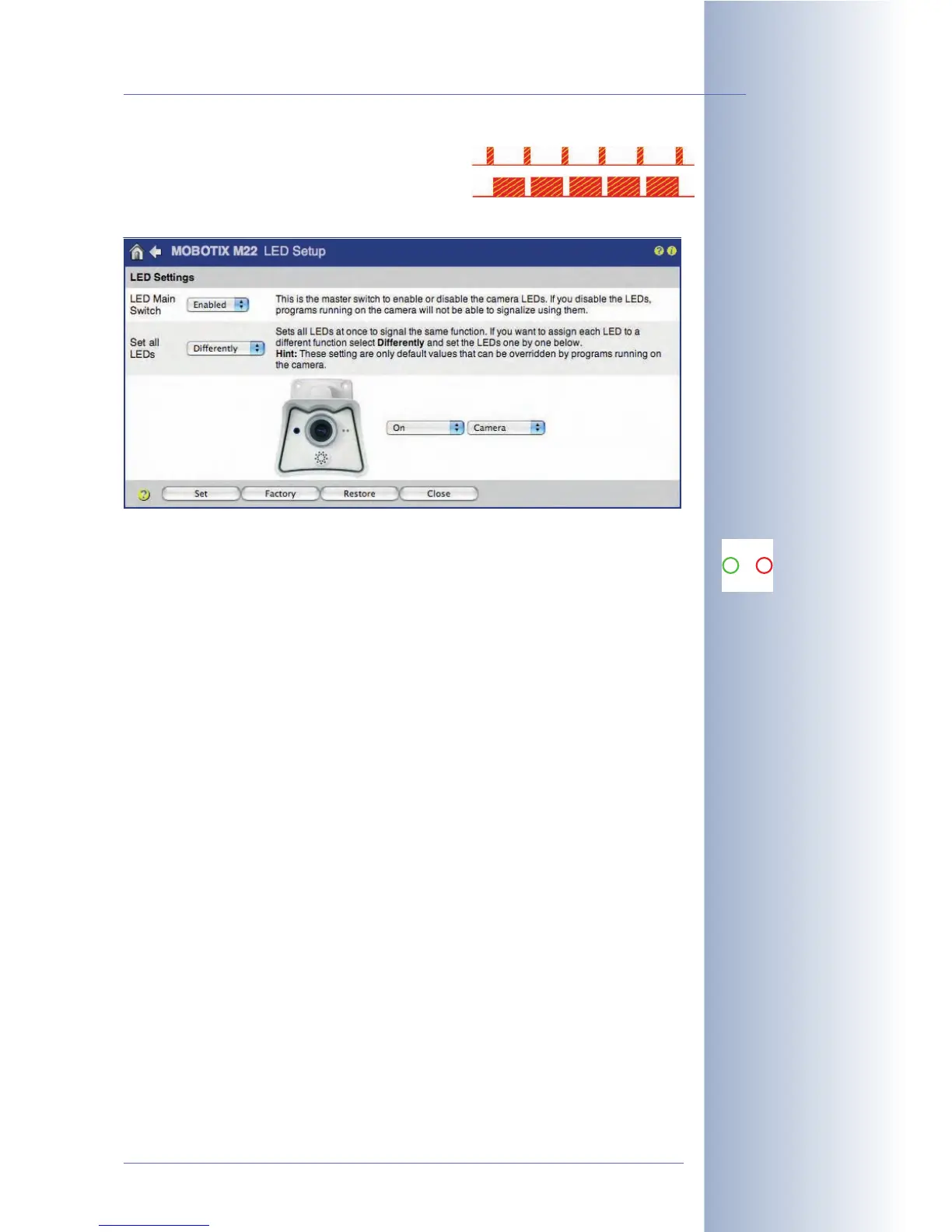
• Positive flashing: LED is off, flashes on
• Negative flashing: LED is on, flashes off
The following signals have been preset by factory default:
Green LED (left)
• On/Power: The green LED is on permanently if the camera's power supply
has been connected and the camera is ready.
• Network/Ethernet: The green LED will show fast blinking if a LAN connec-
tion is active. The LED is active as long as data is being transferred via the
network interface.
• VoIP: The green LED will show negative flashing if the camera has success-
fully registered with the SIP server.
• Web Server/Network Access: The green LED will show positive flashing
while the camera web server is active (i.e. the camera is being accessed
from a browser) or the images are viewed using MxViewer or any other
application.
Red LED (right)
• Event/Image Processing: The red LED blinks slowly (1Hz) when the camera
software detects and processes one of the events selected in the event set-
tings. The behavior of the LED can also be influenced in Setup Menu > Gen-
eral Event Settings (Event LED Setup parameters).
• FTP, E-Mail, SIP Error: If the red LED blinks fast (4Hz), the camera has
detected an error during FTP file transfer, while sending an e-mail or has
detected a SIP error (e.g. the SIP server could not be reached).
Red and Green LED Simultaneouslyi
• File server connection problem, serious errors: Both LEDs will blink slowly
(1Hz) if the camera detects a serious error, e.g. connection problems to the
external file server.
© MOBOTIX AG • Security-Vision-Systems • Made in Germany
www.mobotix.com • sales@mobotix.com • 10.10.2006
99/288
Software Camera Manual Part 2
Signals of the camera
LEDs:
0 On/Power
1 Event/Image
1
0



 To Next Page